APA Testjobs APA-Module Components
20 A29247-X2-X-8-7670
4.3 APA Testjobs
Opens a window with predefined test jobs which can be printed for equipment tests.
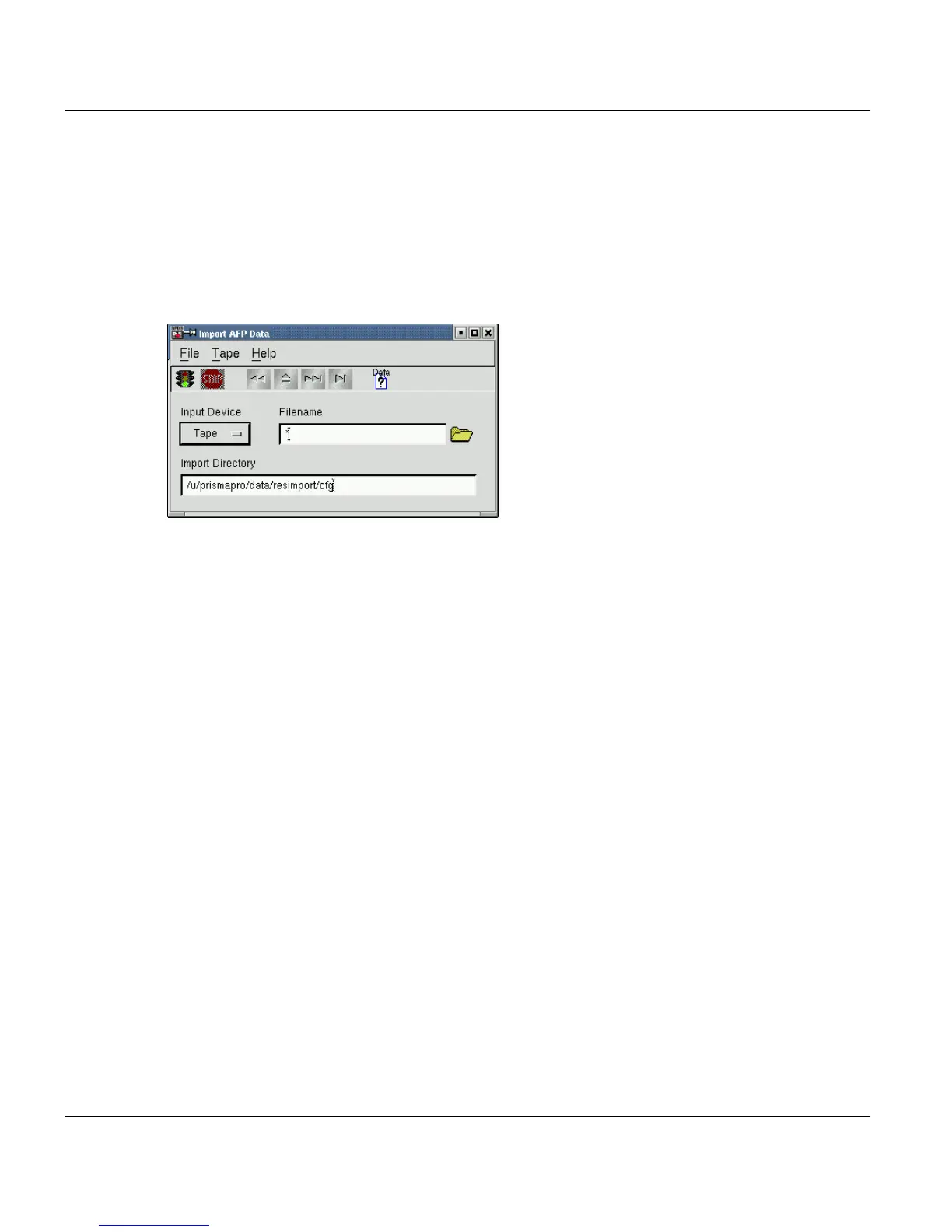
4.4 Import AFP Data Window
Import Print data from Tape or Cartridge
This window is used to import print data from 9-track tape, 18-/36-track cartridge or QIC.
Data tapes and cartridges must be ANSI-labeled or can be NONE-labeled tapes (tape with
no labels).
The ANSI-labeled includes the common MVS (IBMDOS, IBMOS) and BS2000 label for-
mats which are ANSI-compliant. When NONE-labeled tapes are used, additional data for-
mat parameters are needed, these can be specified using the 'Import Data Structure Set-
tings' which is described below. Default setting is the ANSI-labeled tape.
Supported data formats are:
• AFPDS files (variable or fixed blocked)
• Line data (variable or fixed blocked)
• Mixed data (variable or fixed blocked)
Besides using a filename in the filename field (wildcards are also allowed), you can addi-
tionally use the File Sequence number to select the file on tape.
Examples: '1:' to select the first file, '2:' to select the second file.
You have to enter the target directory where the imported data will be saved under the orig-
inal file names proceeded by the file sequence number separated with a dot ('.').



 To Next Page