Printer Configuration
176 A29247-X6-X-6-7670
Some menu items are also accessible via the toolbar:
Note: An existing printer can be renamed by clicking on the name of the printer and retyp-
ing the new name. The type of the printer cannot be modified. In this case remove
and generate a new printer instead of the old one.
6.14.2 Active Notification Interface
Job Notification is an open interface in the PRISMAproduction Spool, which can be used to
either integrate PRISMAproduction into customer environments where monitoring tools are
in use, or e.g. notify users via email after their job has been printed.
PRISMAproduction V3.xx supports two types of notification.
• Notification on any printer status changes.
• Notification on any job status changes of a print-job.
(It’s currently not available for ODS preprocessing jobs!)
Internally, PRISMAproduction executes some user configurable programs/scripts on the
appropriate status changes by supplying a filename a parameter to the executed utility. This
file contains all additional information about the job or the printer.
Both types of notification are configured in the Printer Configuration Manager:
• Job ANI: one global configurable program.
• Printer ANI: configurable for each printer separately.
Job Active Notification Interface
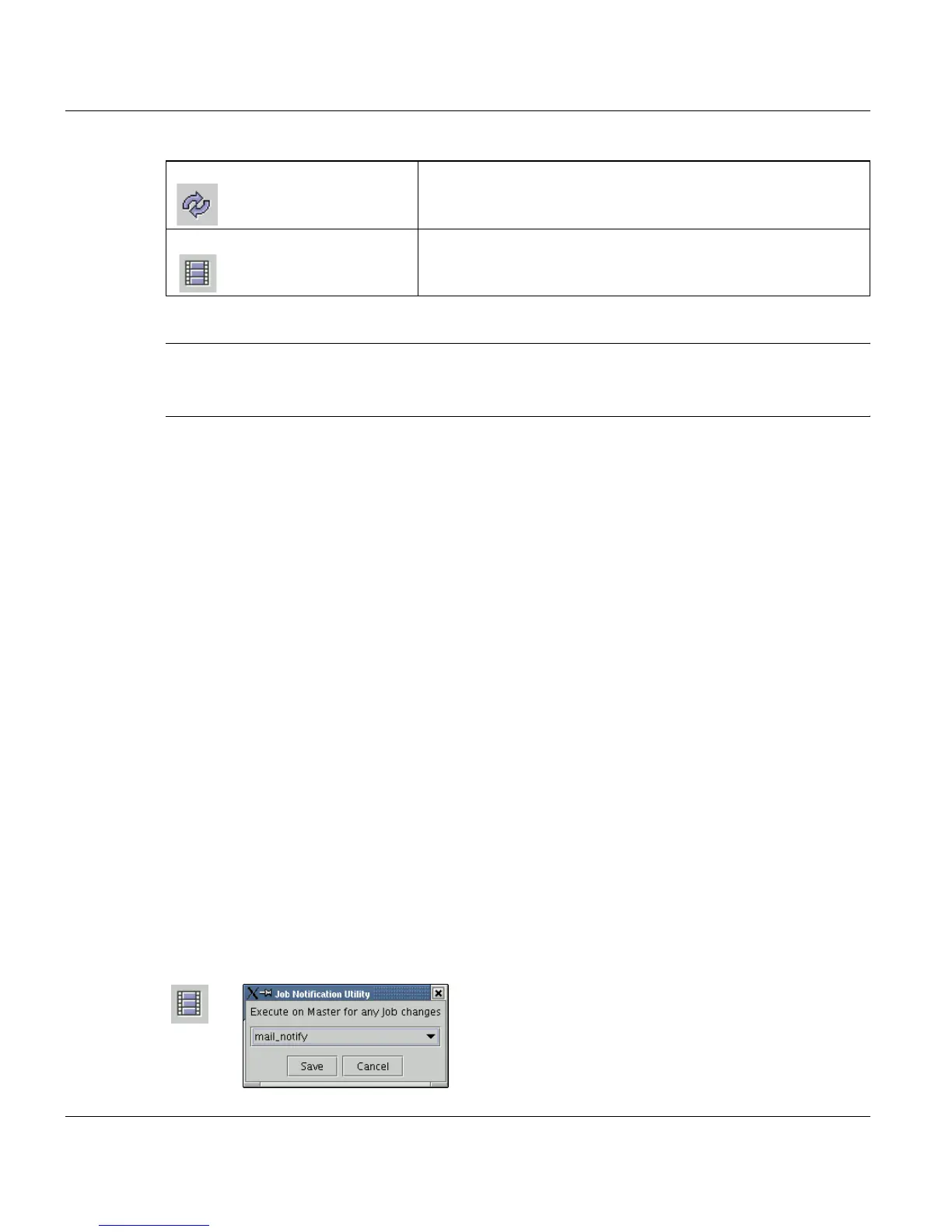
Clicking the toolbar button or the entry in the printer menu opens a dialog, allowing you to
configure the job ani utility:
Discard all changes Discards all changes and rereads all data fron the database
Job notification This icon calls up a dialog, which allows you to configure the
Active Notification Interface for jobs. For further details see
below.



 To Next Page