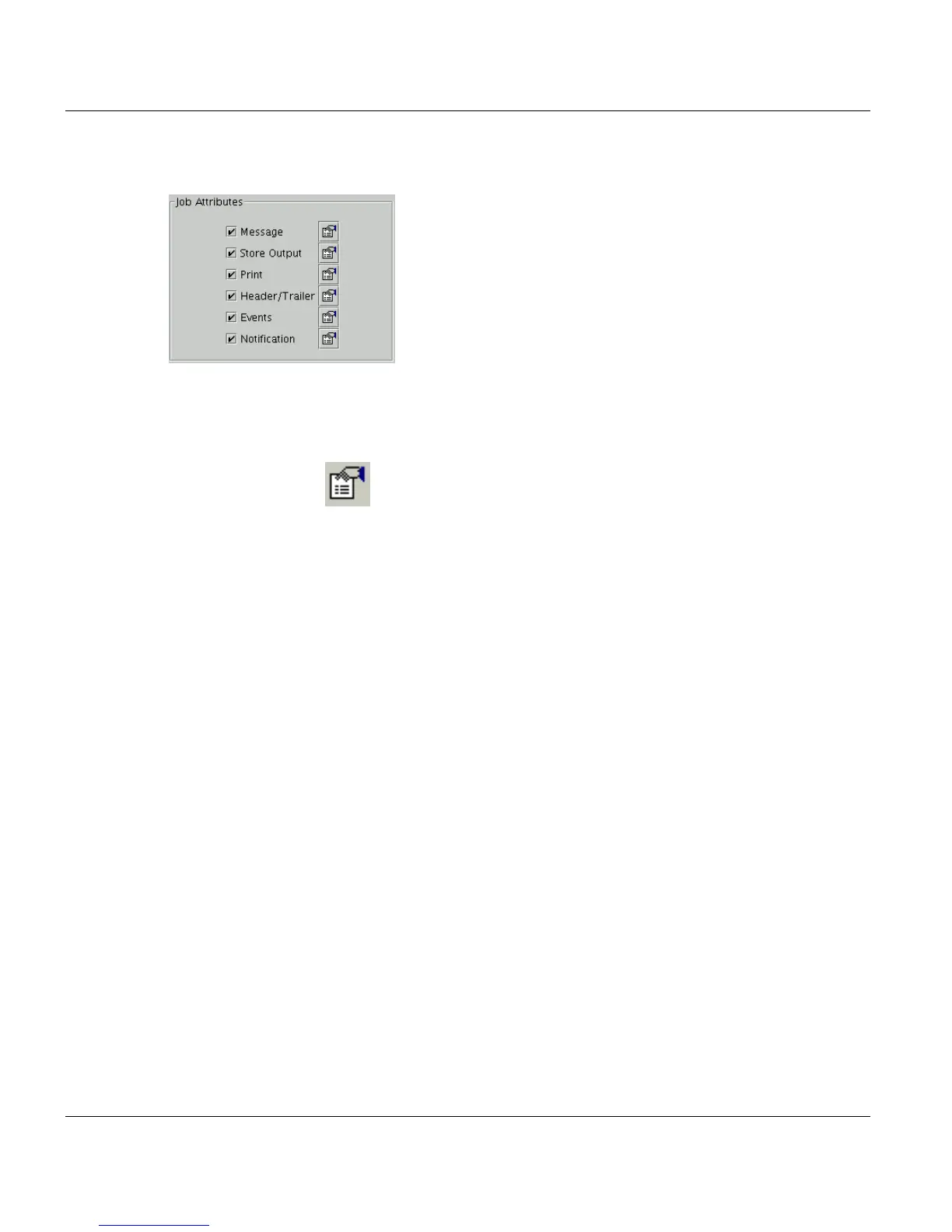
’Job Attributes’ Section Print Job Manager
248 A29247-X3-X-6-7670
8.7 ’Job Attributes’ Section
You can activate the checkboxes in several combinations. If you check all boxes (red color),
you can modify the output settings for printing and storing a job as well as for header and
trailer pages and messages which will be displayed during the execution of the printjob.
Clicking on the icon will open a dialogue box with up to six enabled tabs (depending
on the boxes you have checked):
• Message: You can add a message for the operator to the job. The job can be interrupt-
ed until the operator takes note of this message.
• Print: You can add parameters to the job, which apply to the printer, e.g. reducing the
print job to a defined page range or the control of the hardware mode of the printer.
• Store Output: The files used within a job can be stored in special directories, to make
the available for other applications, if needed. For instance original files, generated print
files or mapping files can be stored each in separate directories.
• Header/Trailer: You can define, if header pages should be printed or not and of which
type these page are to be.
• Events: Here you can define if executing or printing a job is dependent on the occur-
rence of a defined event.
• Notification: If a defined job status is reached, an email will be issued.



 To Next Page