Job Lists PRISMAproduction Explorer
76 A29247-X3-X-6-7670
5.7.6 Menu Functions
All menu item can also be accessed via the toolbar.
Job Menu
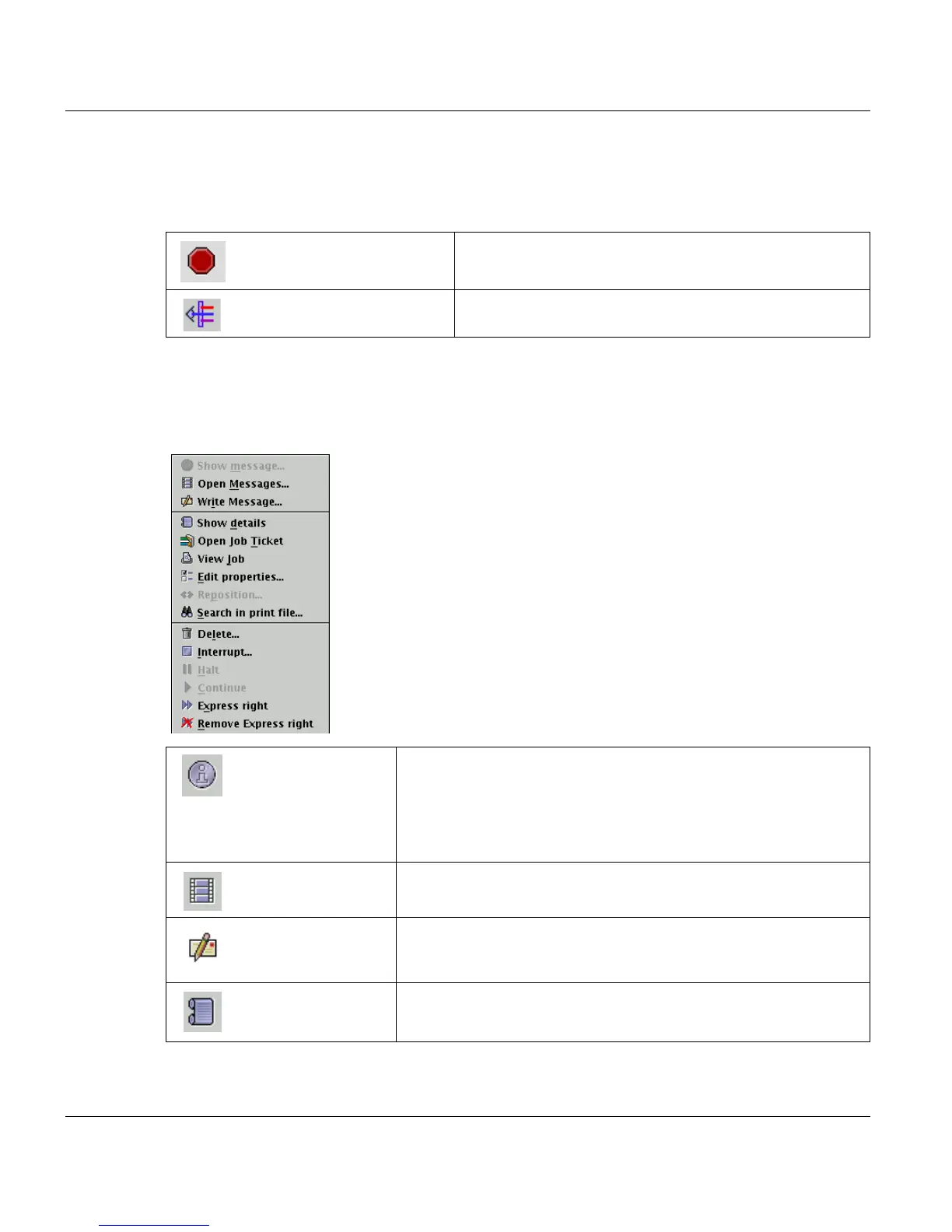
This menu contains functions which apply to the selected job. You can also display the Job
menu functions by right-clicking an entry in the list:
Cancel current operation Use this function to cancel the current ODS operation.
Edit Filter See chapter "Filters" on page 80.
’Show message...’ This icon changes colour when a message is pending for the se-
lected job. This might
happen when an error is encountered in the job, for instance. Cli-
cking the icon opens
an additional window showing the text of the message.
Open messages... Opens the PRISMA messages window. The display is filtered, so
that only entries are visible, which are related to the marked job.
Write messages Opens a window, which allows you to write a message for this
job. The message is sent to the messages module and can be
read there (e.g. from the job list via ’Open messages...’).
’Show details’ This icon opens a tab with details about the selected job (see Job
details).



 To Next Page