PRISMAproduction Explorer Job Lists
A29247-X3-X-6-7670 77
’Open Job Ticket’ This icon opens the Print Job Manager with all the data belonging
to the selected job. The job is opened in either modification or vie-
wing mode, depending on its status.
’View Job’ The print file is displayed; if it’s stored in an archive or as resour-
ce. The viewing program, which is configured in the PJM, is used.
If there is no application defined for IOCA files, the PDV3 will be
used.
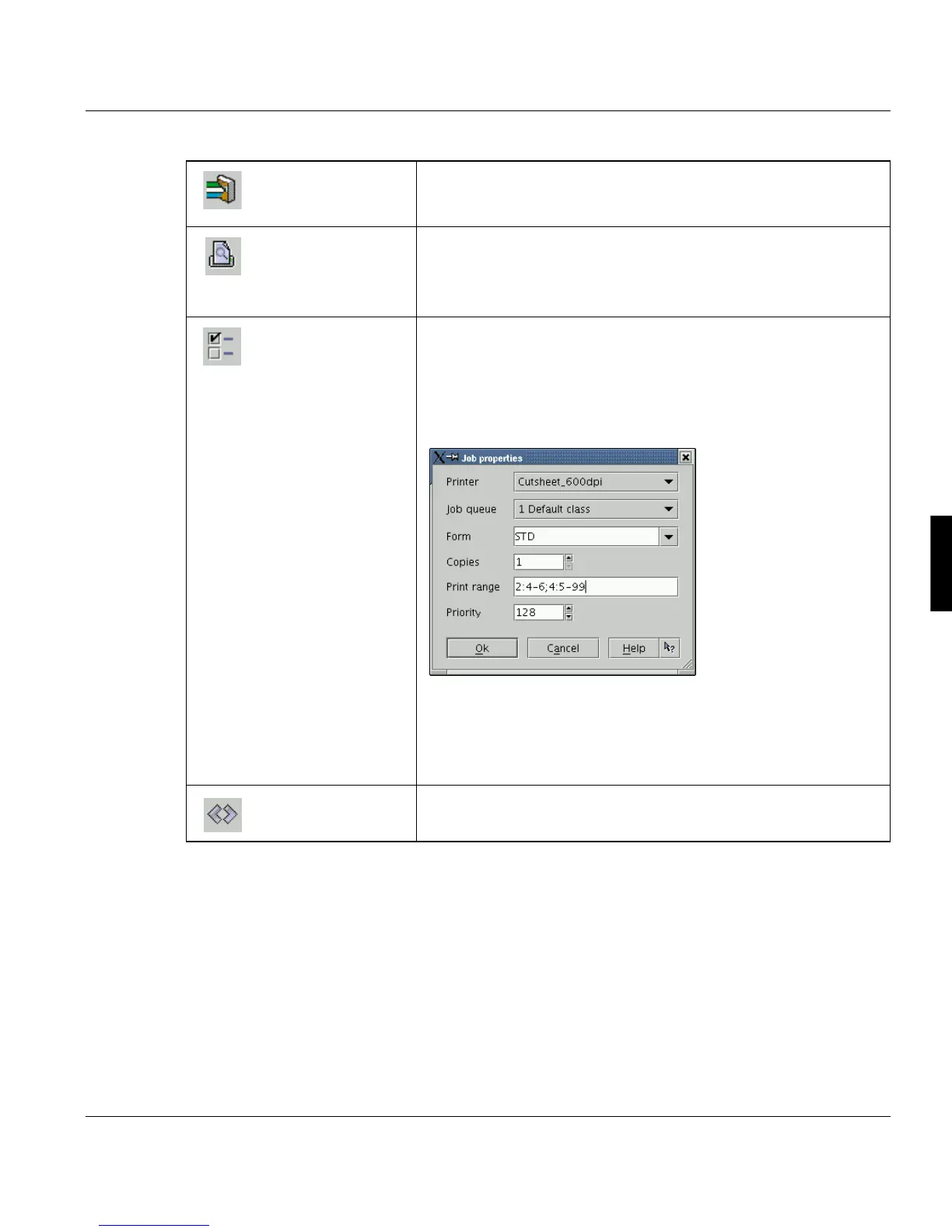
’Edit properties...’ You can change certain of the parameters of a job while the job
is in the queue awaiting printing (i.e. before the job’s state chan-
ges to waiting -ready to print).
You can change the printer, job queue, form definition, copy
count, priority and page range. You can also add the file numner
before the respective page range (e.g.:1:5-9; 3:6-10):
Warning: If you define 'Copies=per Job' (not copies per file) in
the PJM and additionally print headerpages and ticketpages, un-
wanted multiple printouts may occur, if you modify the number of
copies. This is, because the number of copies refers to the whole
job as indicated in the job details.
’Reposition...’ You can reposition a job while it is in the process of being printed.
See "Job Positioning" on page 85.



 To Next Page