The 'Ticket' Menu Print Job Manager
236 A29247-X3-X-6-7670
8.4 The 'Ticket' Menu
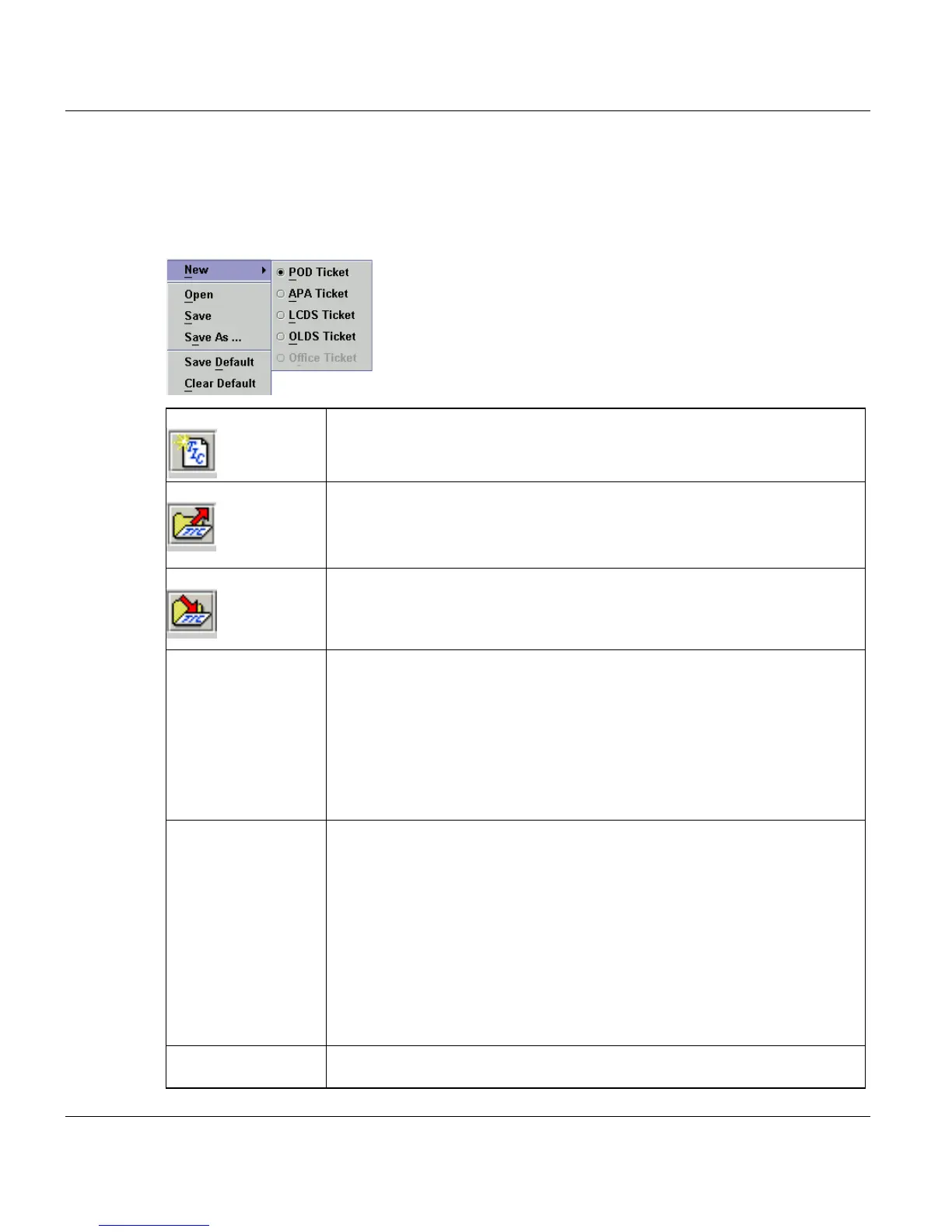
The 'Ticket' menu contains commands for managing, saving and organizing job tickets.
Some of the commands in the menu can also be accessed via toolbar buttons.
‘New’ Choose this command to create an empty job ticket with default settings.
You can only select tickets which correspond to the installed PRISMApro-
duction licenses. All others are greyed out.
‘Open’ Use this command to open an existing job ticket.
When you load a job ticket, a file selection box (see page243) is opened for
you to select the job ticket. The job tickets are saved with the extension ‘.TIC’.
The dialog box lists all the files in the selected directory.
‘Save’ Choose this command to save the current job ticket under its present name.
If the ticket has no jobname, it will be saved with the default name tmp.TIC.
If the job ticket has not yet been saved, a file selection box opens (see 'Save
As').
‘Save as...’ When you choose this command, a dialog box is opened listing the job ticket
files that have already been saved.
When you save a job ticket, a file selection box (see page page243) is
opened for you to select the item. The dialog box lists all the files in the se-
lected directory. The job tickets are saved with the extension ‘.TIC’.
You can also overwrite an existing job ticket by selecting its name in the list.
The name of the ticket is then appended to the path name. The default name
of a new job ticket is ‘<jobname>.TIC’.
‘Save Default’ The settings that you make on a regular basis in the main window – e.g. for
job attributes – can be saved as defaults for future use. To save a set of de-
faults, click the 'Save Defaults' button. When you create a new job ticket,
PRISMA proposes these defaults as settings for the new ticket.
The ‘Save Defaults’ parameters are:
- Ticket type
- all ‘Job parameter’: Job name, Copies, Printer, Job class
- all ‘Job attributes’: Message, Store output file, Print, Print header/trailer, No-
tification
- File properties which have been saved as default.
’Clear Default’ Clears the default settings described above. After ’New’ an empty job ticket
is available again.



 To Next Page