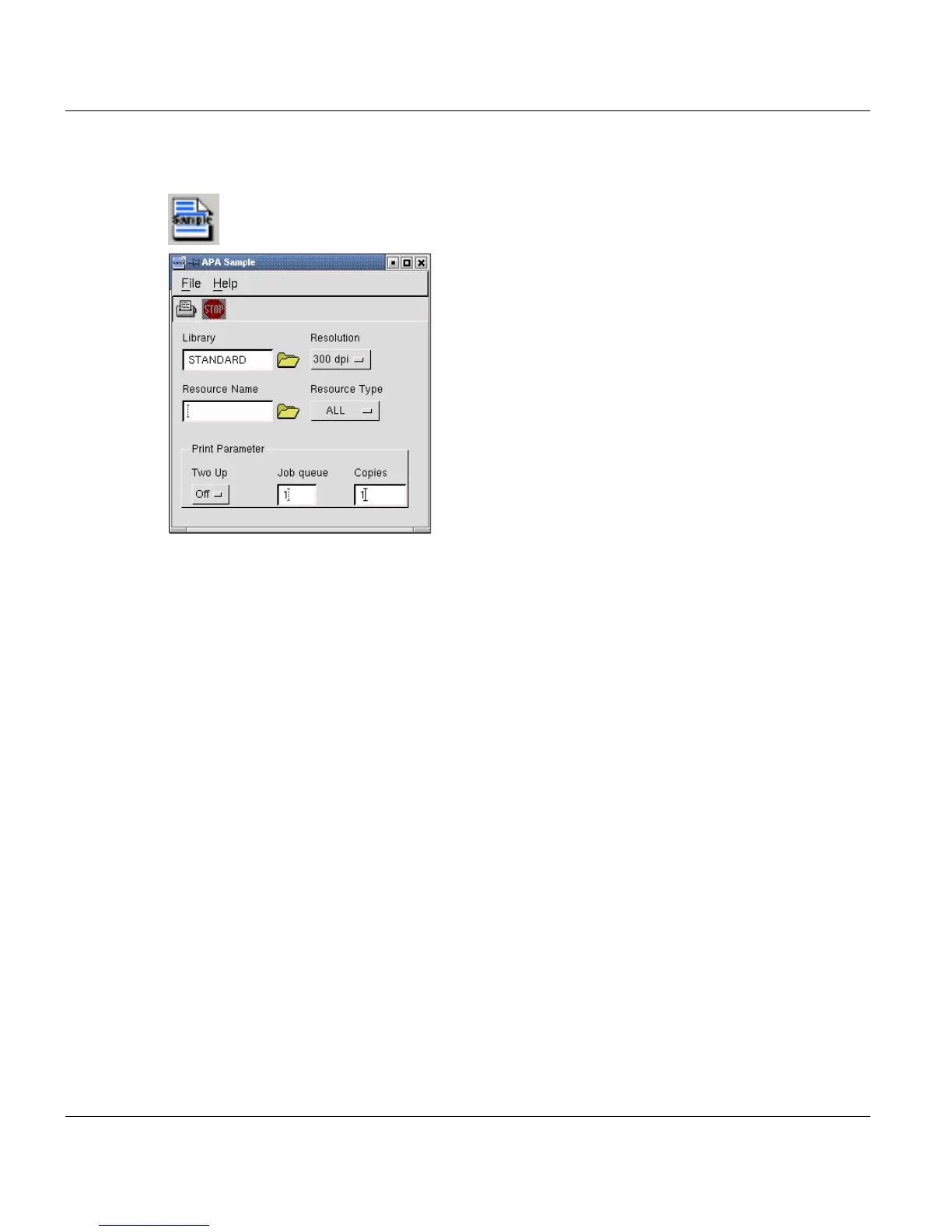
APA-Module Sample Window APA-Module Components
18 A29247-X2-X-8-7670
4.2 APA-Module Sample Window
Use this window to generate sample printouts of print resources of the types fonts, overlays
and page segments. The handling is straightforward: choose a resolution, click the "Library"
folder button and choose a library name from the list that is displayed. Then select the type
of resource you want to sample (either Font, Overlay/Pagesegment or All) and the name of
the resource(s). The resource name may contain one wildcard character, the asterisk (*).
You can only sample resources which have been imported into the internal libraries using
the 'SPDS Resources' window. If you want to sample resources which are located in simple
directories instead of internal libraries, you can easily import these files into a temporary li-
brary (i.e. called 'sample') before creating the actual sample printout.



 To Next Page