Configuration Library paths
A29247-X6-X-6-7670 165
6.12 Library paths
Select Configuration -> Library paths to configure the physical paths of default libraries.
When selecting files in the PJM List of Files section you can select files from these libraries.
Depending on the language module you can select files from different libraries:
APA
Select files from the different input devices (CARTRIDGE, QIC, TAPE) wihch are collected
under the $DEVICE library.
LCDS
For LCDS resources select input devices presented under $DEVICE (XFLOPPY_35,
XFLOPPY_525, XRES_CARTRIDGE, XRES_QIC, XRES_TAPE). For LCDS print data
you can select cartridge, channel or tape under the §XDATA_DEVICE library. You can also
select JSLs and resources directly from the jsl and XRESOURCE library.
POD
Select original files in their native format from $TARGET.
$OUTPUT saves files in the TIFF, PS and PDF format which have been reconverted from
IOCA.
’File’ menu and toolbar see ’Editing configuration data’ on page 138.
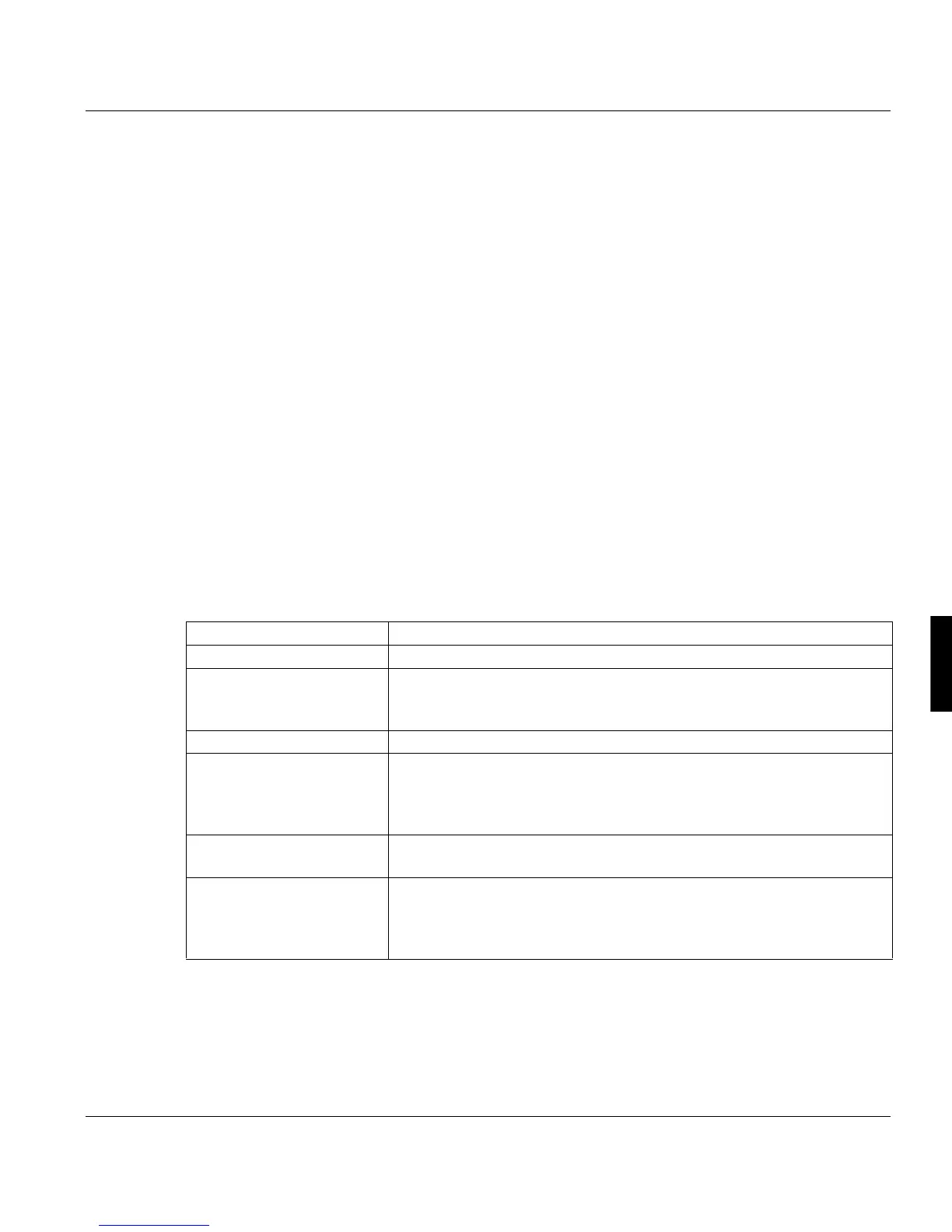
Name The logical name of the library (also virtual paths).
Path The physical path of the file.
Type Indicate whether the library belongs to the Composer, Printer, PJM or
web client. The type INTERNAL means that the library is not visible
as node in the Explorer tree.
Description A more detailed description of the library.
Servers The servers on which the libraries are located. If you use data mirror-
ing, the same library can be located on several servers. $OUTPUT
and $TARGET can only be on the master. $HEADER can be located
on any print server.
New path To change the physical path, enter the new path here. The path is cre-
ated if it does not yet exist.
Move Data You must check this option to move the existing library to a new path.
Otherwise a new library is created in the new path – the new library
will be used for all future processing and the old one will remain at its
original location.



 To Next Page