APA-Module Components Web Client
A29247-X2-X-8-7670 53
4.7.8 PJM in the Web
Requirements for Access
To accesss the PJM within the Web Client, you have make some settings:
• Include the PRISMAproduction sever in the 'hosts' file of the local computer.
• Make the local computer known as 'Trusted host' to the PRISMAproduction server.
• Grant Java rights on the local computer using the 'java.policy' file.
Include the PRISMAproduction sever in the 'hosts' file of the local computer
The connection between the java applet run by the web browser and the PRISMAproduc-
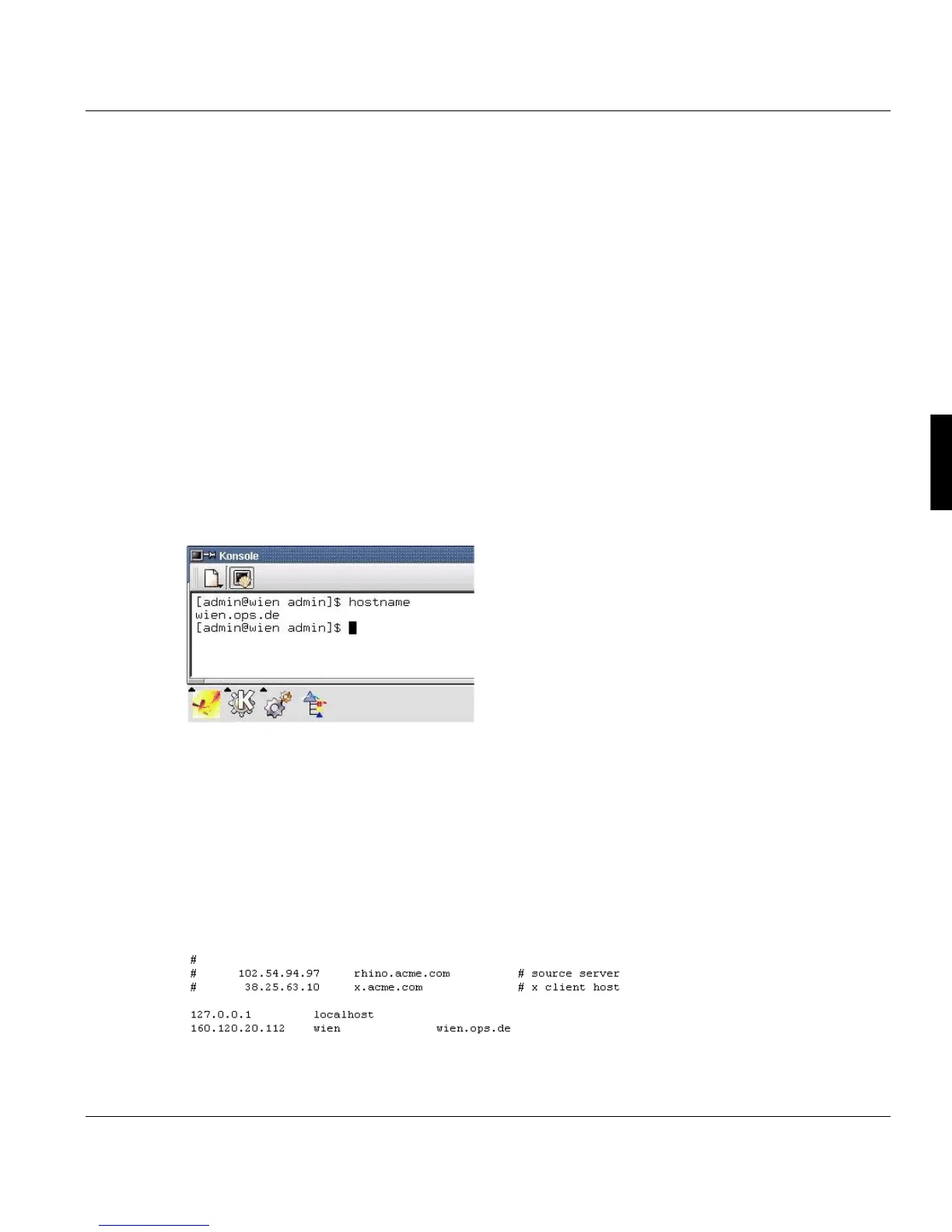
tion server is based on the symbolic name of the PRISMAproduction server (i.e. "wien") and
it's domain (i.e. "ops.de"). You can display this name in a terminal window on the PRIS-
MAproduction server by typing the command 'hostname' or you ask your administrator for
the name:
To enable the operating system on which the web browser runs to resolve the hostname
and to address the corresponding server, this hostname has to be added to the 'hosts' file
of the local computer. Depending on the operating system, this file is located in different
paths. The easyest way to find it is to use the search dialog.
In most cases you should find the file in the following path:
Windows NT 4/2000: <systemdrive>:\winnt\system32\drivers\etc\hosts bzw.
Windows 98: <systemdrive>:\windows\system32\drivers\etc\hosts.
The following example shows how the entry should look like:



 To Next Page