The PRISMAproduction Desktop Main Pop Up Menu
A29247-X2-X-8-7670 15
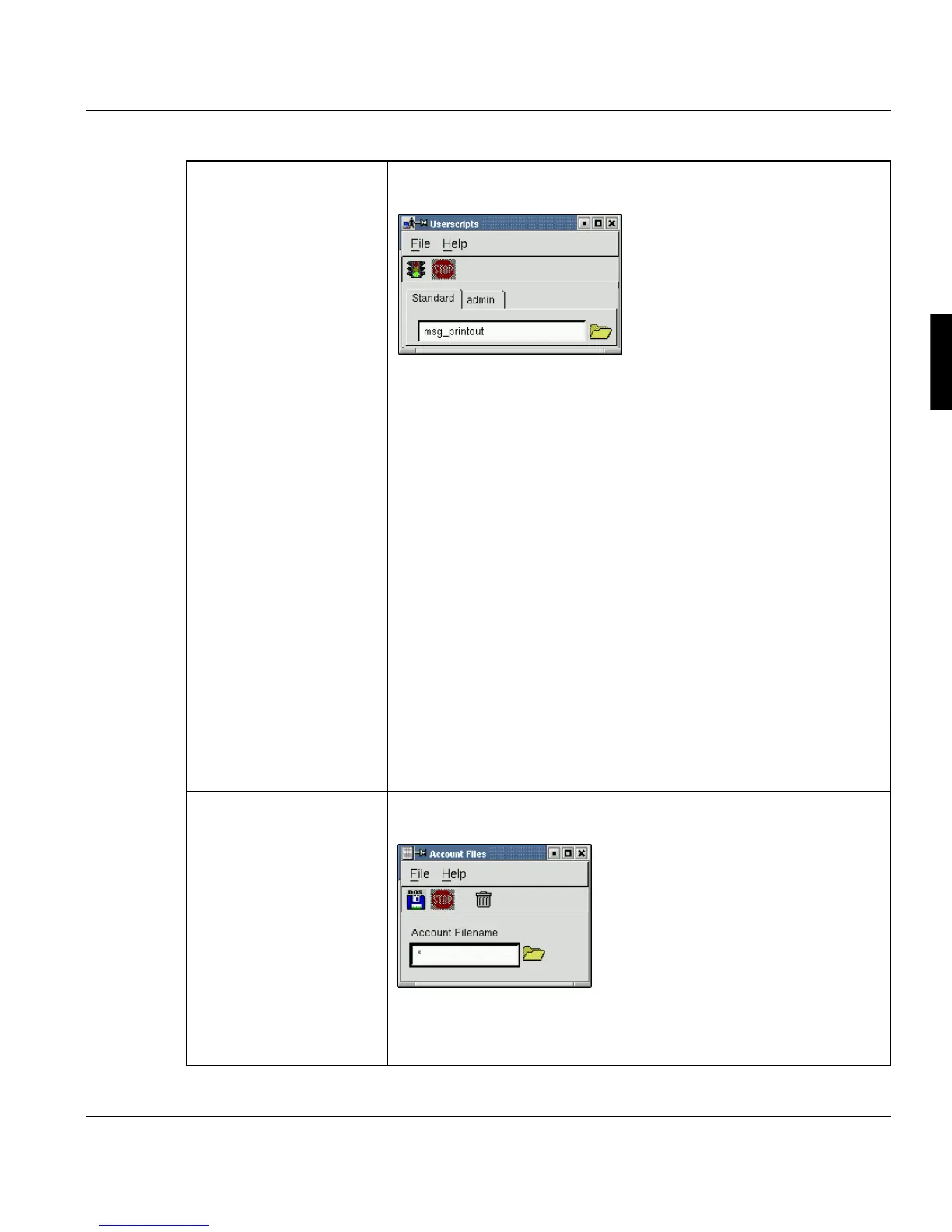
’Userscripts’ Use this command to select and execute customized programs or
shellscripts without direct access to the operating system.
These scripts are stored in /u/prismapro/cfg/userscripts.
The scripts/programs under the ’Standard’ tab are available for all us-
ers. These scripts are stored in /u/prismapro/cfg/user-
scripts/user.
Depending on the log in ID, the second tab is labeled with the respec-
tive Userid name. It provides scripts/programs only accessible for this
userid. These scripts are stored /u/prismapro/cfg/user-
scipts/admin ... service.
Click on the folder button to select a user script, for example "monthly
report“.
If you start the file by clicking the traffic light, a script file is called up,
for example:
#This is a script file which should be executed only
in June!
spsprt -class 3 -formdef F10101 -pagedef P1STD3 /u/
pismapro/job/report
’Catest’ Tests the connection between the linux server and the printer (for De-
tais see chapter ’Hints and Helpful Information’ in the PRISMApro-
duction Administrator Guide).
’Account Files’ Opens a window for exporting accounting files to a DOS-formatted
floppy:
Users 'admin' and 'service' can delete account files. For further infor-
mation on accounting see the respective chapter in the PRISMApro-
duction Server Administrators Guide.



 To Next Page