Print Job Manager The ‘Job’ Menu
A29247-X3-X-6-7670 261
8.8 The ‘Job’ Menu
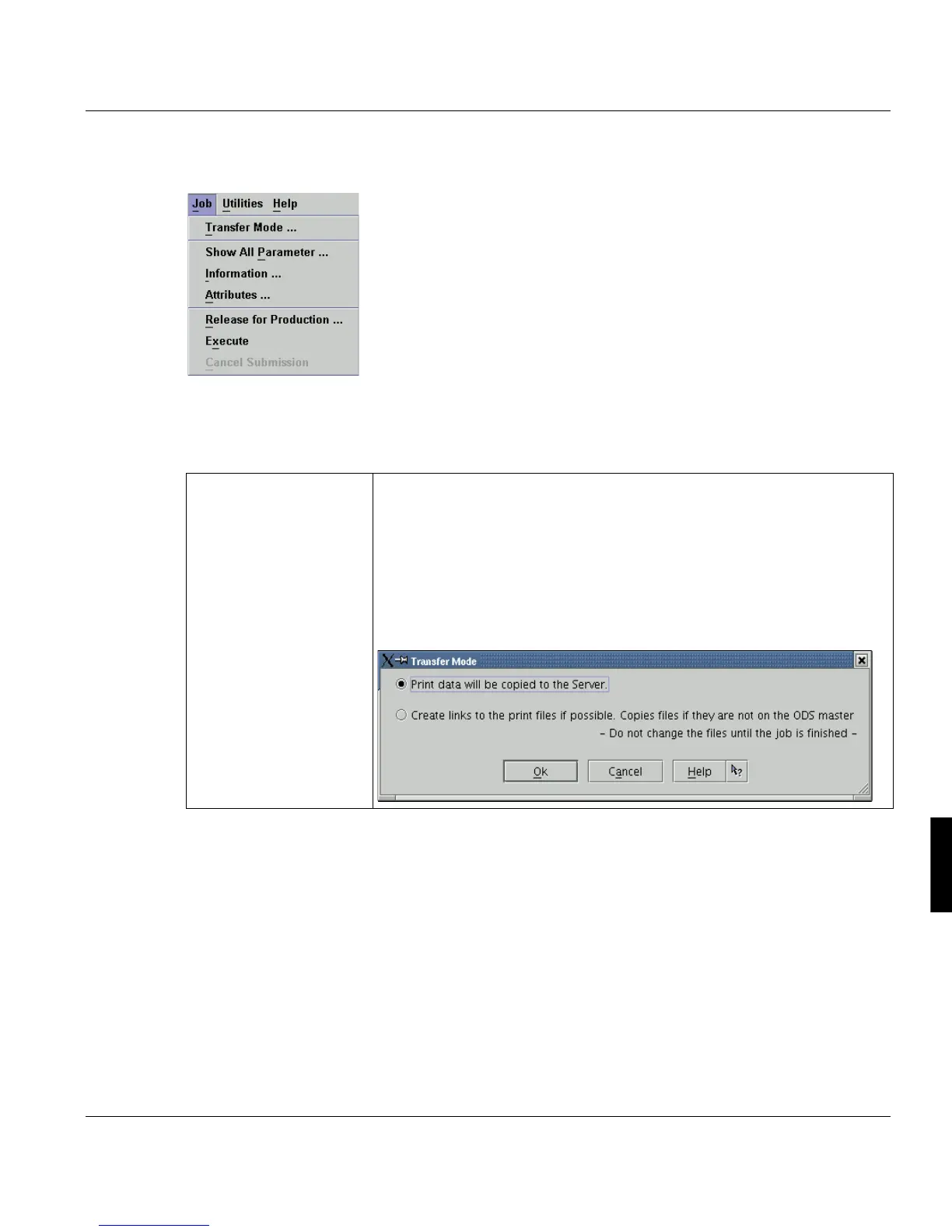
The items of this menu provide you with detailed information on printjobs and allow you to
modify output settings as well as to submit printjobs. Most of the functions are also acces-
sible via the main toolbar of the PJM.
’Transfer Mode’ Print data will be copied to the server
The print files are copied to the ODS Master. In this case they can exist
two times.
Create links to the print files if possible. Copies files if they are not
on the ODS master
If this option is selected, a link to the print files is created on the ODS mas-
ter. This may be faster, but the files must not be changed, until the print
job is finished.



 To Next Page