Edit File Properties with the APA-Module Print Job Manager
266 A29247-X3-X-6-7670
8.11 Edit File Properties with the APA-Module
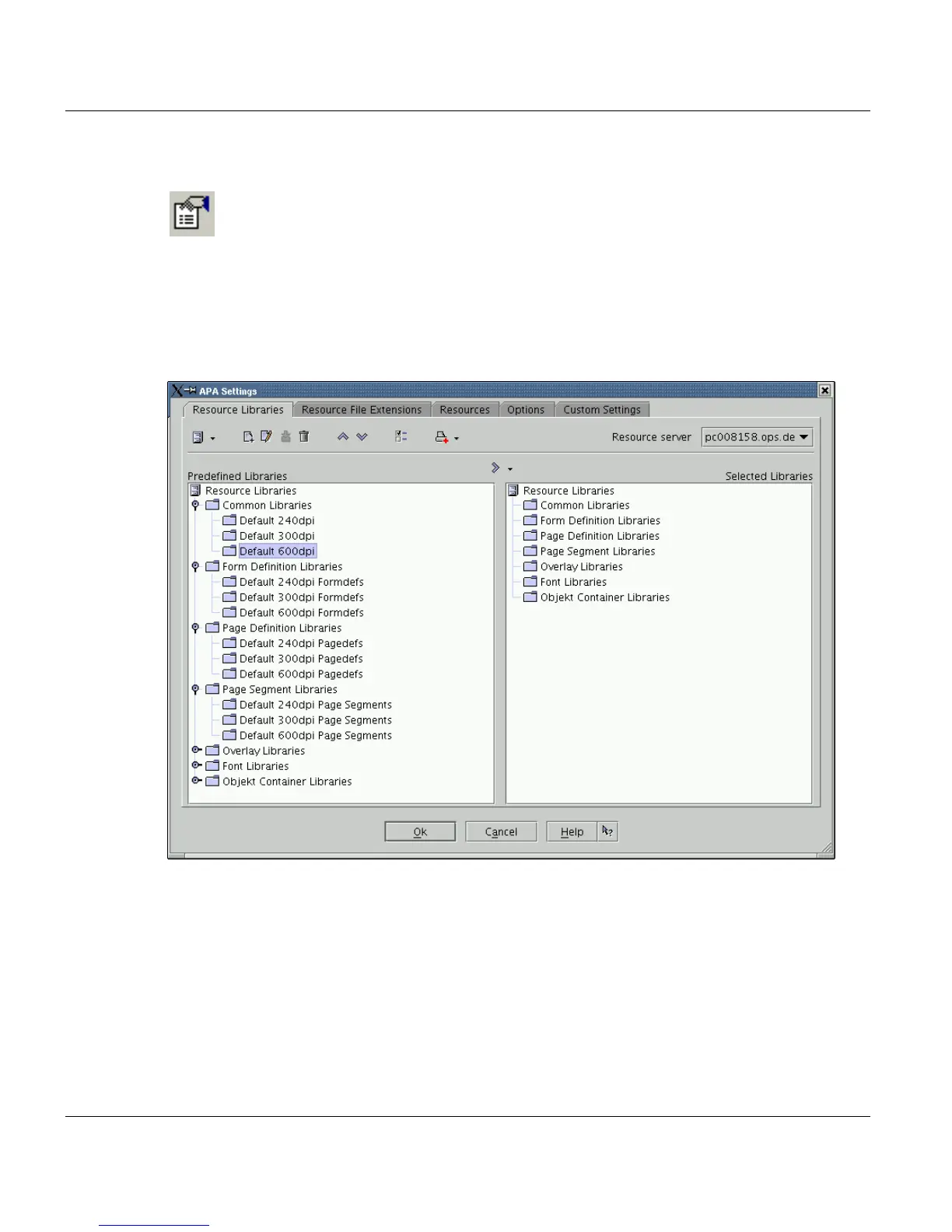
Clicking on the file properties button will open the following dialog box with five tabs. The
toolbar of this window always shows all buttons available. Dependent on the functions of
the active tab, the buttons are greyed out or active.The settings, you modify in this window
refer to the files, which are marked in the List of Files. You can also open this window, if
no files are in the list. If you do so, you can create a standard ticket.



 To Next Page