Messages PRISMAproduction Explorer
98 A29247-X3-X-6-7670
5.10.2 The 'View' Menu
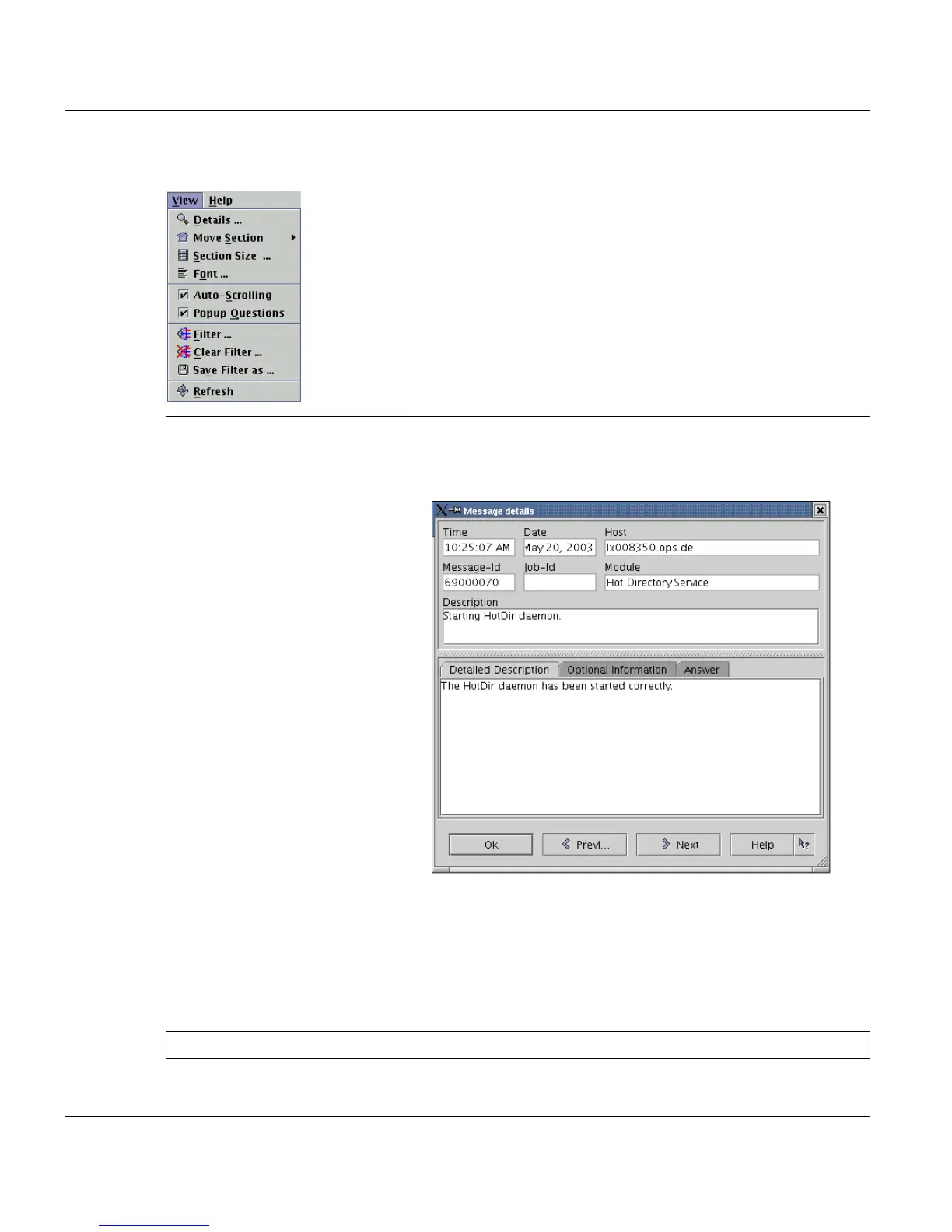
'Details' To view the detailed description of an entry, double-click it, or
choose 'View -> Details' or click the first button in the toolbar.
A window then displays the information available for the mes-
sage.
The 'Next' and 'Prev..' buttons displays the next or prior
message details without closing and reopening the dia-
log.
If the message was a question, the tab 'Answer' dis-
plays the replied answer itself, the name of the user,
who answered the question and the time, at which the
question was answered.
'Move section -> First section' Displays messages from the beginning of the database.



 To Next Page