PRISMAproduction Explorer Messages
A29247-X3-X-6-7670 99
'Move section -> Prior section' Positions the viewed area backward. Usually, the last half of
the displayed entries is removed and the same number of
messages is inserted before the displayed list.
'Move section -> Next section' Positions the viewed area forward. Usually, the first half of the
displayed entries is removed and the same number of mes-
sages is appended to the displayed list.
'Move section -> Last section' Positions to the end of the database (also occurs when the
message window opens).
Note: New messages are displayed automatically only if the
view area is positioned to the end of the database.
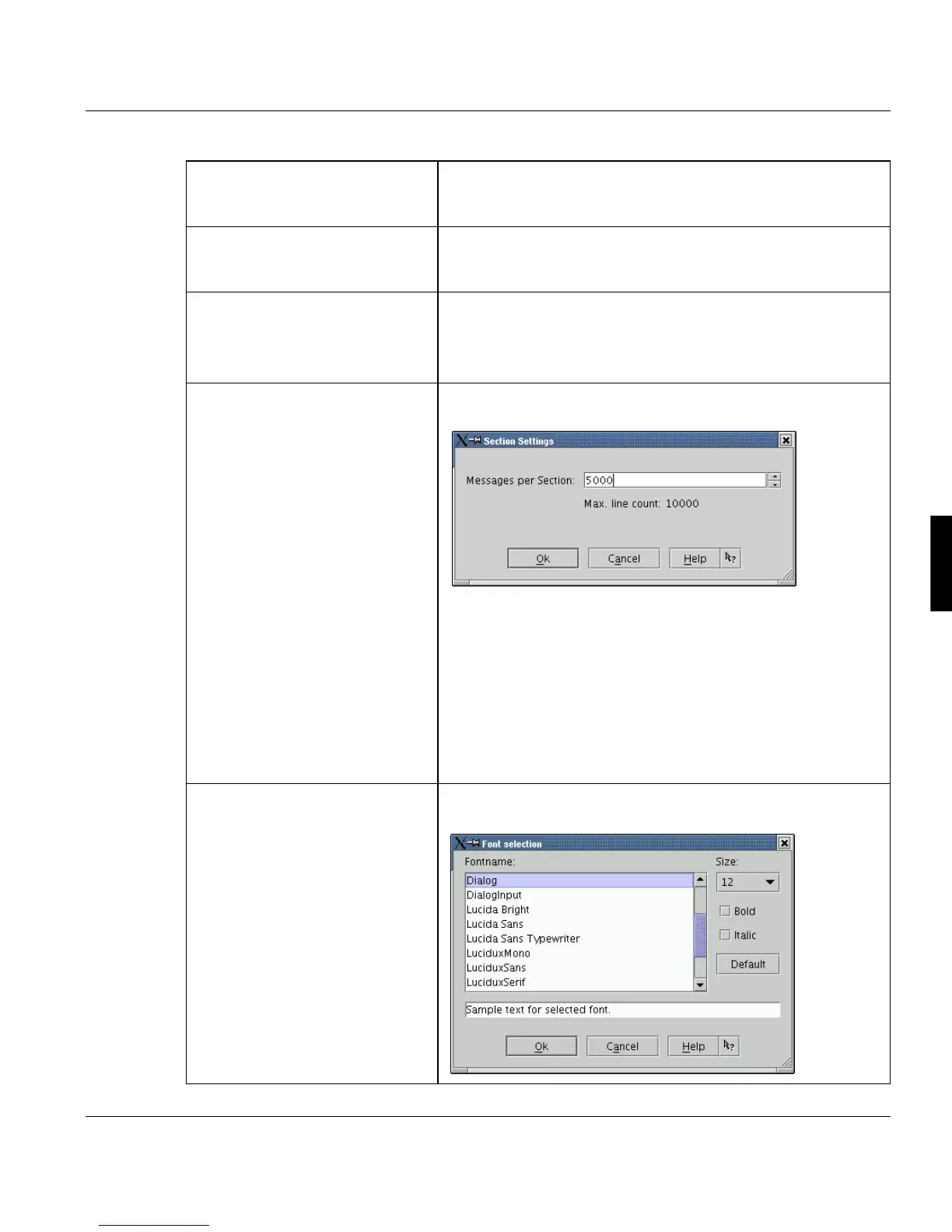
'Section size ...’
Open a dialog, where the scrollable section size can be
adjusted.
Because of performance issues and memory requirements,
the number of visible message entries is limited to 10,000 (de-
fault: 5000 lines). Lines which do not fit into the window are ca-
ched and can be viewed by scrolling the window.
You can either key in the limit value via the keyboard or click
the arrow buttons in the dialog box. The default is 5000 cache-
able lines.
Note: Increasing the number of visible lines uses more system
memory.
’Font...’
Opens a dialog box which allows you to select a font,
font size and decoration for the message window:



 To Next Page