Messages PRISMAproduction Explorer
100 A29247-X3-X-6-7670
Stop auto-scrolling
’Activate auto-scrolling’
Enables or disables automatic jumping to the bottom of the
message list when a new message arrives.
’Ignore questions’ Enables or disables the automatic opening of question dia-
logs.
Note: a question dialog opens only, if the message filter does
not hide appropriate entries.
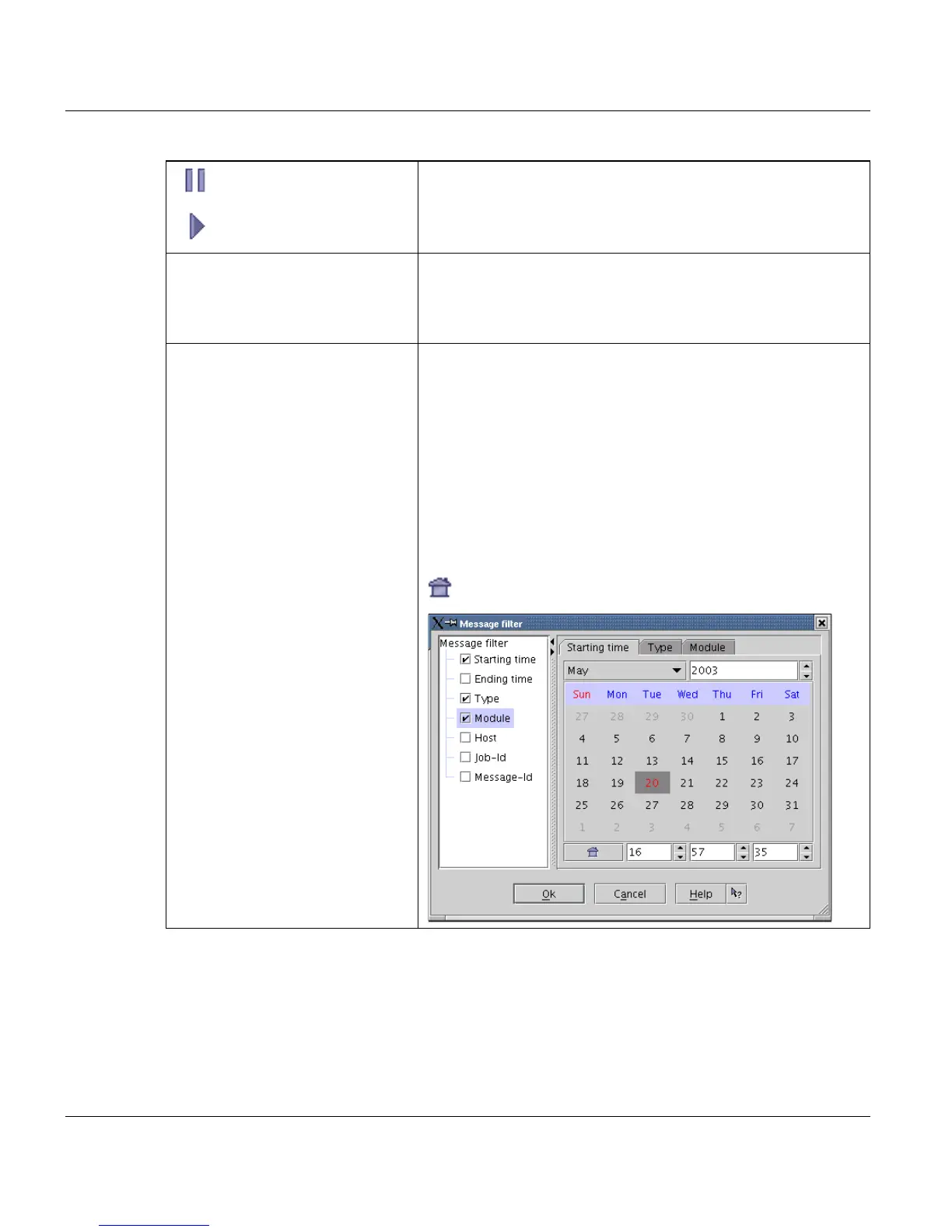
Filter... Opens a dialog box for selecting a filter. If the filter is active,
only messages matching the filter are displayed.
The tree on the left side of the filter dialog displays all available
and filtered columns. The right side displays the filter for cur-
rently selected tree entry
'Starting time' and 'Ending time'
You can specify an exact period of time for which the mes-
sages should be displayed.
Starting time: starting time for displaying the first message.
Ending time: ending time for displaying the last message.
The button selects the current date and time and shows
it in the appropriate input fields..



 To Next Page