PRISMAproduction Explorer Messages
A29247-X3-X-6-7670 101
'Type'
Select one or several message types. Selecting all or deselec-
ting all entries will have the same effect: all message types will
be displayed.
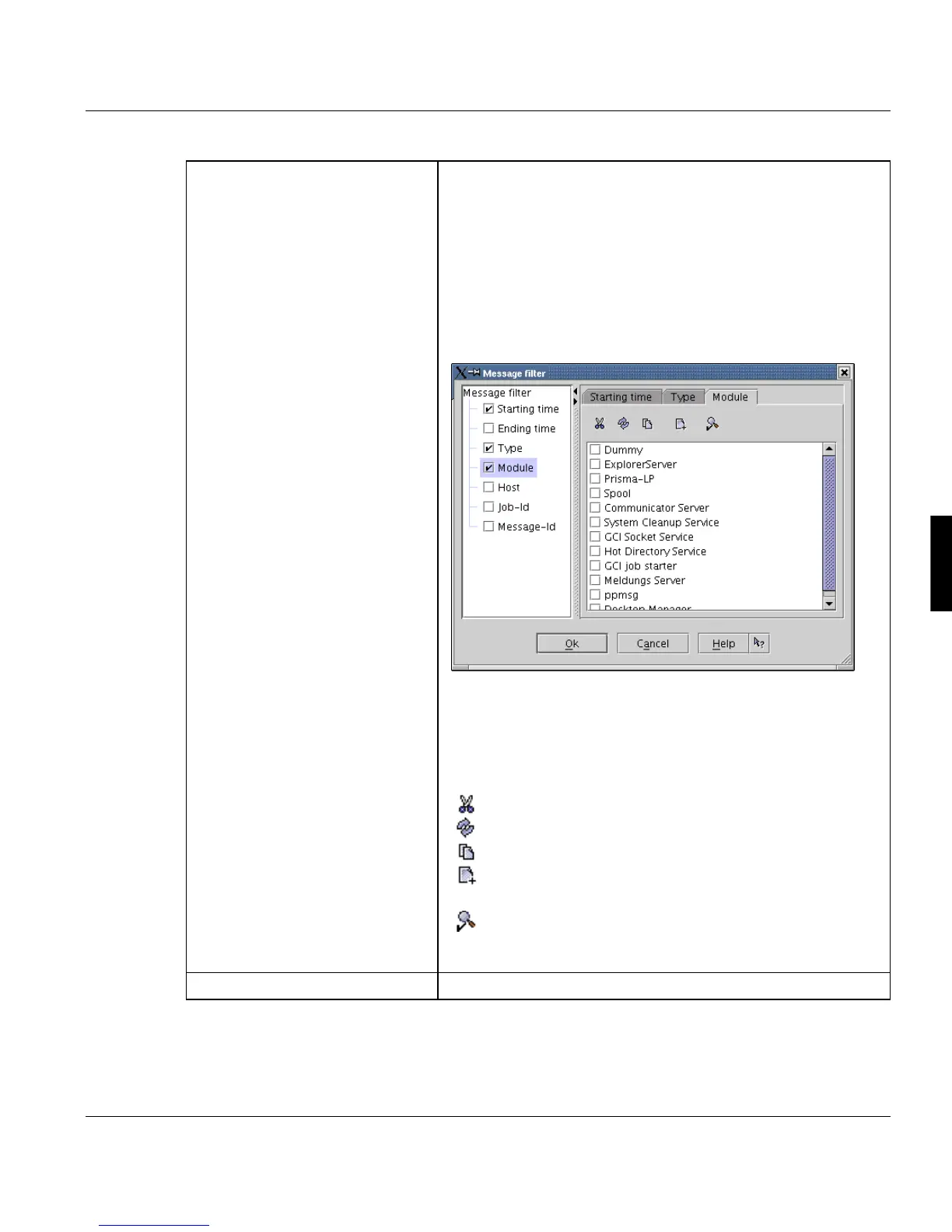
'Module'
The list contains only the names of modules that have gene-
rated at least one message.
If there is no module name selected, the module name filter is
inactive.
You can additionally select the following items to configure a
filter:
'Hostname', 'Job Id' and 'Message Id'
The list selection area in this dialog has a small toolbar with
this items:
Select none
Invert selection
Select all
Create new entry (available only for 'Module', 'Job-Id'
and 'Message-Id')
Invert filtering method = display all but items, selected
in the filter (available only for 'Module' and 'Message-
Id')
’Clear filter’ Clear the currently selected filter.



 To Next Page