Configuration Printer
A29247-X6-X-6-7670 175
6.14 Printer
The Printer Configuration Manager is used for configuring all printers in the cluster.
Configuration rights: Only the users 'root', 'service' and 'admin' can save configuration
changes.
All buttons which are grayed out (dimmed) and are not mouse or key sensitive cannot be
activated, either because the user has no right of access or because the function concerned
cannot be executed at this point.
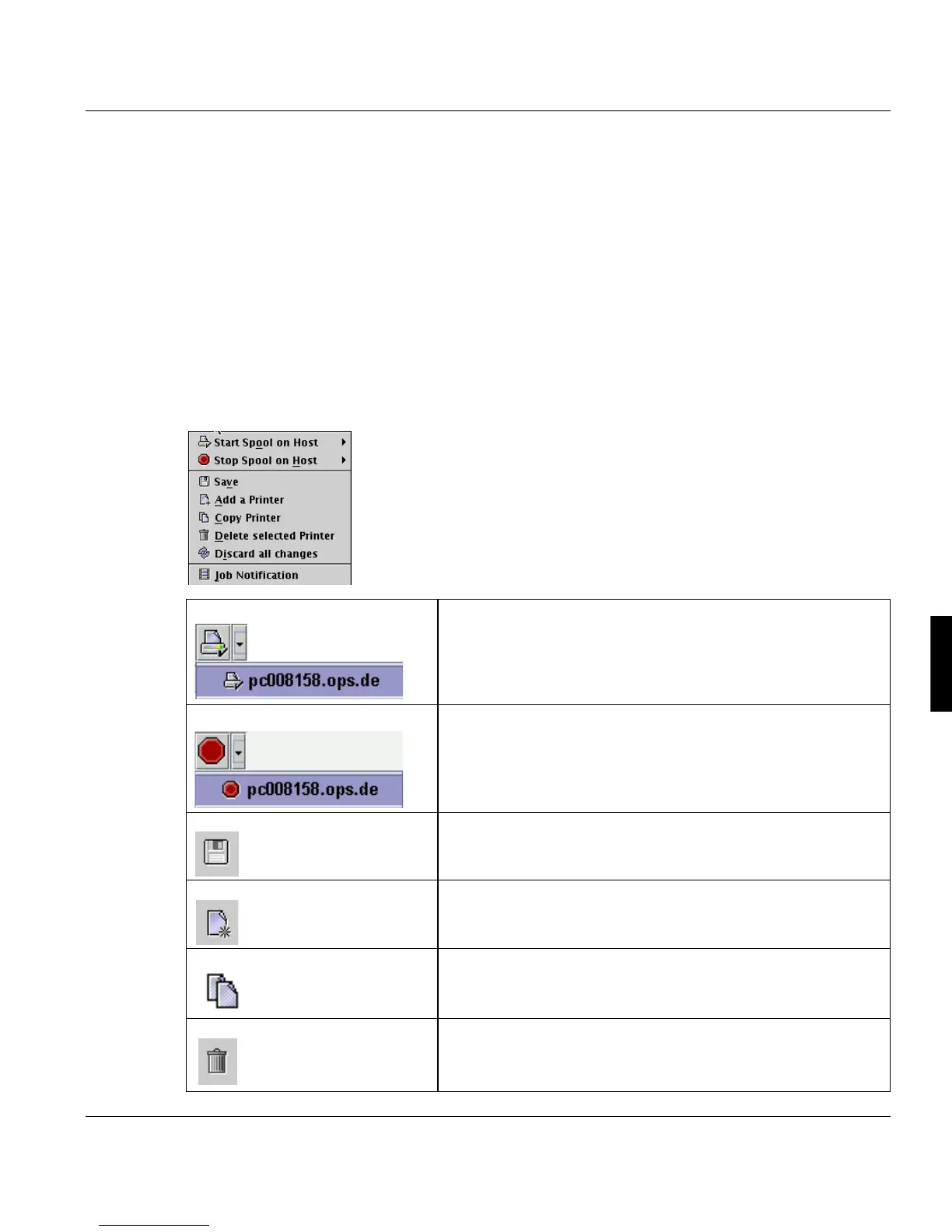
6.14.1 The ‘Printer’ Menu
Start Spool on Host Enables the PRISMA spool on the server you select from the
list.
Stop Spool on Host Disables the PRISMA spool on the server you select from the
list.
Save Saves the configuration.
If a printer was modified, which is currently active, the user is
asked to stop the printer first.
Add a Printer Add new printer
Copy a Printer Copies the selected printer and takes over all it’s settings.
Delete selected Printer Delete the selected printer



 To Next Page