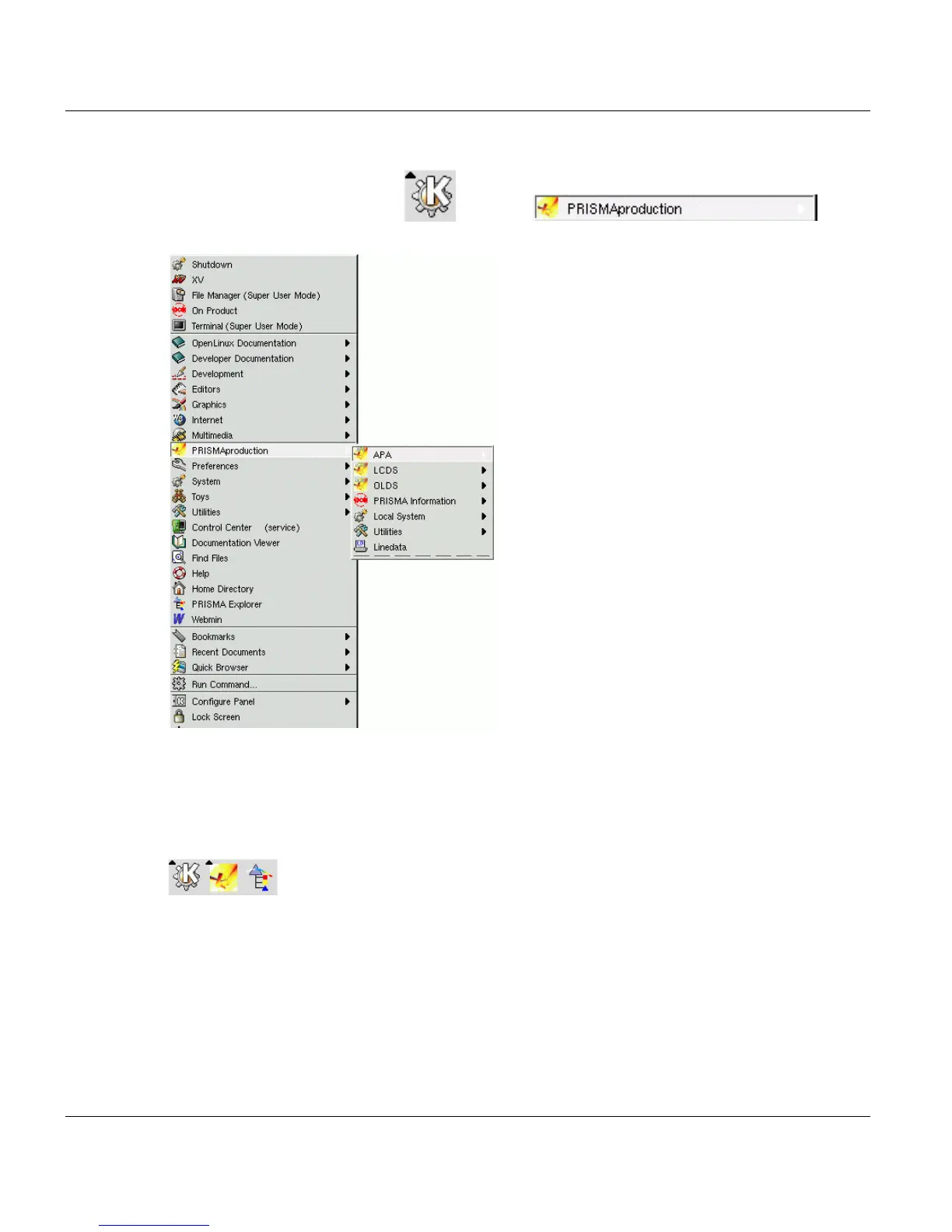
Main Pop Up Menu The PRISMAproduction Desktop
10 A29247-X2-X-8-7670
3.2 Main Pop Up Menu
Clicking the Linux KDE button and then gives
you access to all PRISMAproduction menues.
If you double click an entry in the menu the respective progrm is executed. Additionally the
entry will be added to the top of the menu for easier access of often used programs.
You can place every icon of these menus on the bottom bar of the linux desktop for easy
access. Simply click on the icon and hold the left mouse button. Drag the icon to the bottom
bar and release the button. The icon is then copied to the bottom bar:



 To Next Page