PRISMAproduction Explorer LCDS Resources Export
A29247-X3-X-6-7670 129
5.16 LCDS Resources Export
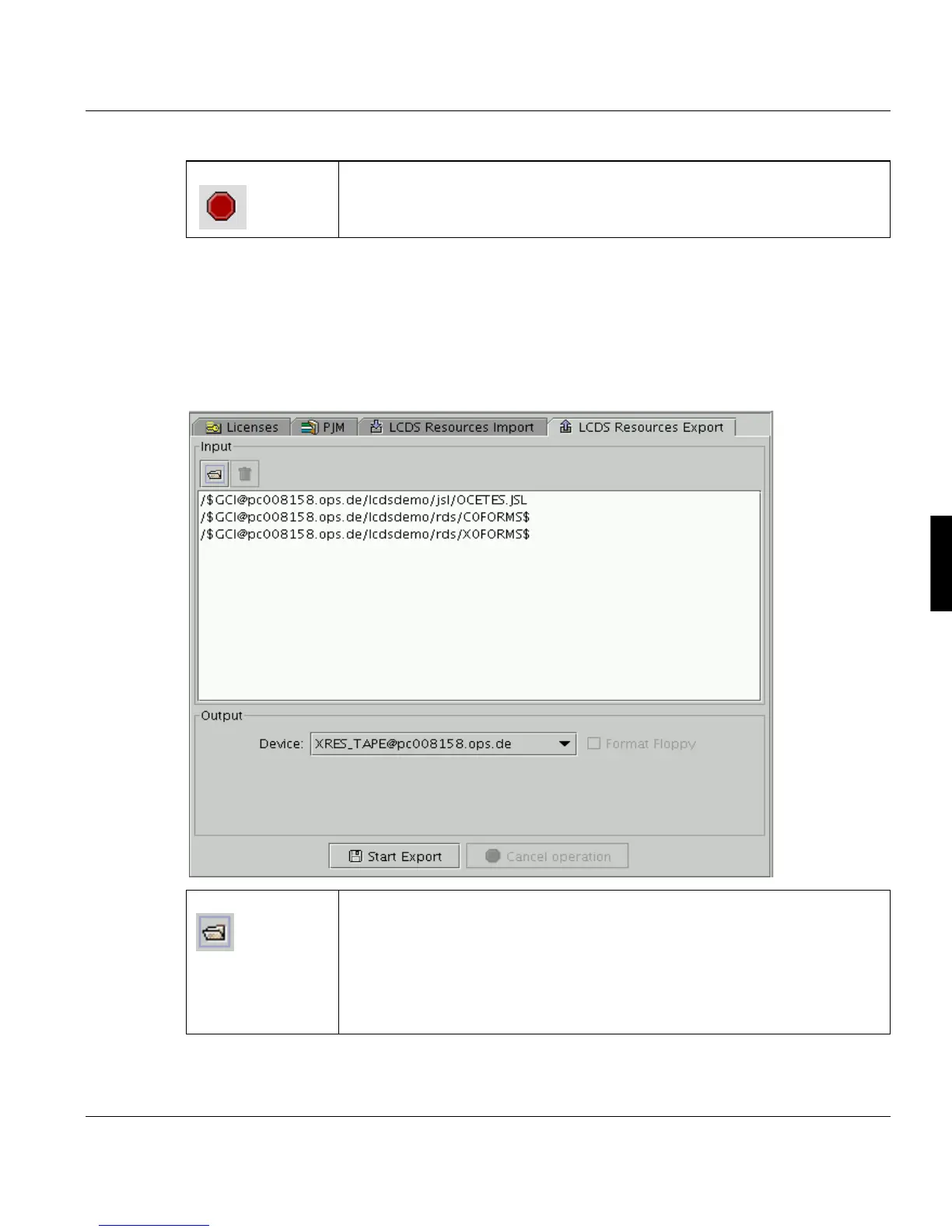
Use this command to save Xerox resources from a PRISMAsystem to a Xerox formatted
output media, e.g. for backup or for distributing resources form one PRISMA server to sev-
eral Xerox DocuPrints.
Cancel Operation Cancels the the export job started.
Add files Opens a file selection box, which allows you to select one or more files from
the XRESOURCES directory. This dialog allows you also to open the GCI
catalog (prevents you from choosing converted resources from the rds sub-
catalog) , where you can select the required files (of the types CMD, FNT,
FRM, IMG, JSL, LGO) from the sub cataloges. The files selected will be ad-
ded to the file list. The files collected here may be located on different ser-
vers.



 To Next Page