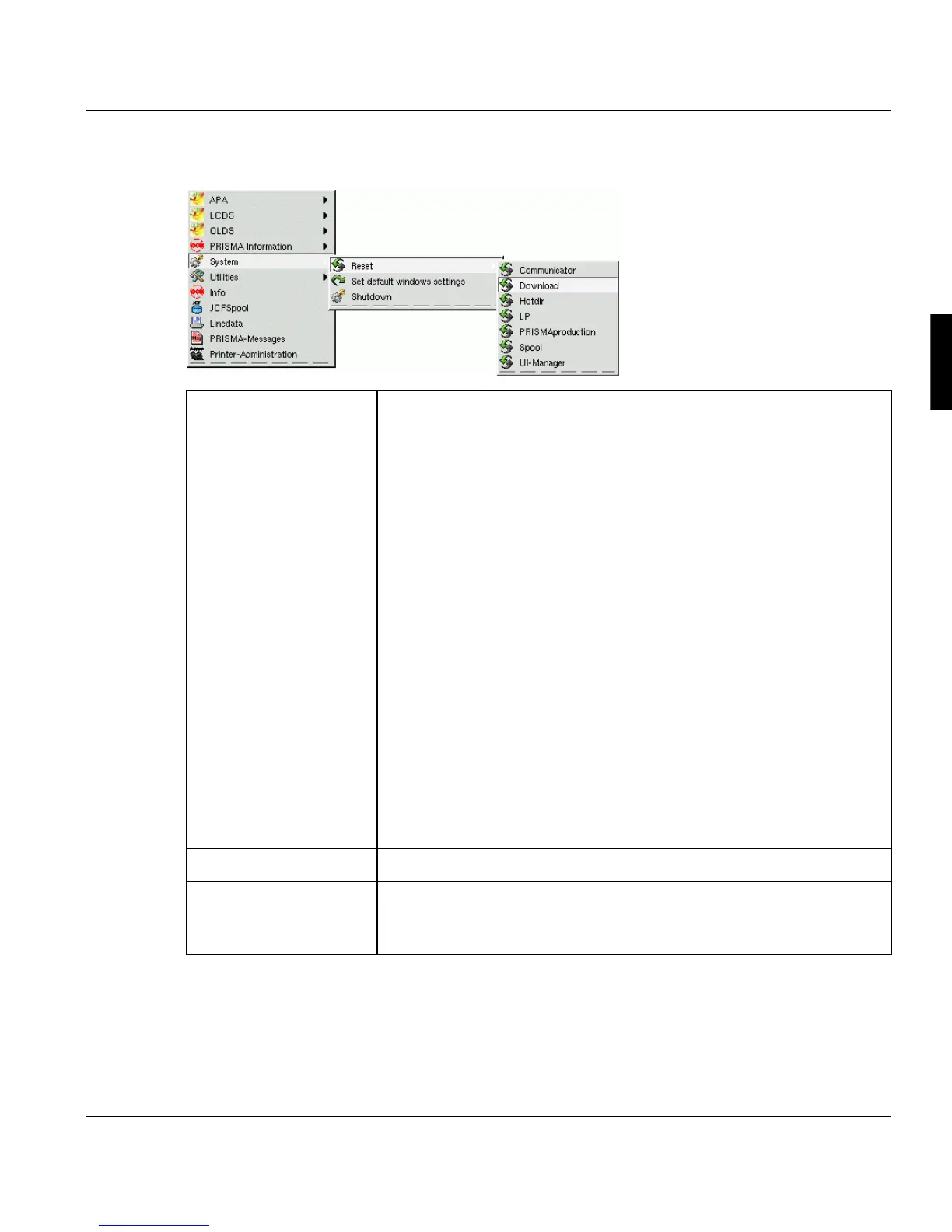
The PRISMAproduction Desktop Main Pop Up Menu
A29247-X2-X-8-7670 13
3.2.3 'System' menu
Reset Communicator
This command is used to reset the internal communication of the print
server. It should only be used in the event that the system hangs up
due to an unrecoverable error. In this case, you can reset the system
instead of shutting down and rebooting the server. This button should
not be used in normal operation.
Download, Hotdir, LP
Works only if these items are configured. Resets the configured con-
nections.
PRISMAproduction
This feature stops and restarts the communicator and all server pro-
cesses (daemons, services) on the local system.
Every time a saving or restoring of the PRISMA configuration was per-
formed, a ’Reset PRISMAproduction’ has to be executed on all servers,
starting with the master system. Please close explorer window before
executing ’Reset PRISMAproduction’.
Spool
Terminates and starts the spool again.
UI Manager
Exits and resets the UI manager processes.
Set UI Standard Restores the default window settings.
Shutdown This command opens a dialog box to confirm or cancel the system
shutdown. The system must always be shut down properly before the
print server is powered off!



 To Next Page