PRISMAproduction Explorer LCDS Channel
A29247-X3-X-6-7670 127
5.14 LCDS Channel
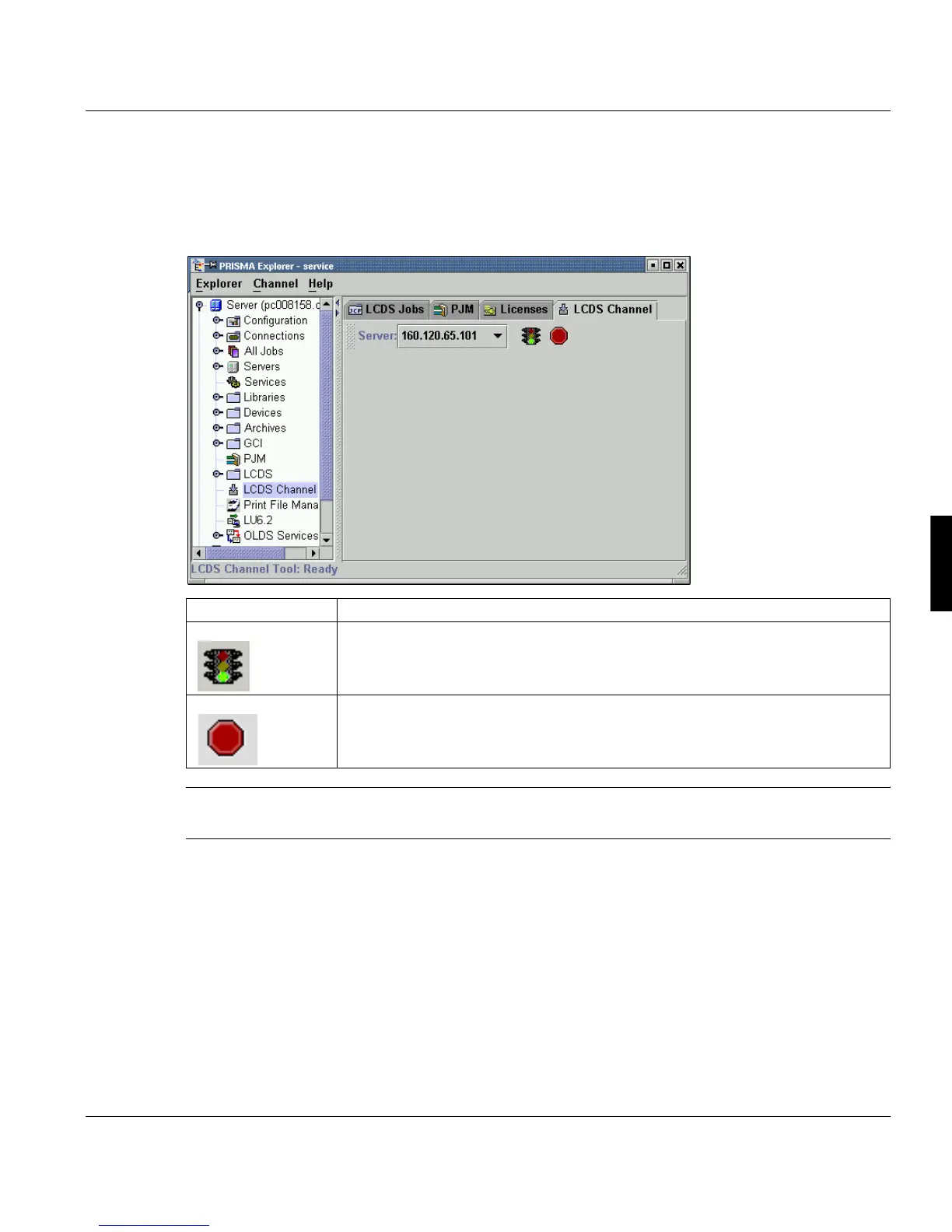
This tool can be used to monitor the 370 channel. To start the program select ‘LCDS Chan-
nel’ in the PRISMAproduction Explorer tree view.
Note: The icons are only accessible, if the ifilter has not been started with the 370 chan-
nel.
’Server’ Select the server within the ODS on which the channels should be switched.
’Open channel’ Activate the /370 channel
in connection with the value of the ChanCond-
Code parameter (ONLINE/OFFLINE) in the PrintLCDS.JCF (see
PRISMAproduction Administrators Guide).
’Close channel’ Deactivate the /370 channel in connection with the value of the Chan-
CondCode parameter (ONLINE/OFFLINE) in the PrintLCDS.JCF (see
PRISMAproduction Administrators Guide).



 To Next Page