’List of Files’ Section (‘Edit’ Menu) Print Job Manager
246 A29247-X3-X-6-7670
8.6.3 File Formats
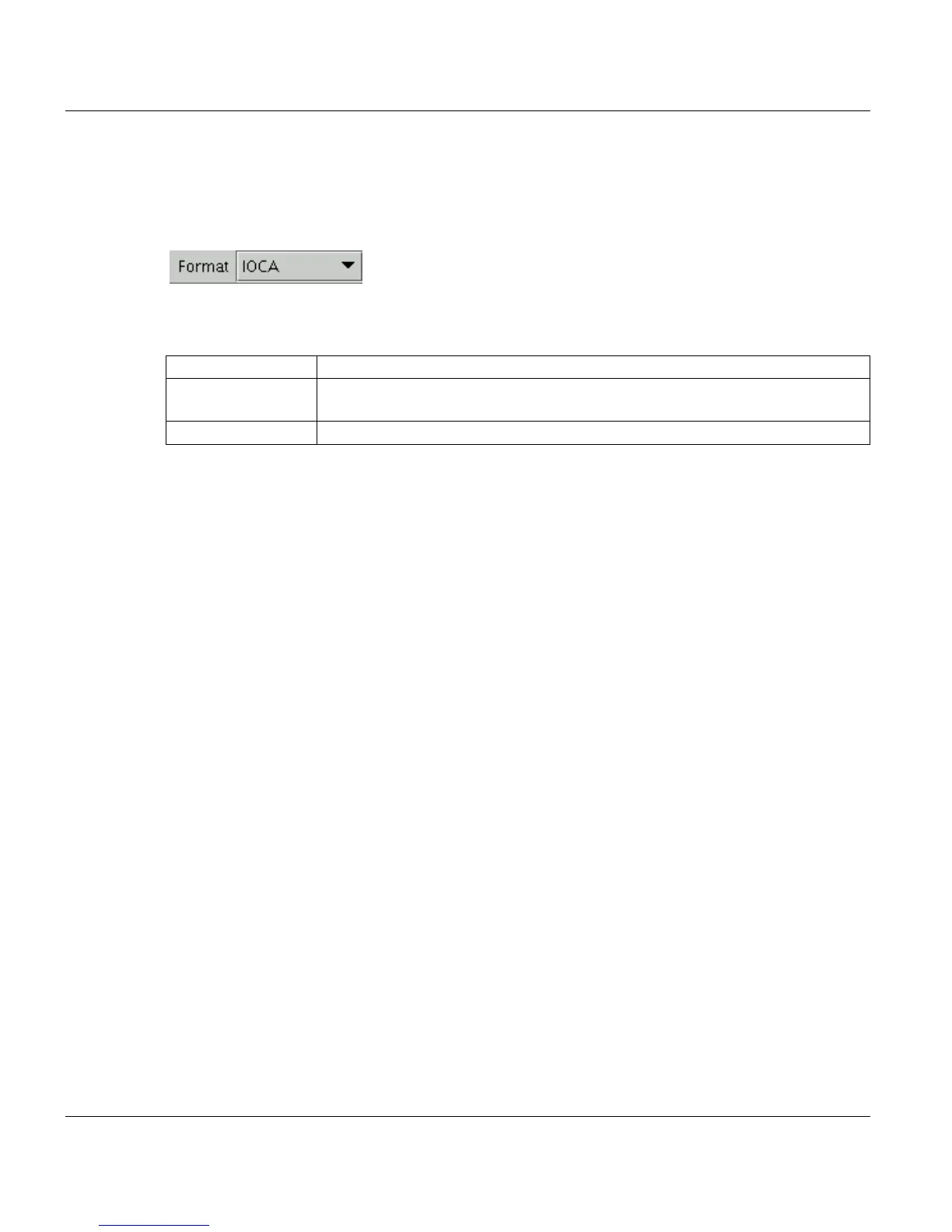
You set the format for a file, which is part of a PJM-Job in the List of Files section of the
PJM window.
Depending on the language module you use, the selected files can have the following for-
mats:
APA Files to be printed with the APA-Module must have the AFP file format.
LCDS Files to be printed with the LCDS-Module must have the file formats LCDS Da-
ta, JSL or Resource.
OLDS Files to be printed with the OLDS-Module must have the OLDS file format.



 To Next Page