Directory Viewer PRISMAproduction Explorer
132 A29247-X3-X-6-7670
5.21 Directory Viewer
The Directory Viewer provides the usual functions for managing files.
The file on all servers are accessible via the directory viewer via the ’Server Files’ node.
The Local files node in the Directory Viewer provides access to files on your local computer
system.
Generally existing access rights for files and directories are observed. Only these fuctions
are offered, which are allowed for the respective object. The Operator has restricted rights.
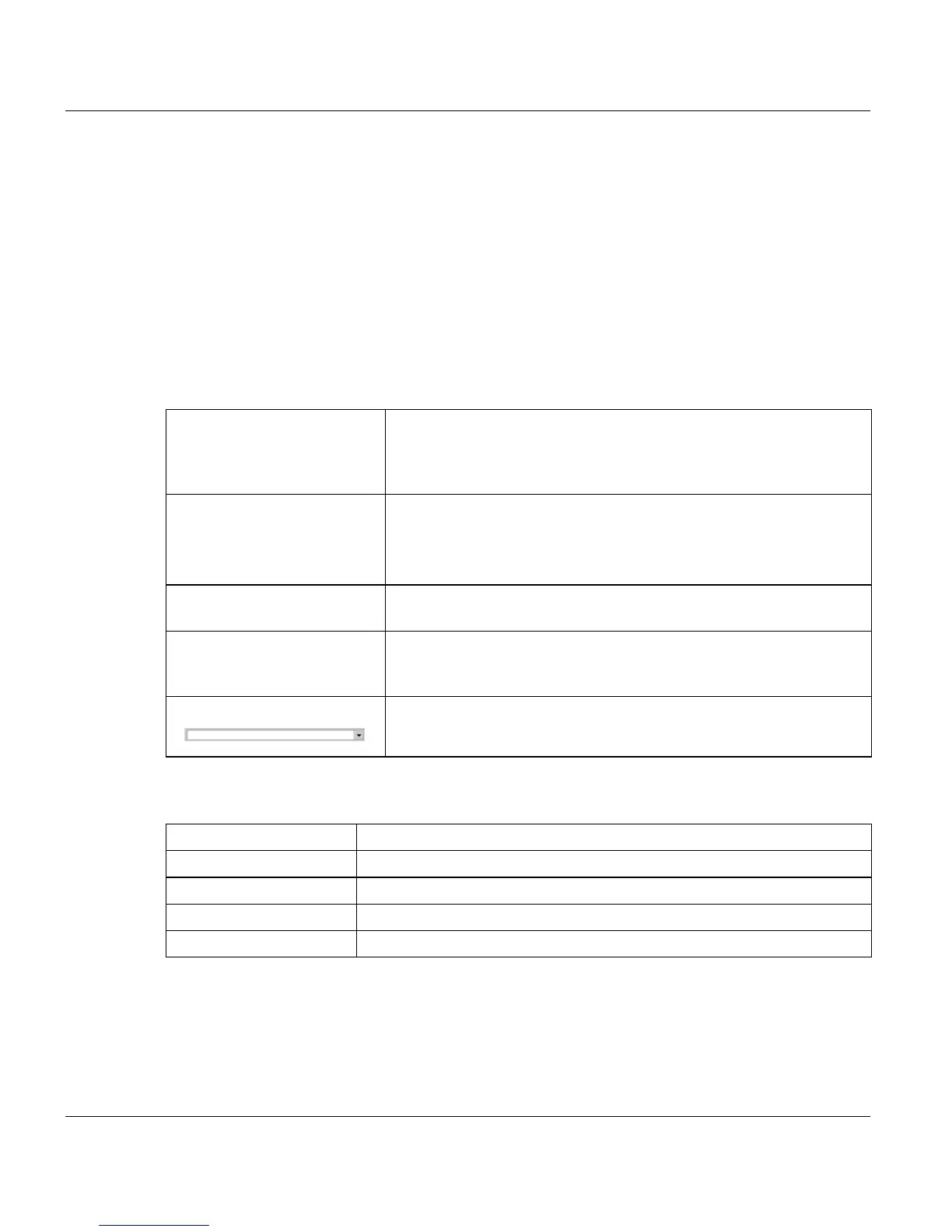
In the Explorer tree you can choose the following entries:
Column Titles
’Local Files’ (not availableb-
le with Java Web Start ac-
cess)
Takes you to the files on your own computer. The applications un-
der 'Local Files' take you to different start points in the file system
– Home, for instance, references the directory in which you logged
on (e.g. /u/admin).
’Server Files - Devices’ Takes you to the logical path $DEVICE with the files of the confi-
gured devices.
There is an entry in the Explorer tree under $DEVICE for every de-
vice configured on the system.
’Server Files - Libraries’ Takes you to the logical paths $TARGET, $OUTPUT etc. with the
relevant libraries. See PJM, ’Virtual Paths’ for details.
’Server Files - Archives’ Takes you to the logical paths $PFL and $PREPRINT with the print
file libraries and preprint libraries. See PJM, virtual paths for de-
tails.
Shows the open directory. Clicking the arrow down button opens a
history of the previously visited directories.
’Filename’ Name of the file
’Type’ File type (file or directory)
’Size’ Size of the file or number of directories or files in the directory.
’Last modified’ Specifies when the file was last modified
’Access’ Access rights



 To Next Page