PRISMAproduction Explorer Directory Viewer
A29247-X3-X-6-7670 133
Toolbar
’File’ Menu (additonal functons)
’
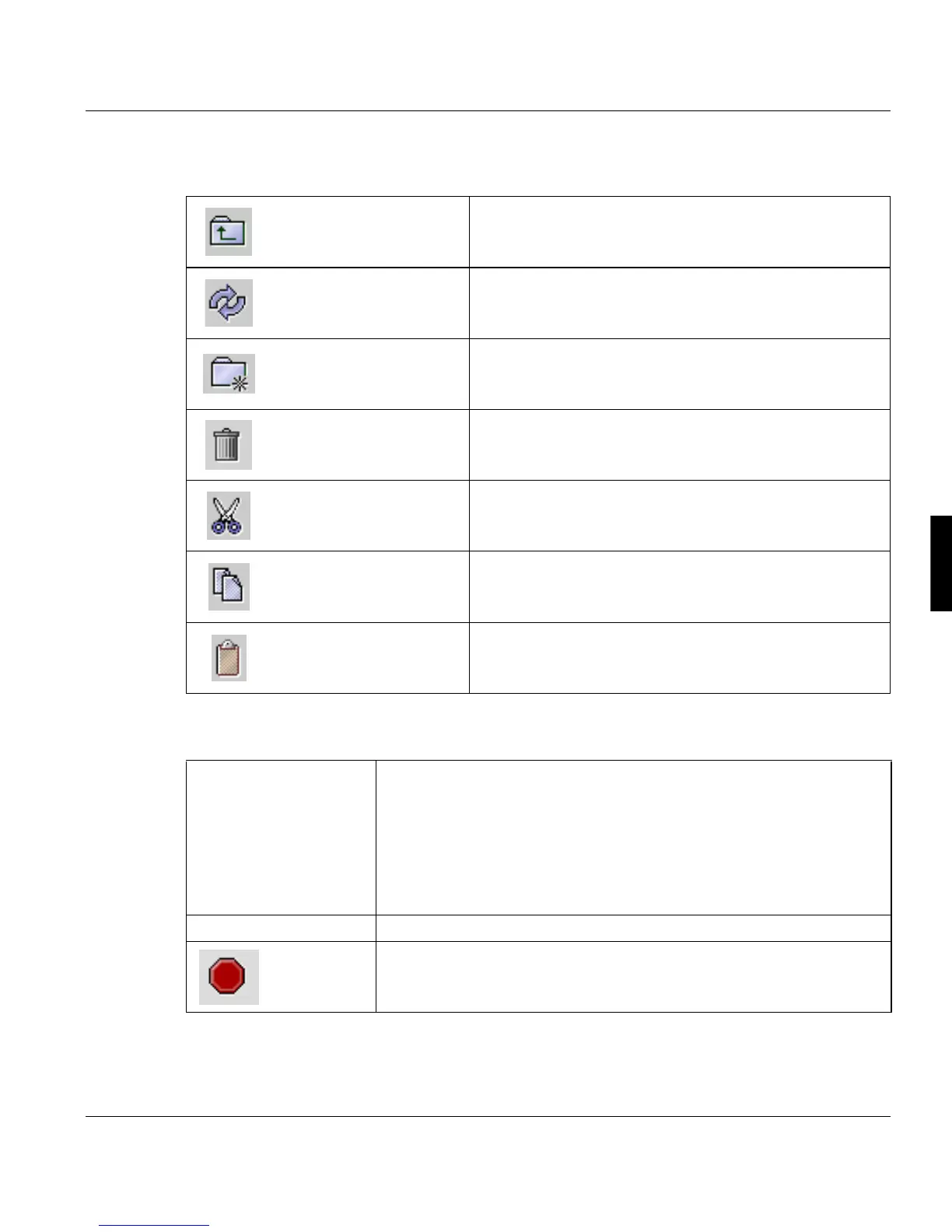
Change to parent directo-
ry
Changes from the open directory to the next-higher direc-
tory in the hierarchy.
Update directory Rereads the directory from the operating system.
Create new directory Creates a new directory in the opened directory.
Delete selected files Deletes selected files.
Cut Cuts selected files to the clipboard.
Copy Copy selected files to the clipboard.
Paste Pastes files from the clipboard to the opened directory.
’Open’ Opens a selected directory. The file ist opened using the program,
which would usually be used by the operating system. You can open a
PDV file with all available PDV versions, if there is no other viewing pro-
gram assigned on the operating system level.
Double clicking the file or directory has the same effect.
Using Java Web Start, the behaviour depends on the access rights for
the local file system.
’Compare’ Compares directories (see above page 105)
’Cancel ope-
ration ’
Cancels the operation.



 To Next Page