Job Lists PRISMAproduction Explorer
72 A29247-X3-X-6-7670
It is advisable to adjust the display of the list according to your own needs. You can for in-
stance hide columns, adjust the column width etc. To do this, you can use the general Ex-
plorer functions as described at the beginning of the Explorer chapter.
5.7.2 Authorisations for jobs
jobs.view.all
Users with "jobs.view.all" authorisation are shown all the jobs; users without this authorisa-
tion are shown only their own jobs.
With the default settings, the users applic, admin, service and operator have this authorisa-
tion.
jobs.modify all
Only users with this authorisation can modify the properties of jobs they do not own. Jobs
are modified with the Edit Job Properties button:
With the default settings, the users applic, admin, service and operator have this authorisa-
tion.
jobs.control.all
Only users with this authorisation can submit commands to change the state of jobs they
do not own. These statements are Interrupt, Halt, Continue
With the default settings, the users applic, admin, service and operator have this authorisa-
tion.
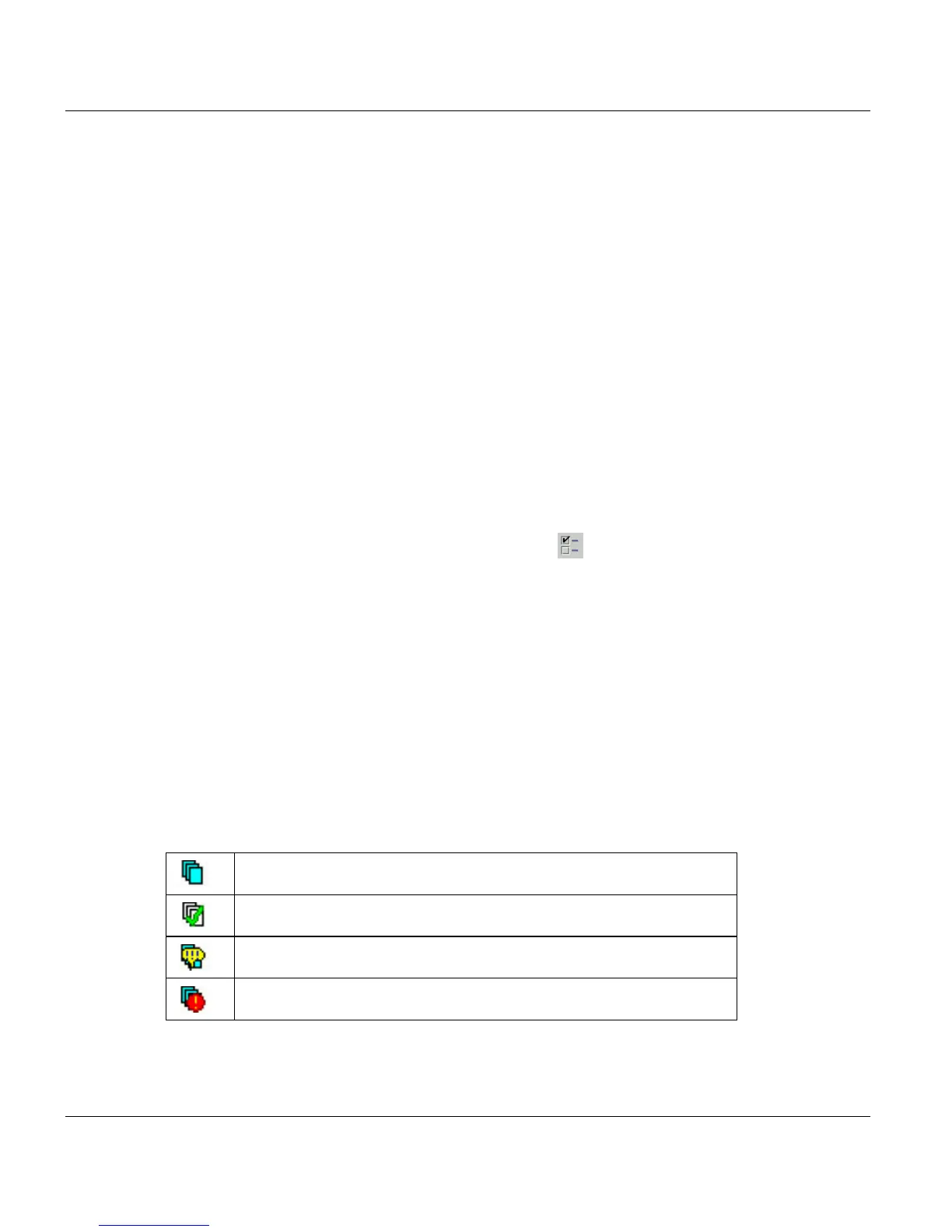
5.7.3 Icons for short Information
Job is working
Job is finished
There is a message for this job
Job is an exception status



 To Next Page