PRISMAproduction Explorer Printer Pool
A29247-X3-X-6-7670 123
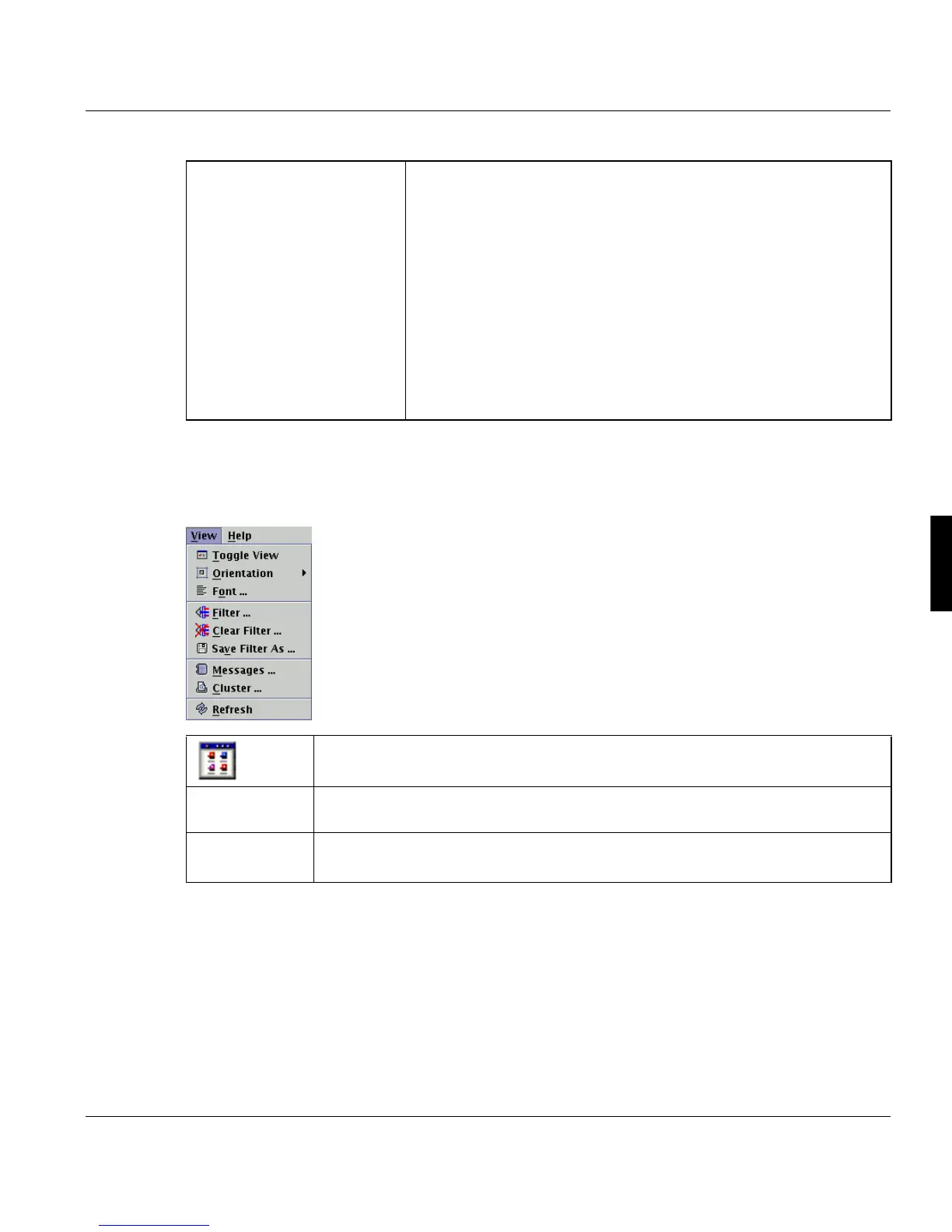
5.13.2 The 'View' Menu
The 'View' menu contains commands for customizing the displayed information.
Boundary
Each of the cancel commands requires a selection of the boundary,
on which the command should be executed.
'Immediately'
Cancels the job immediately
'On file-copy boundery'
Cancels printing of the current job when the current copy of the cur-
rent print file has been printed.
'On job-copy boundery'
Cancels printing of the current job when the current copy of the job
(containing more than one file) has been printed.
Toggle
View
This option toggles between the ’Symbol view’ of the printers and the ’Table
view’.
Orientation This option toggles between the vertical and horizontal orientation but only in the
'Symbol View'.
’Font...’
Opens a dialog box which allows you to select a font, font size and dec-
oration for the message window.



 To Next Page