Printer Configuration
194 A29247-X6-X-6-7670
6.14.16 Grey Curves
What is the use of this function?
This function was originally designed for conventional printing processes and basically
helps to optimize physically different printing units for a consistent print image. This applies
basically also to digital printers. The same datastream may have different results on differ-
ent digital printers. These differences are especially apparent with gradients and raster im-
ages containing different grey or color gradients.
Therefore the printer transfer curve has been implemented to enhance the result oft the RIP
process for every printer individually.
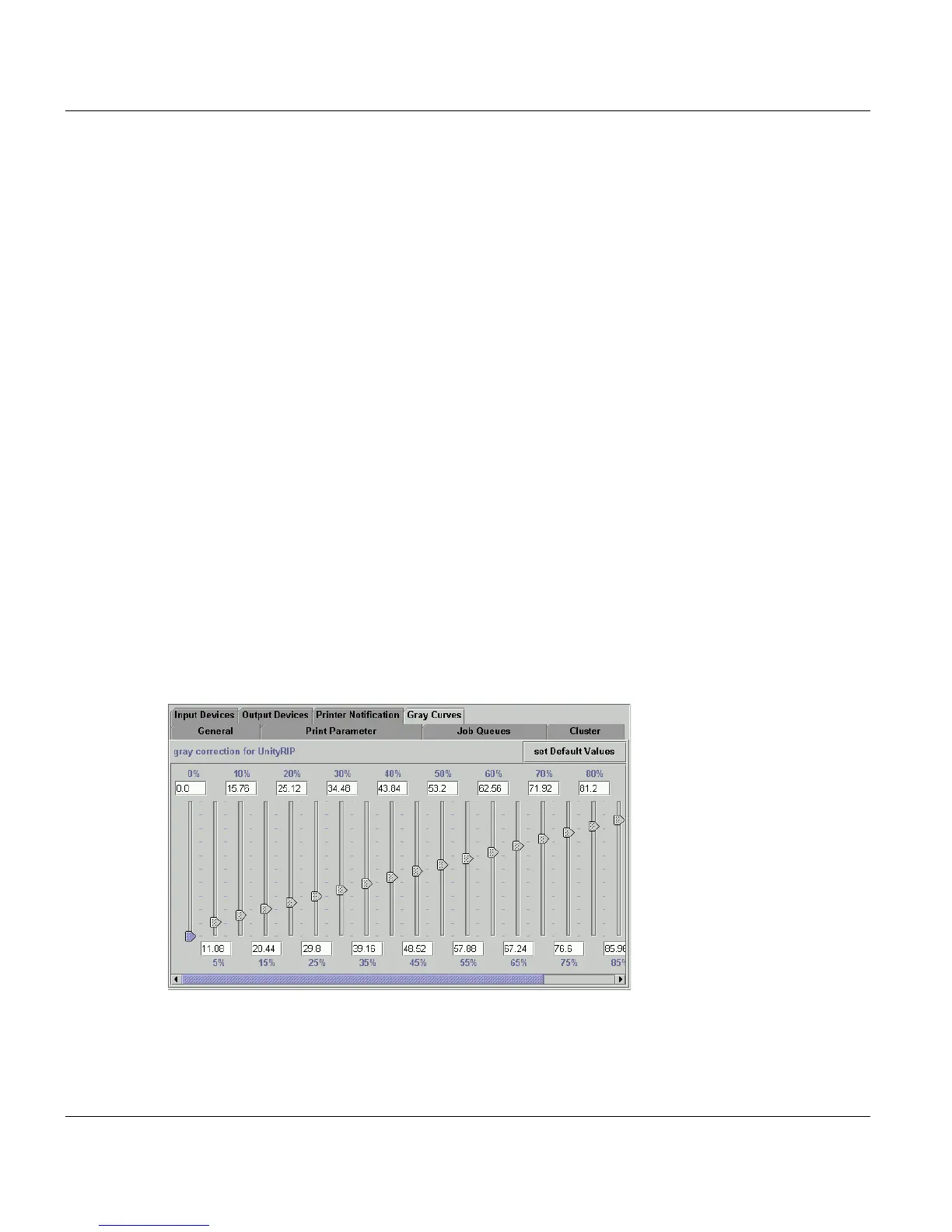
If you are converting and printing PS or PDF files, you can modify the grey curves using the
slide buttons on this tab. This enables printer-specific corrections to be made to the gray
values.If this parameter is not set, grays that are adapted to the Océ printing systems are
used instead of the default grays of the UnityRIP.
It is possible to make corrections to gray values which are read from a file. The correction
file contains 21 values, with one value per line. Values can be between 0 and 100000. The
value 100000 corresponds to a PostScript gray of 1.0, i.e. an intensity of 100% (the lightest
value). The 21 values begin with a substitute for 0% gray and end with the 21st value for
100% gray. In a file of 21 values, the increment between the gray values on each line is 5%.
When printing digitally these variations in the printer hardware do not have such a big effect.
However you can use this function to modify documents with problematic brightness and/
or contrast in the images.



 To Next Page