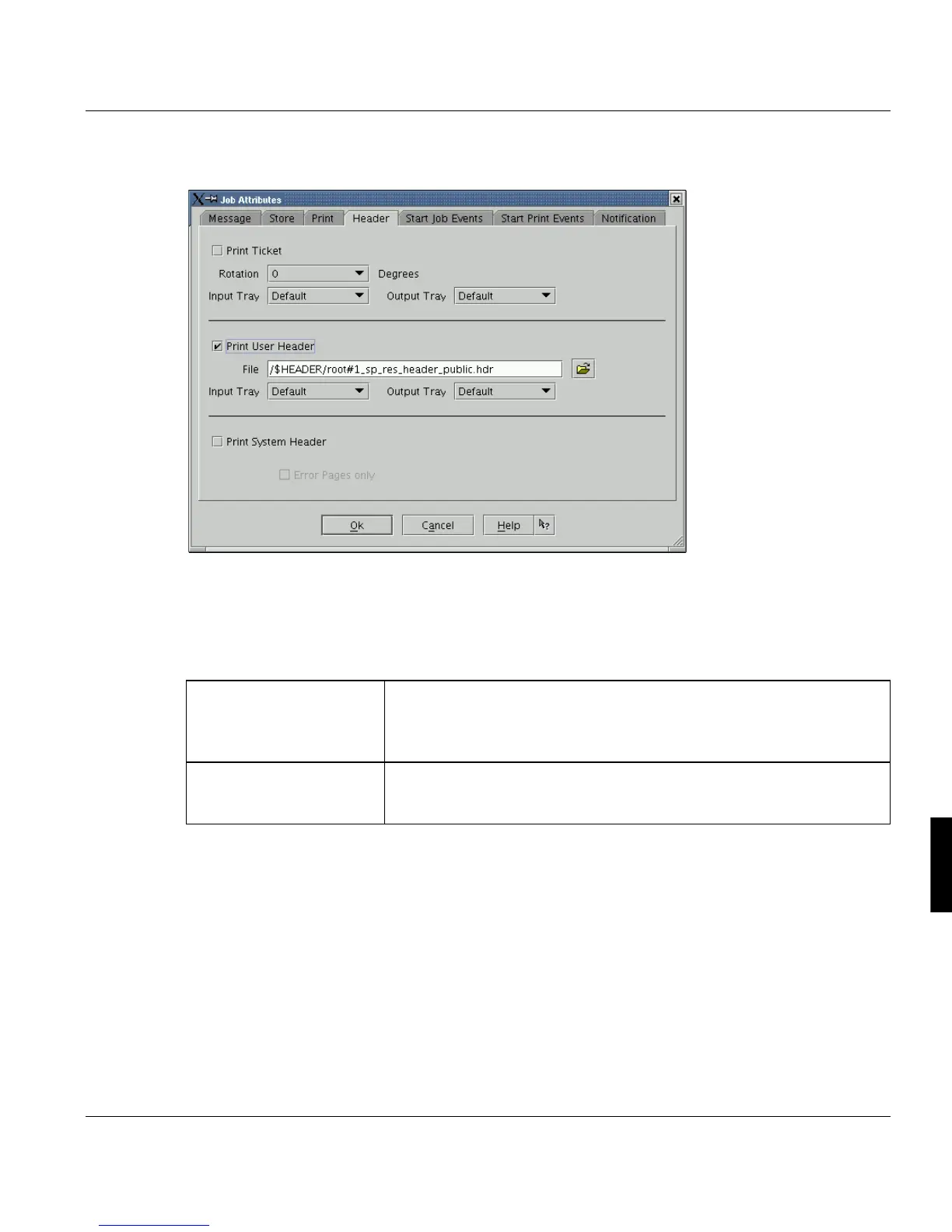
Print Job Manager ’Job Attributes’ Section
A29247-X3-X-6-7670 257
8.7.4 Header
You can append a header page to the job with job-related details. This information can be
used for job identification purposes.
A header page always gets the first file in the job, all other sorts of header pages are not
visible in the Job List/Details.
‘Print System Header’
(POD-, LCDS- and APA-
Modules)
The 'System header/trailer' presents system-related data, for example
the time and duration of the print process, the job's number in the sys-
tem's internal queue, the size of the job, the name of the print file, etc.
The information can also be reduced to error messages.
Header pages with the
APA-Module and LCDS-
Module
The option ‘Print System Header’ is always activated. Information can
be reduced to error messages.



 To Next Page