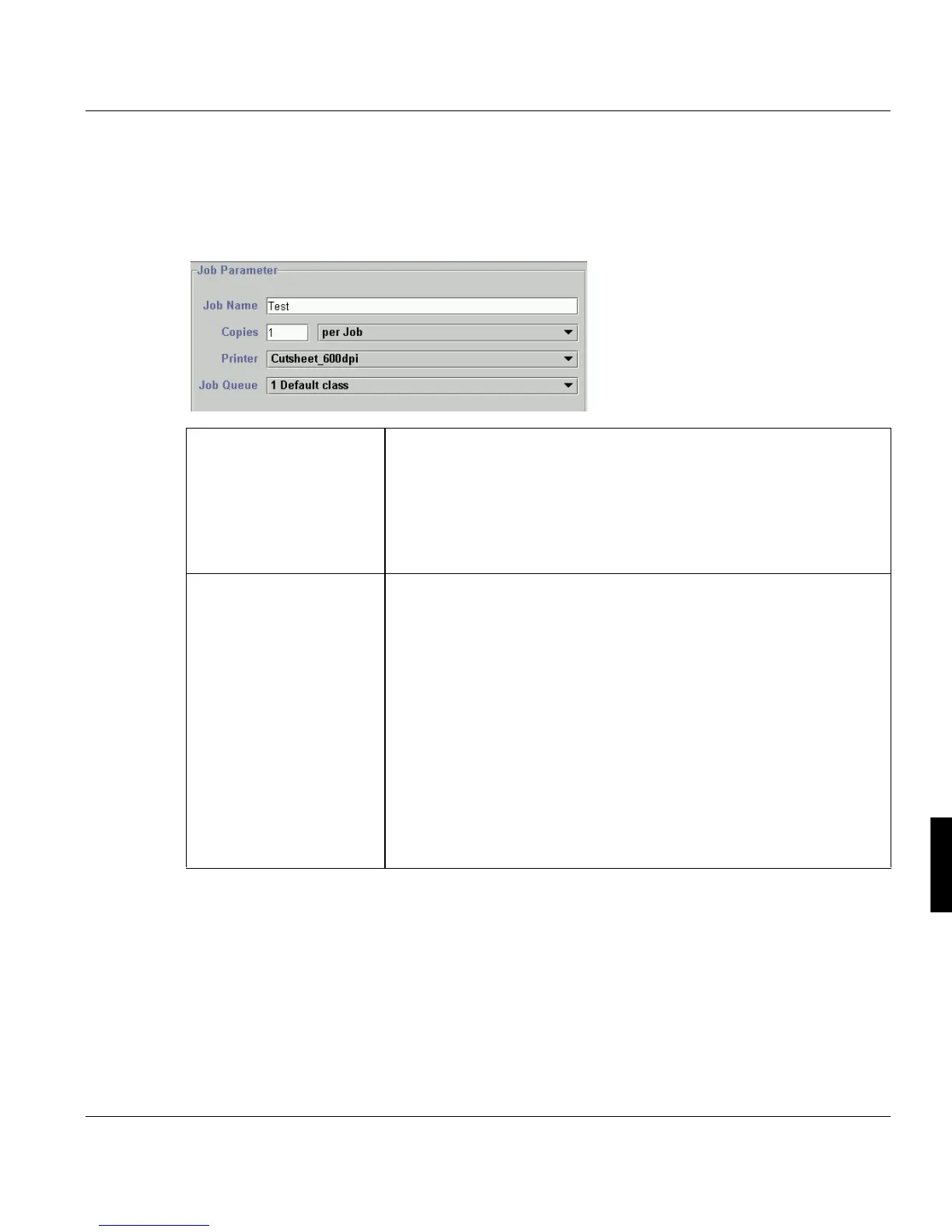
Print Job Manager ’Job Parameter’ Section
A29247-X3-X-6-7670 237
8.5 ’Job Parameter’ Section
The ‘Job parameter’ section cannot be accessed via the menu- or toolbar. Here you have
to define general settings for a print job.
‘Job Name’ Insert a job name to identify the print job. This name will be displayed in
the ‘Print Queue’ window under ‘Jobname’.
It is recommended not to keep the default name ‘tmp’. If you keep it, you
will not be able to differentiate the jobs by their names.
Use a maximum of 64 characters, or as minimum at least 1 character,
which is no blank. Allowed are: a-z, A-Z, 0-9 and _.
’#', '/' und '.' in the job name are rejected, if an archive is addressed.
‘Copies’ Number of copies to be printed of the entire job and additional options
for jobs:
per Job:
Number of copies of the job (max.
32767 copies).
per Job + Files:
Select this option to indicate that you want to print file copies. The num-
ber of file copies can be specified in the ’List of Files’ section.
as separate Jobs
This setting has the effect that for every file an own job is created in the
’List of Files’. The single jobs get an own job number and the job names
are deduced from the job name inserted above.
You can set for the single files different number of copies in the ’List of
Files’. In further processing these copies are delt with as job copies.



 To Next Page