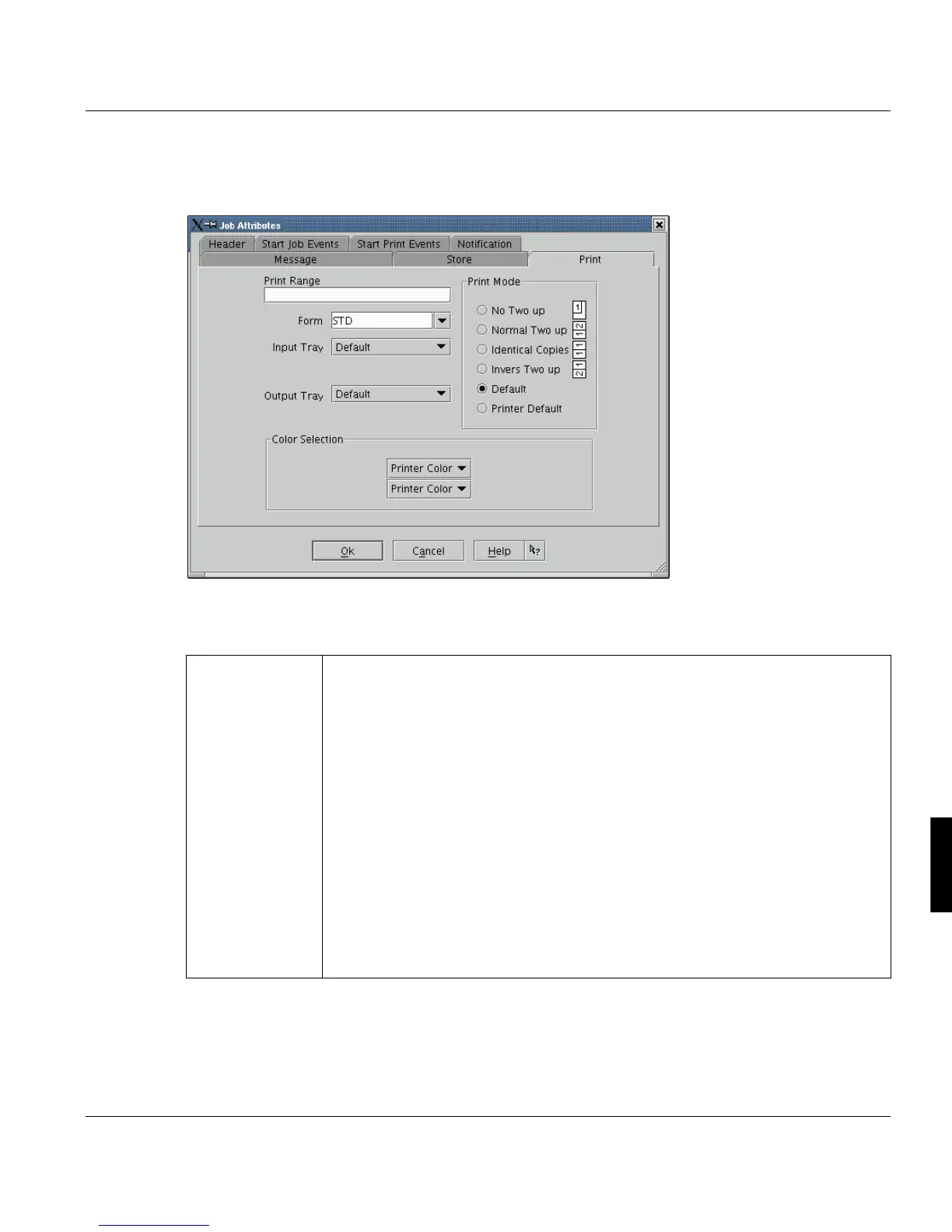
Print Job Manager ’Job Attributes’ Section
A29247-X3-X-6-7670 251
8.7.3 Print
Use the options on this tab to manipulate the print output. For further settings use the ‘Pro-
fessional Document Composer’.
‘Print range’ Enter one or more printing ranges (assuming you do not want to print the entire
document).
You can choose different ways of defining the printing range:
5 (= page 5)
5- (= all pages beginning page 5)
-5 (= page 1 though 5)
5-8 (= page 5 though 8)
6-7; 15- (= page 6 through 7 and all pages from page 15)
If you want to restrict the print range for a user defined header, you can only do
this via the ’Edit job properties’ function in the Job List.
Only APA-Module and POD-Module with the setting ’per job + files’:
You can also enter ranges of more than one print file. Therefore you identify the
files via the file number in the List of Files.
Example: 1:1-10;2:2-3 (= file Nr. 1 from page 1 through10 and file Nr. 2
from page 2 through page 3)



 To Next Page