The ‘Utilities’ menu Print Job Manager
264 A29247-X3-X-6-7670
8.9 The ‘Utilities’ menu
’True Proof Viewer...’ If available, opens the TrueProof viewer to view documents. This tool al-
lows an exact proof of the printout and can also be used for documents
on an external NT-Server.
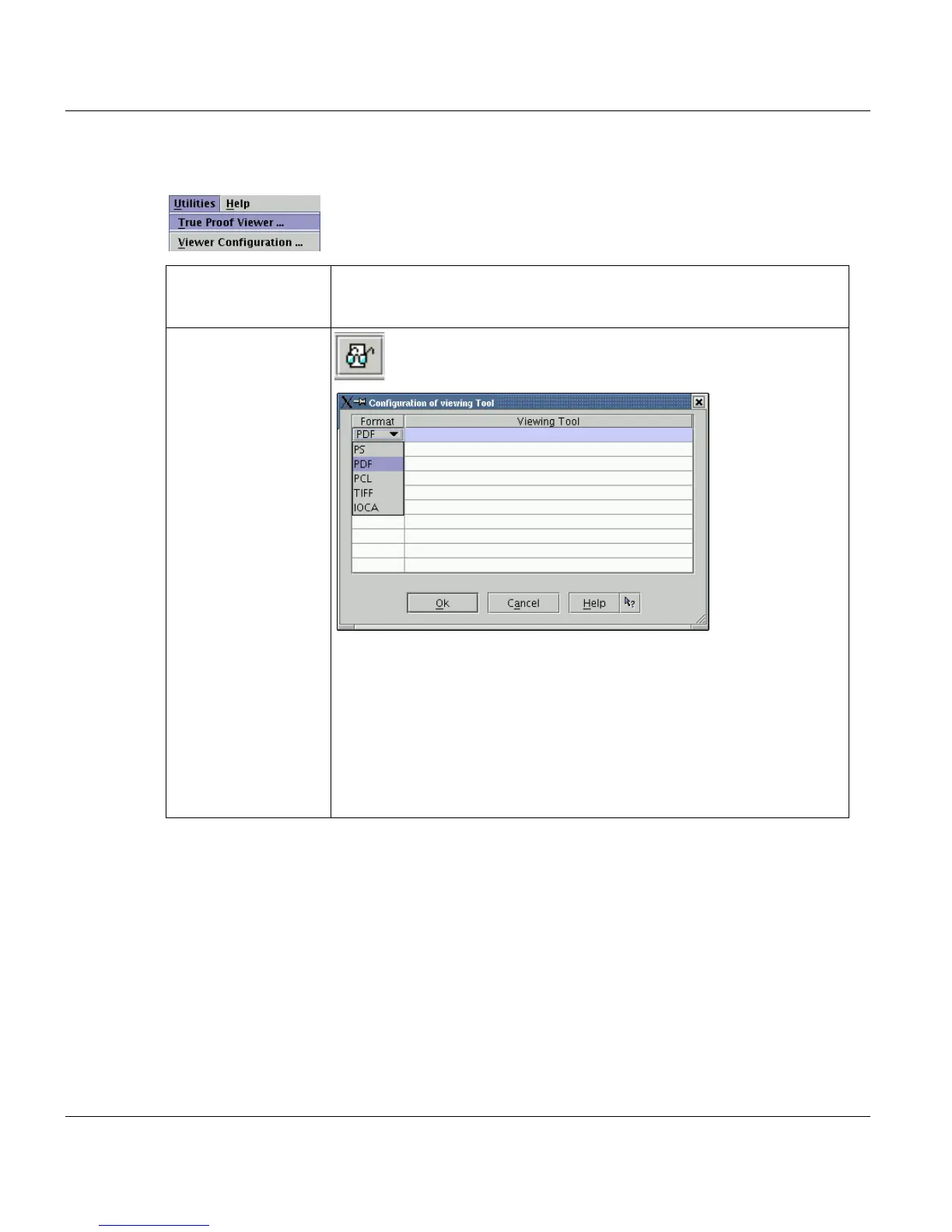
’Viewer Configura-
tion...’
Allows you to configure a fitting viewer for every data format. This
program is then used to display a file which is in in the ’List of
Files’.
This function is not availlable, if you work with Java Web Start and have
no permissions to access the local file system.
Format
Double clicking this column opens a list with file formats. Select one for-
mat, which you want to configure a viewer for.
Viewing Tool
Double clicking this column opens a file selction box, which allows you to
select the path to the desired program.



 To Next Page