Servers PRISMAproduction Explorer
88 A29247-X3-X-6-7670
5.8 Servers
Clicking the “Servers” node, all the computers available in the system are listed. Each of
these computers also has its own shortcut menu with administration functions.
Double-clicking the node opens a tab with a list of all the computers.
When you select a computer, a toolbar is activated which allows you to enable or disable
the computer. These functions are also accessible via the ’Server’ menu.
At the bottom of the tab the status of the ODS network is displayed.
Toolbar and ’Server’ Menu (with marked server name)
This menu offers different functions depending on what type of host you have selected (e.g.
print server). The same functions can also be accessed via the Hosts tab.
The Host menu functions are also offered in the shortcut menu that appears when you right-
click the name of the host in the Explorer tree.
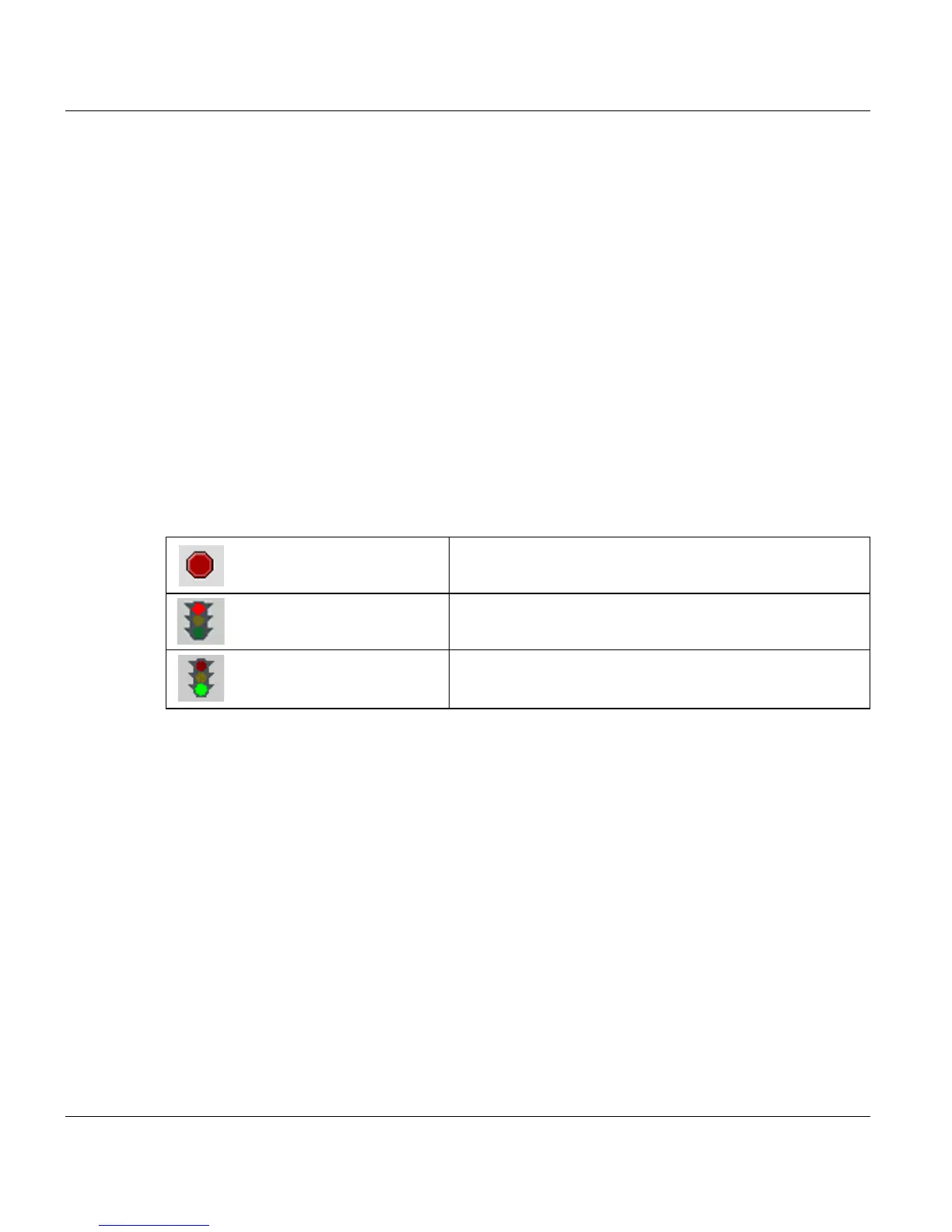
’Cancel current operation’ This function cancels the current ODS operation.
’Disable Server’ Switches an active host to inactive state. No further jobs
are then accepted for this host.
’Enable Server’ Switches an inactive host to active state. Jobs are then
accepted for this host again.



 To Next Page