PRISMAproduction Explorer Job Lists
A29247-X3-X-6-7670 87
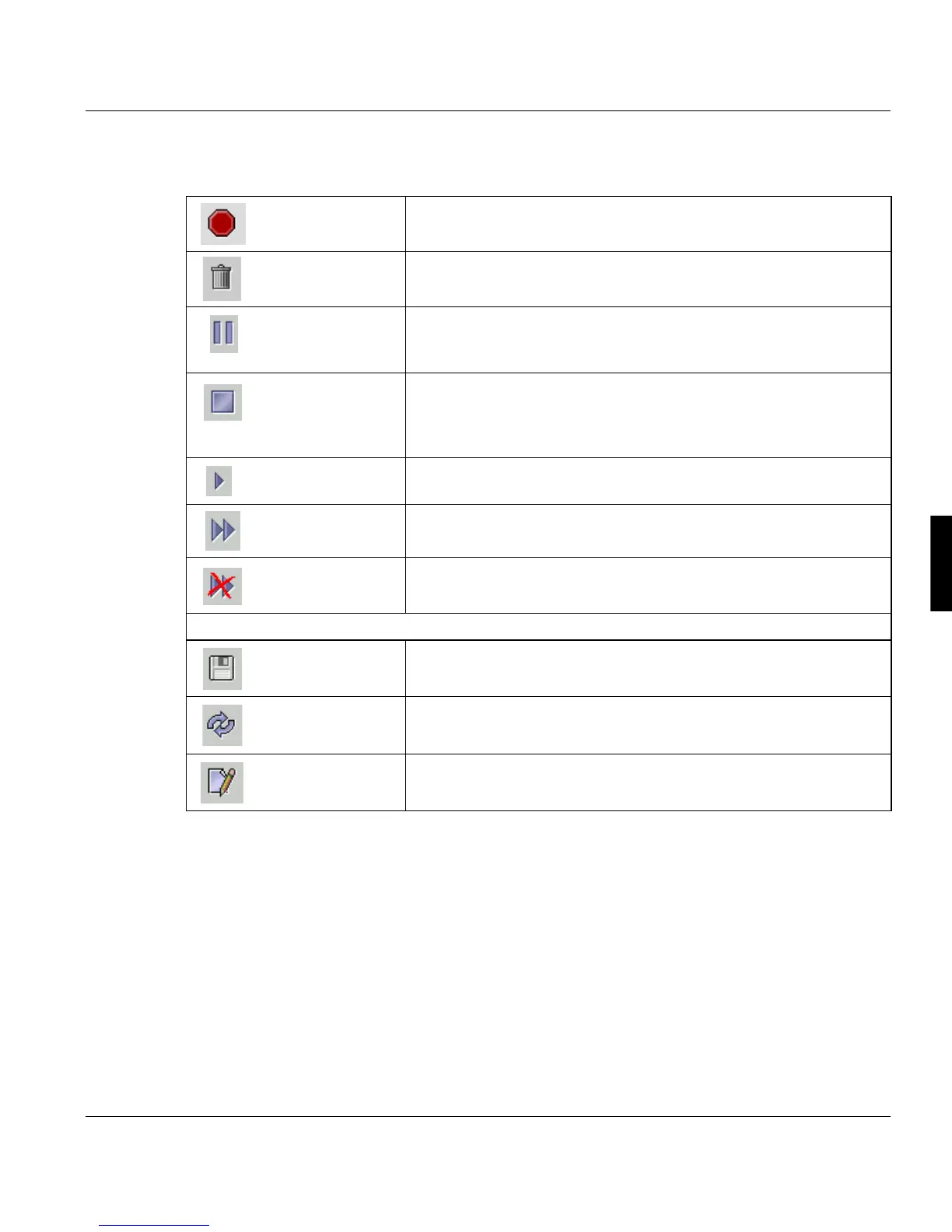
Toolbar/Job Menu
Cancel current
Operation
Cancels the current ODS operation.
Delete job The job is only deleted after you confirm a warning message.
Halt job after cur-
rently running
steps
The job is halted after the currently running steps have been fini-
shed.
Interrupt... The job is halted immediately after the confirmation of a dialog box.
If the job is in the
’processing-printing’ state, a dialog allows
you to select different options for the interruption of the print-
out (see page
84).
Continue executi-
on
Reactivates the job. This button enables you to restart interrupted
jobs or jobs with an error.
Set express right Jobs with express rights are executed as soon as the services nee-
ded are ready. The position of the job in the list will not be changed.
’Remove Ex-
press right’
Removes the express right assigned to the job.
Lower half of the window
’Save changes to
the server’
Saves the modification of the copy number..
’Reload data
from server’
Reloads the data from the server and thus restores the previous
state, if nothing has been saved yet.
’Edit the selected
entry’
If the entry ’Copies’ is marked, you can modify the number of co-
pies using this button.



 To Next Page