APA-Module Components Web Client
A29247-X2-X-8-7670 41
• APA Print: Print mode to print uploaded ARA files on the basis of predefined job tickets,
which can be partly modified on the screen. This menu item is only available if a valid
APA license is installed on the server.
• Administrator: access level for dealing with registrations and changing the PrintShop
interfaces. The administrator controls here, if a user has access to the Print File Library,
which amount of data he is allowed to upload and which user levels he can use.
• Help: displays help on the current window.
Language Selection
You define the language on the login screen. In case you change the language, you have
to login again.
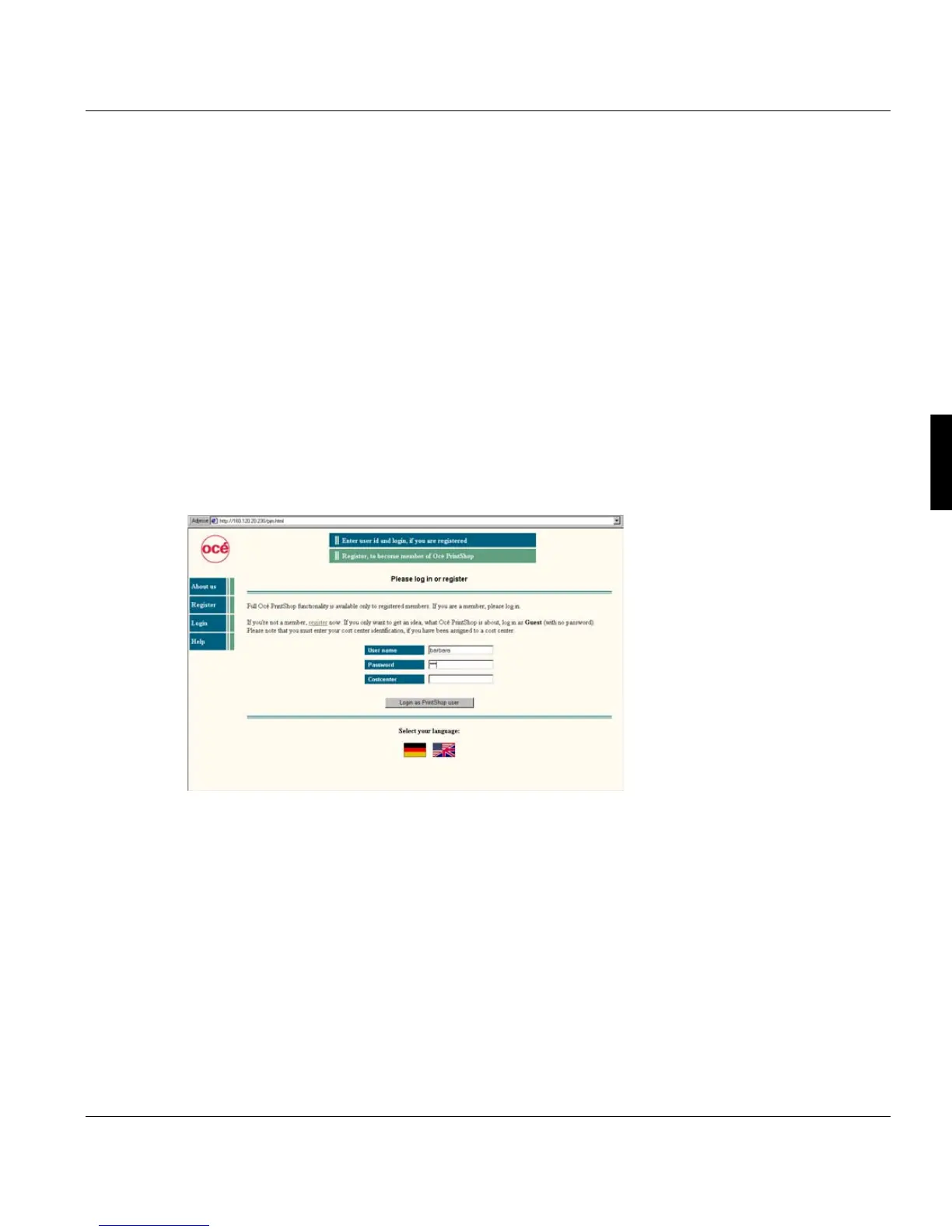
4.7.2 Login
In the login screen you can:
• Login as guest by typing in 'guest' as user identification. In this case you don't need
either password or cost center. As guest you have restricted access to the functionality
of the Web Client. You can use the QuickPrint 'Easy' and 'Advanced' mode, but you
cannot submit print jobs.
To get a user identification, you have to register.
• Login with an existing user identification and a matching password. You have to type in
a cost center only, if you are assigned to cost center.
• Modify the language of the user interface. After this you have togin again.



 To Next Page