PRISMAproduction Explorer Printer Pool
A29247-X3-X-6-7670 119
5.13.1 The 'Printer' Menu
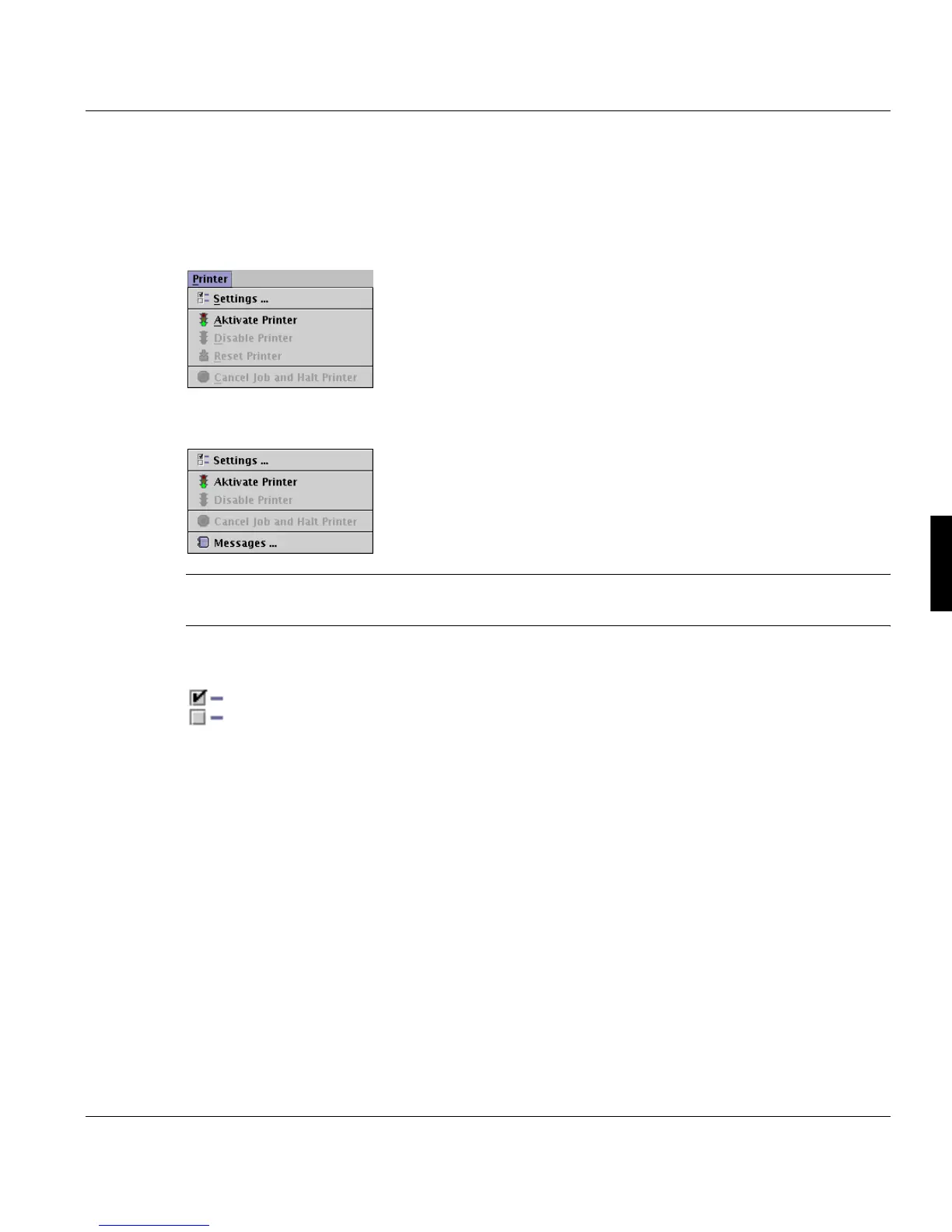
The 'Printer' menu contains commands for directing the printing process. You can specify
a job class, enable and disable printers, specify the time to elapse before the printer ejects
its last printed page, halt or delete a running print job and position within a print job.
The 'Printer' menu is also accessible as a pop up menu by clicking a printer frame with the
right mouse button.
Note: To execute any of the commands in the 'Printer' menu, you must first specify a print-
er. This is done by clicking on the printer area in the main window.
Settings...
This dialog contains the rules for each printer separately, how the print jobs are assigned
to the printer and which automatic settings are activated for that printer:
The settings are divied in 2 major parts:
• Job selection checks
• Printer automation
The left side of the dialog shows under Job selection checks all items, which can be
checked. To enable the check, you have to mark the box. The right side of the dialog dis-
plays tabs for some items, which allow you to make further settings.



 To Next Page