Printer Pool PRISMAproduction Explorer
120 A29247-X3-X-6-7670
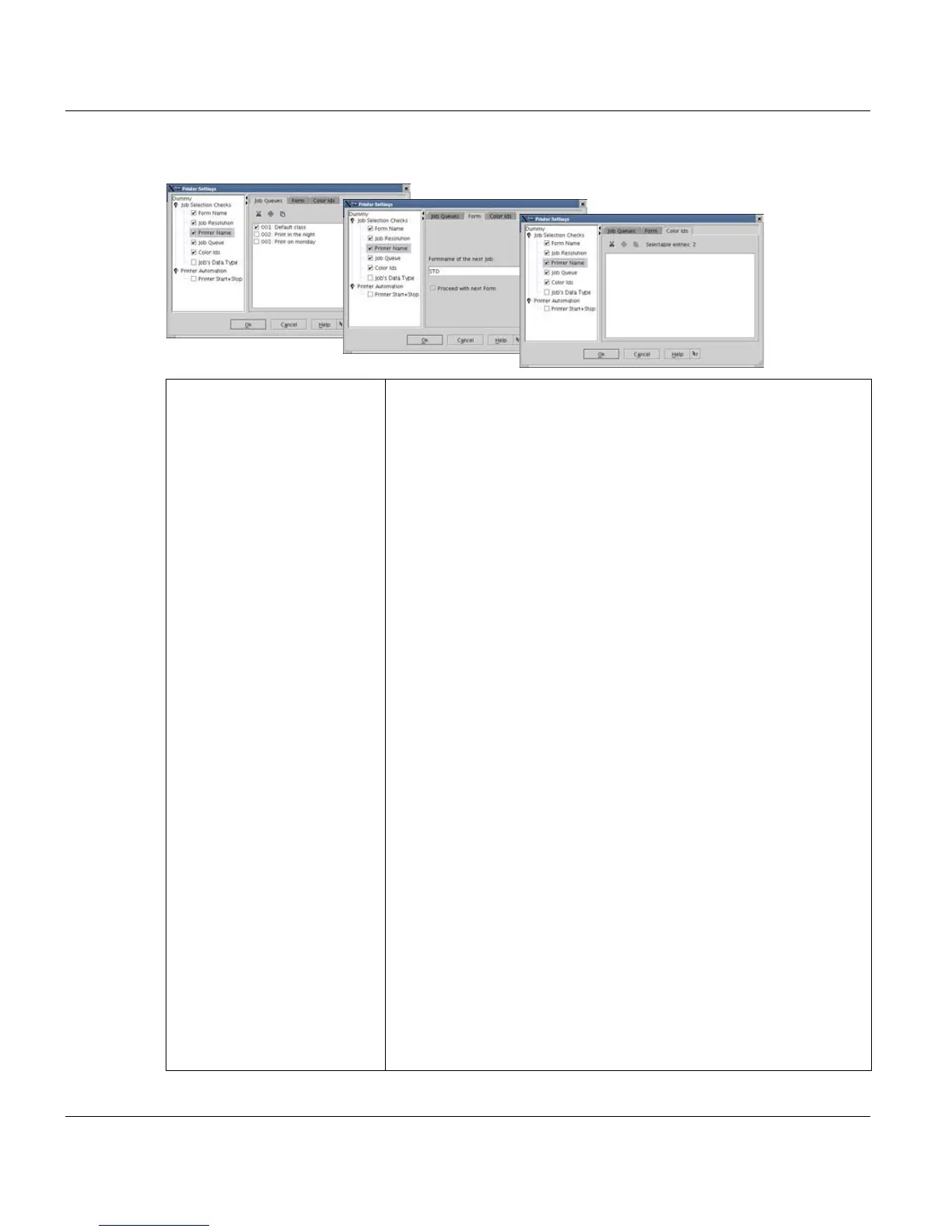
Job Selection Checks Form Name
Allows you to assign manually a defined form to the printer.
'Proceed with next form'
If selected, the printer switches to jobs with other forms automati-
cally, intead waiting for operator intervention.
Job Resolution
The printer compares it's configured resolution to that of the
spooled jobs. If there is no match, the job is not printed on the prin-
ter. Deactivating this check box ignores the job specific resolution.
Printer Name
The printer compares it's configured name to the destination printer
name of the spooled jobs. If there is no match, the job is not printed
on the printer. Deactivating this check box ignores the job specific
printer name.
Job queue
The printer compares it's configured job queue(s) to the queue of
the spooled jobs. If there is no match, the job is not printed on the
printer. Deactivating this check box ignores the job specific queue.
You can assign one, more or all defined job queues for each selec-
ted printer. Only job queues predefined in your system can be as-
signed (by using ’Jobueue’ and ’Printer-Configuration’). By default,
only queues 1 to 3 are defined.
Color Ids
The printer compares it's configured color id (tonerstation in Prin-
ter-Configuration) to the colors specified in the spooled jobs.
You can assign as many color ids to a printer, as the number of s
toner stations.
Data Types
The printer compares it's data type definiton to that of the spooled
jobs. If there is no match, the job is not printed on the printer. Deac-
tivating this check box ignores the data type, specified in the job.



 To Next Page