PRISMAproduction Explorer Printer Pool
A29247-X3-X-6-7670 121
Printer Automation NPRO time
If no new job is submitted to the printer after the last page of a do-
cument has been printed, the print server generates blank pages
in order to eject the last printed page into the stacker. You can spe-
cify the time that must elapse (the NPRO time) before the final
page is automatically ejected. The setting takes effect after the
start of the next job.
The default value of 00.00.00 (HH.MM.SS) causes the print server
to wait indefinitely.
The pages are then stacked only if the printer is deactivated or a
new job starts printing. The maximum time are 12 hrs. If the value
is out of range, the time will automatically be set to the minimum or
maximum value for the next print job.
'Printer Start+Stop'
This feature allows printer sharing over the network. Select it, if you
want any printer to be activated automatically as soon as a print job
arrives. The printer will be disabled as soon as the job is printed
and after the NPRO time elapses.
The value of 0 seconds causes here to stop the printer immediate-
ly, if no subsequent job is available for that printer. It can be activa-
ted again by the spool if a new job is waiting for this device.
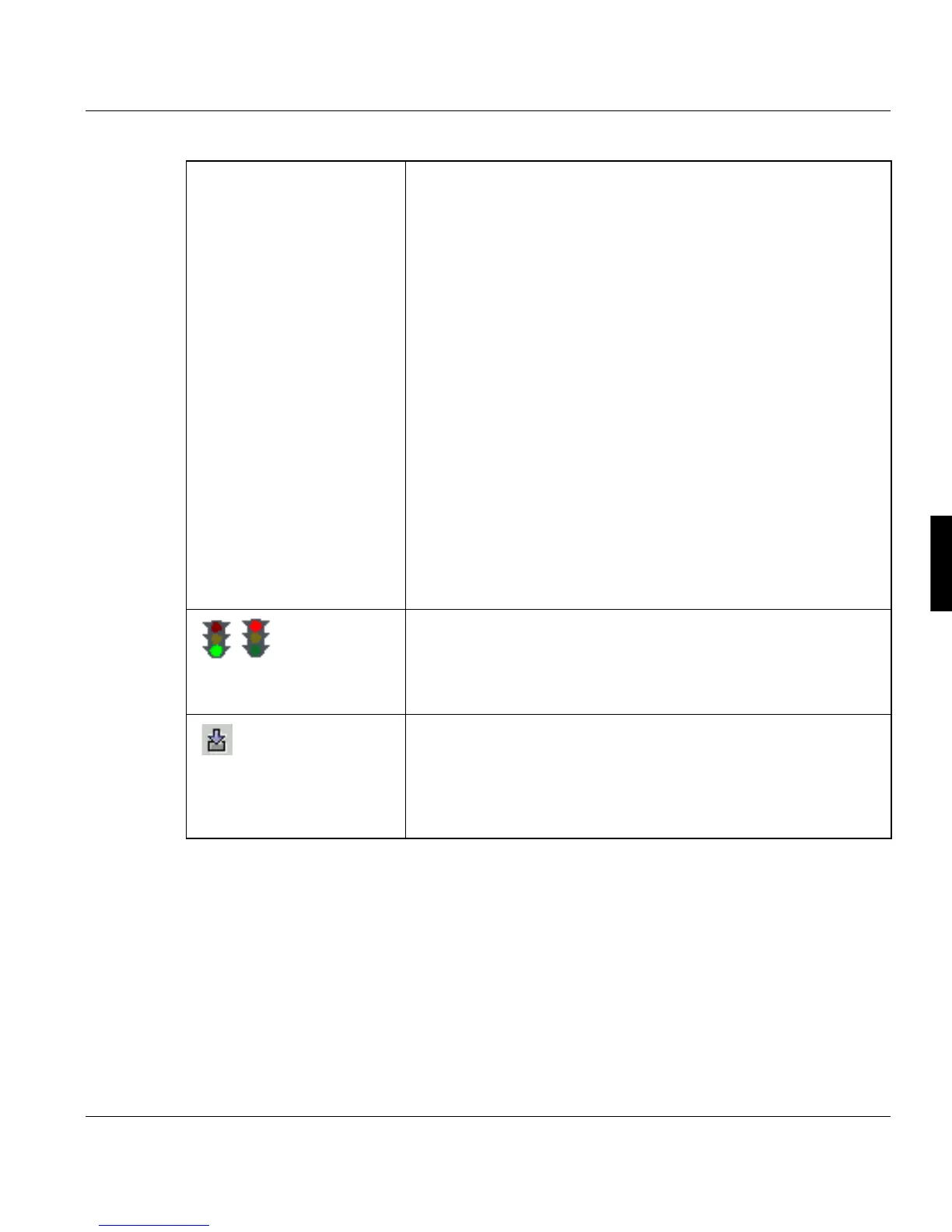
'Activate/
Disable prin-
ter'
Printers can be separately enabled or disabled. When a printer is
enabled, the corresponding print server process is loaded and star-
ted. When the printer state is "halted" (e.g. because the current
print job has been interrupted), it can be reactivated by selecting
the 'Activate' printer command.
'Reset printer' (menu
only)
Cancels and resets an active printer process. Before the command
is executed, you are prompted to confirm this action because of a
possible data loss. Additionally the user has to try to stop that prin-
ter and interrupt the running print job, before this command is exe-
cuted. This procedure is required because of the really dangerous
data loss problems.



 To Next Page