The ‘Job’ Menu Print Job Manager
262 A29247-X3-X-6-7670
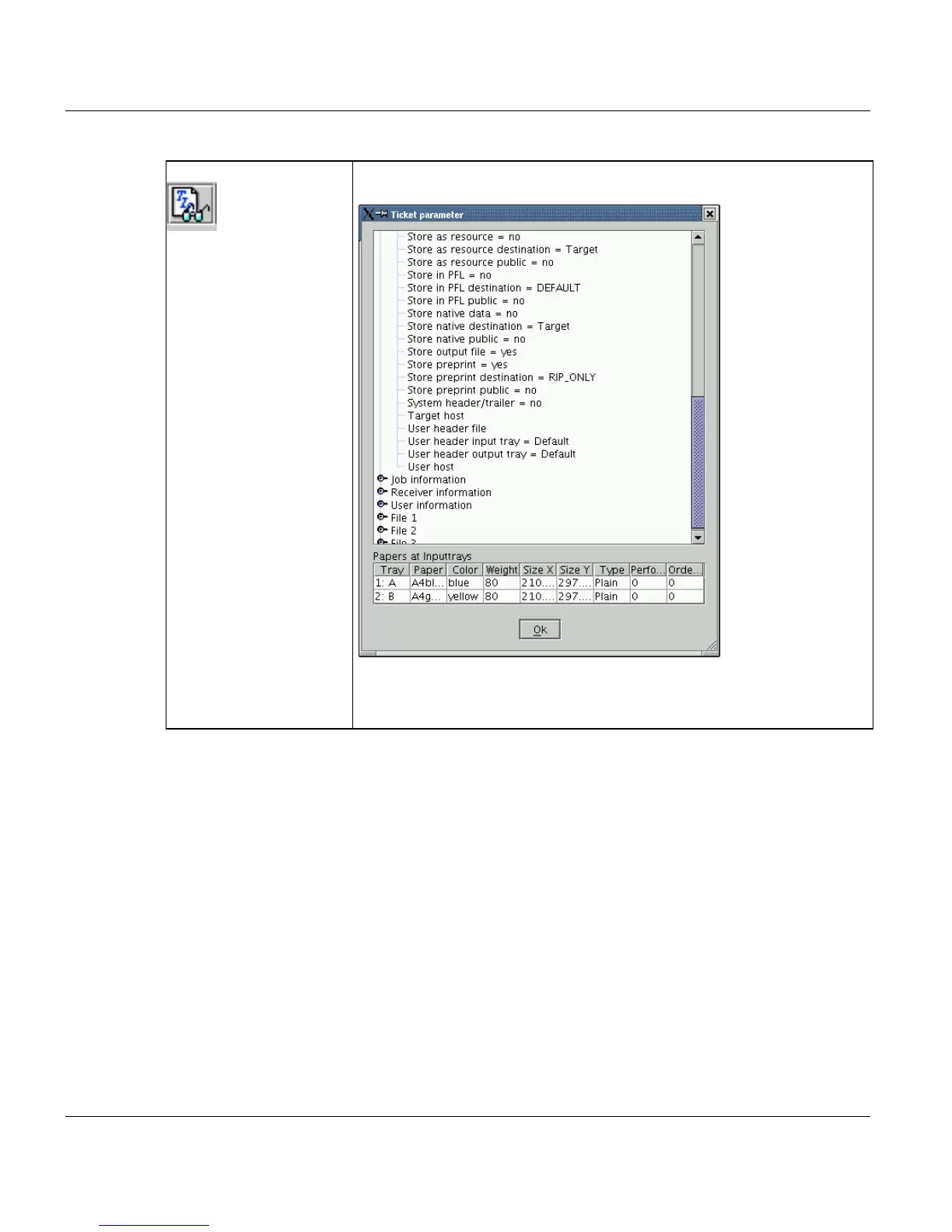
‘Show All parameter’ Click this option to display all the settings made for all the elements in a
print job.
The table ’Papers at inputtrays’ only appears with a POD job with as-
signed print media. It will always be updated, which means that the table
can be modified by each step of the converter or by the composer settings.



 To Next Page