APA-Module Components APA-Module Sample Window
A29247-X2-X-8-7670 19
The 'File' Menu
Required Input:
'Help'
Opens a java help window.
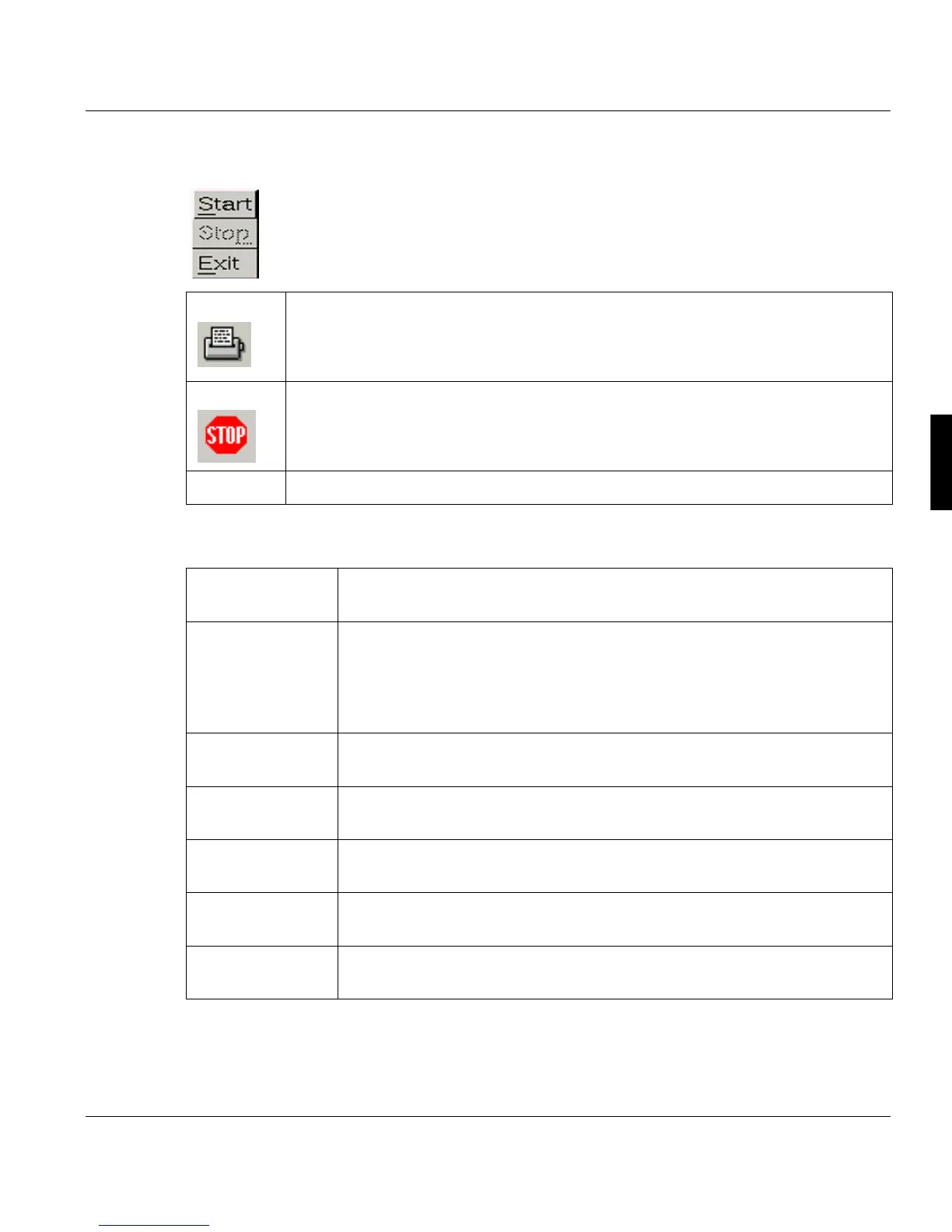
'Start' Starts the sample process. During processing you will see log messages displayed
in the System Messages window.
'Stop' Terminates all activities in the sample process.
'Exit' This will close the window.
'Library' Enter the name of the resource library with the selected resolution (240dpi,
300dpi or 600dpi).
'Resource Name' Enter the AFP resource name to be sampled (use 1 to 8 alpha/numeric char-
acters as the resource). Use the asterisk '*' to transfer via wildcarding. i.e.
"O1MYOVL", "O1MY*", "*".
By clicking the LIST-button you get a sorted list of all resources with the se-
lected type (ALL, Font, Ovl/Pseg). You can select a resource from this list.
'Resolution' Select the resolution of the resource to be sampled. (240dpi, 300dpi or
600dpi)
'Resource Type' Select the kind of resource to be sampled from drop down menu. Supported
resources are "ALL", "Font", "Ovl/Pseg".
'Two Up' Choose between printing in One-Up (Off) or Two-Up mode (On).
'Job queue' The queue of the printer you wish to send the output to (1-999). The default
is class 1.
'Copies' Enter the number of copies for this job. The default is 1 copy; the maximum
number of copies is 32767.



 To Next Page