Messages PRISMAproduction Explorer
96 A29247-X3-X-6-7670
Search backward Continue searching backward in the message data base from the
current selected position until the 1st message. If there is no line
selected, further searching is not possible.
Search next Continue searching forward in the message data base from the
current selected position until the last message. If there is no line
selected, further searching is not possible.
Clear search settings ...' Deletes the current selected search settings. A confirmation dia-
log must be replied, before the command is executed.
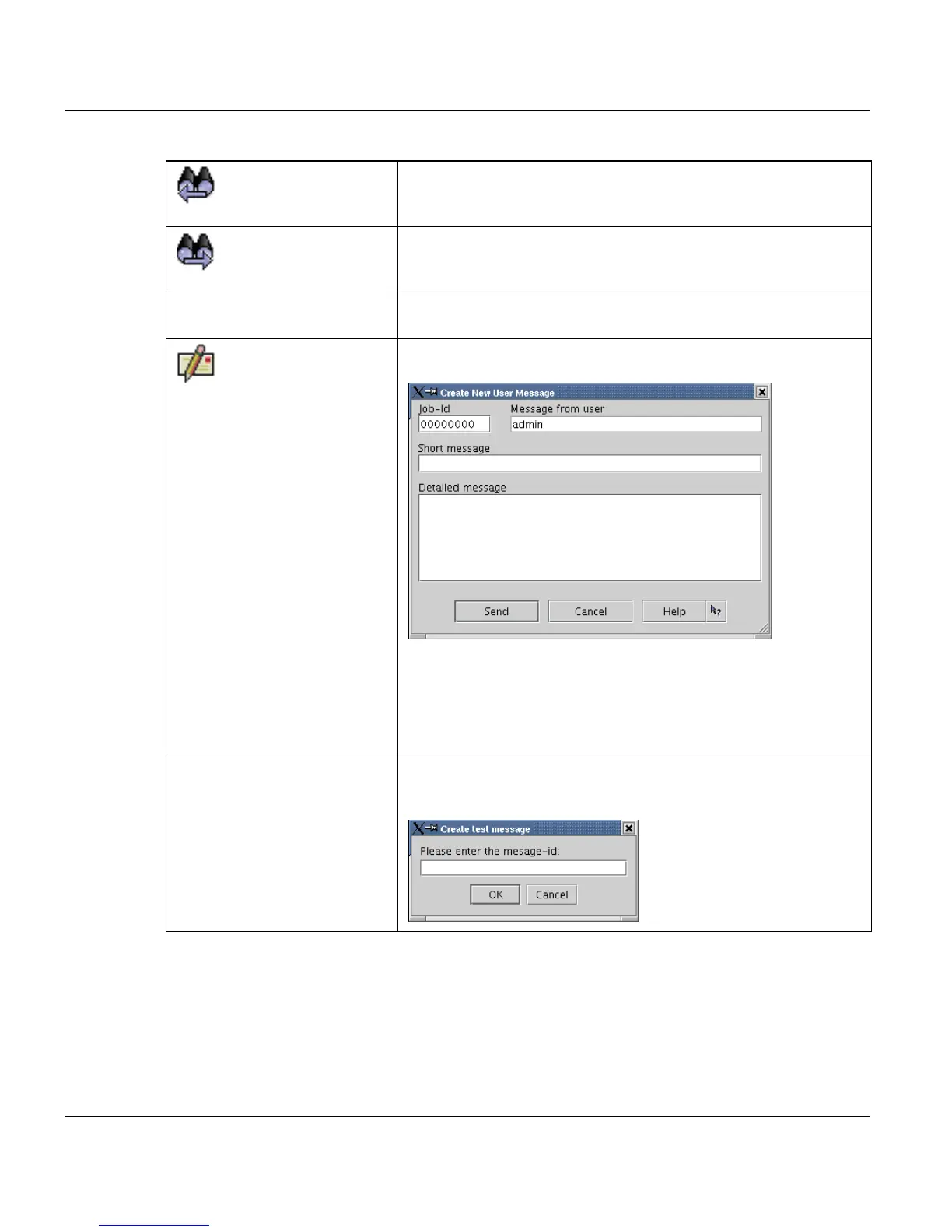
Create user message
...
Opens a dialog, where the current user enters a message for a
specific job.
The user can enter here a short and a detailed description for a
specific job id. If the job id stays on the value 0, the message be-
longs to no job.
The user name is not changeable and will appear in the message
window in the module column.
Create test message ... Opens a dialog, where the current user can enter a message id
for creating a test message to see the text, which belongs to the
message id. This function is enabled for service users only.



 To Next Page