User Administration Configuration
150 A29247-X6-X-6-7670
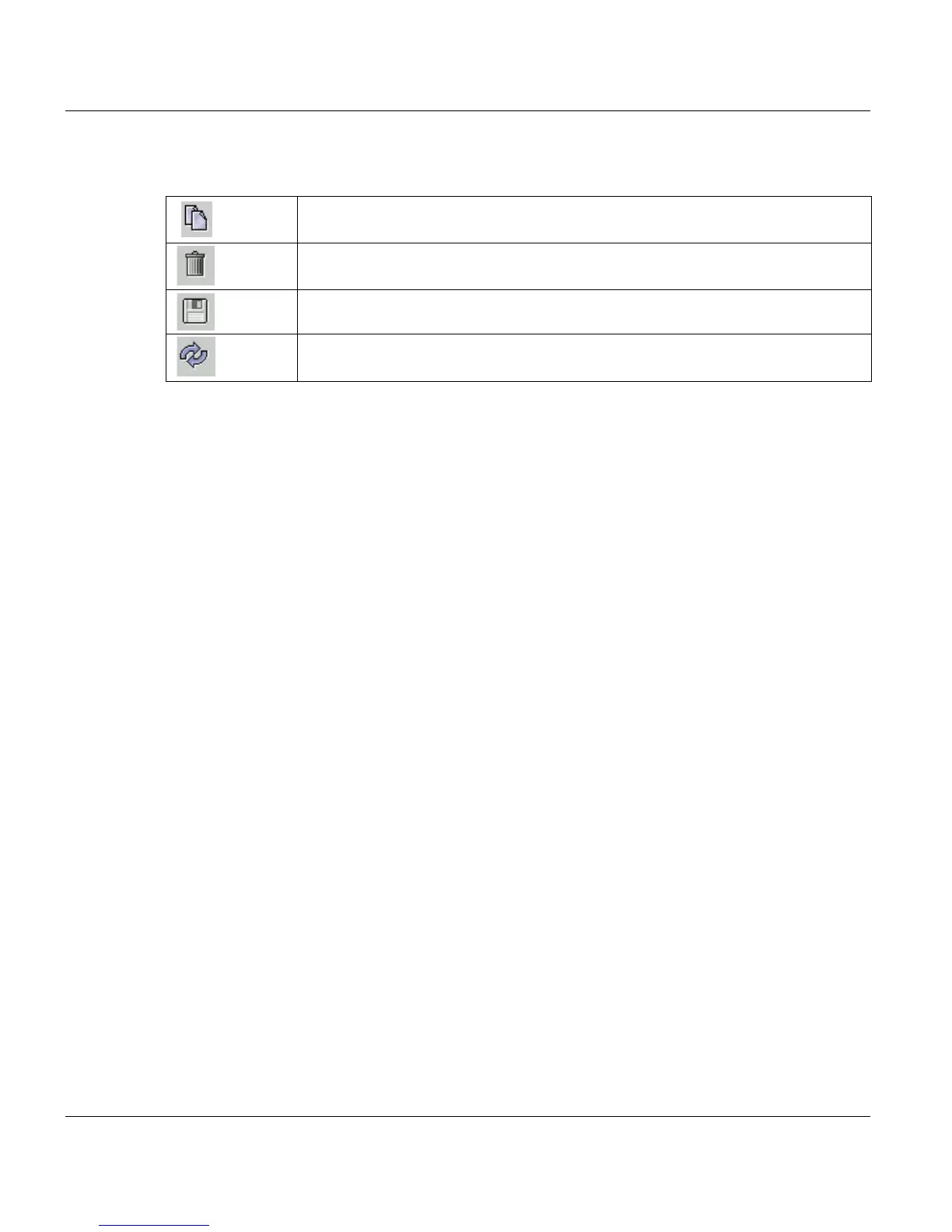
Toolbar icons
Permissions
Apart from the permissions which are visible on the screen, There are a number of internal
pemissions , which influence the behaviour of the system. These will automatically be
adopted from the basic group, on the group created is based. These permissions cannot
be modified.
Permissions which can be modified are:
• View jobs of other users
• Modify jobs of other users
• Control jobs of other users
• Delete jobs of other users
• PJM Expert Mode
• PJM Präperation Mode
• PJM Production Mode
Copy the currently selected permission group.
Delete the currently selected permission group.
Save the current local status in the database.
Reload the status from the PRISMA data base.



 To Next Page