Licenses Configuration
168 A29247-X6-X-6-7670
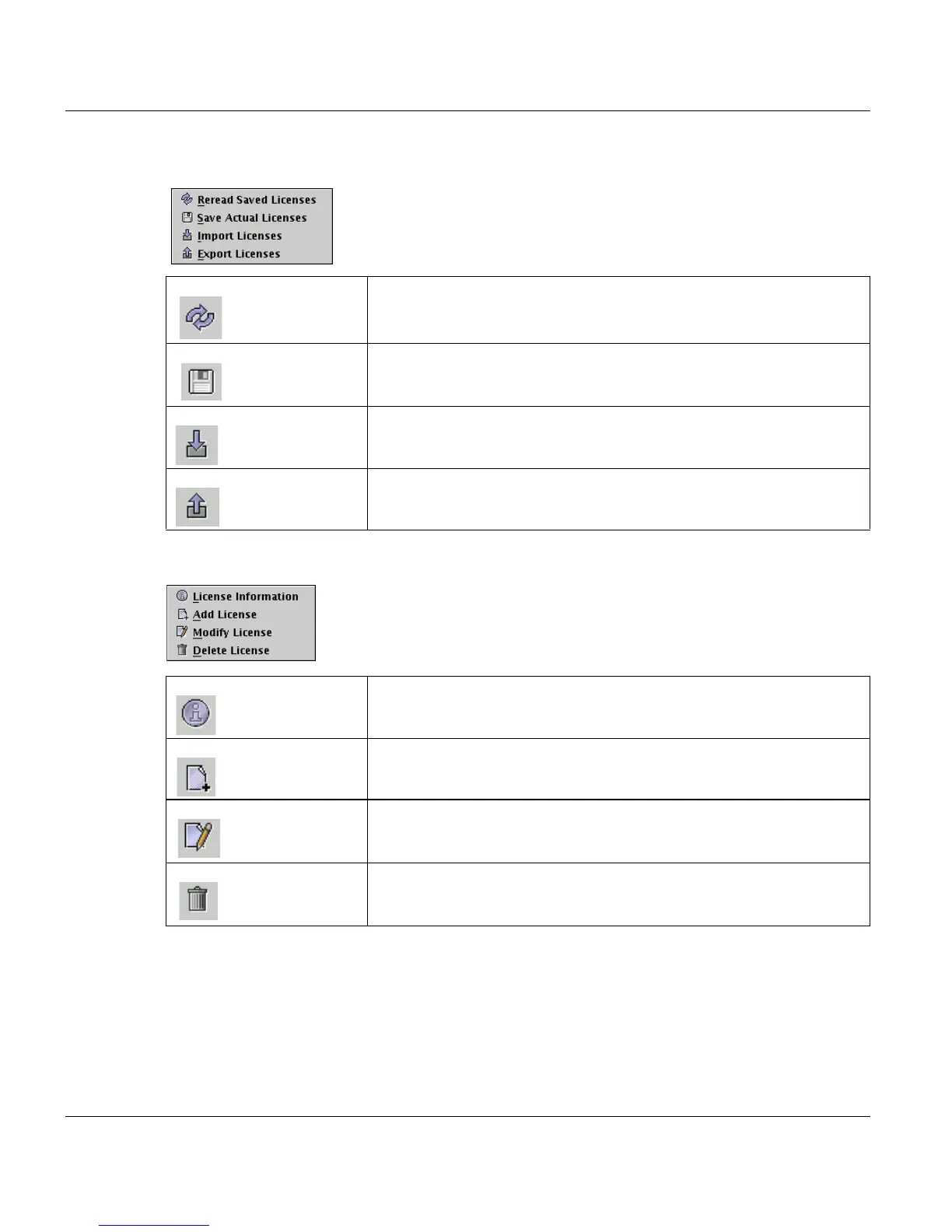
The ‘Licenses’ menu
The ‘Edit’ menu
‘Reread saved Licenses’ Re-load the stored licenses of the database. This action discards any
changes you have made in the License Manager window but not yet
saved.
‘Save actual Licenses’ Save all license modifications. Changes you have made in the Li-
cense Manager window are saved and the window remains open.
‘Import Licenses’ Read license information from a formatted disk or from a license file
in the system and adds the new information to the displayed list.
‘Export Licenses’ Write the current license list to a formatted floppy disk or a file.
’License Information’ Shows all available information encrypted in the license key
‘Add License’ Enables you to enter a new activation key, including product and ver-
sion number.
‘Modify License’ Is used to edit the product, version or activation key of an entry in the
list.
‘Delete License’ Deletes a selected license from the list, therefore this product will be
disabled.



 To Next Page