Licenses Configuration
170 A29247-X6-X-6-7670
Import Licenses
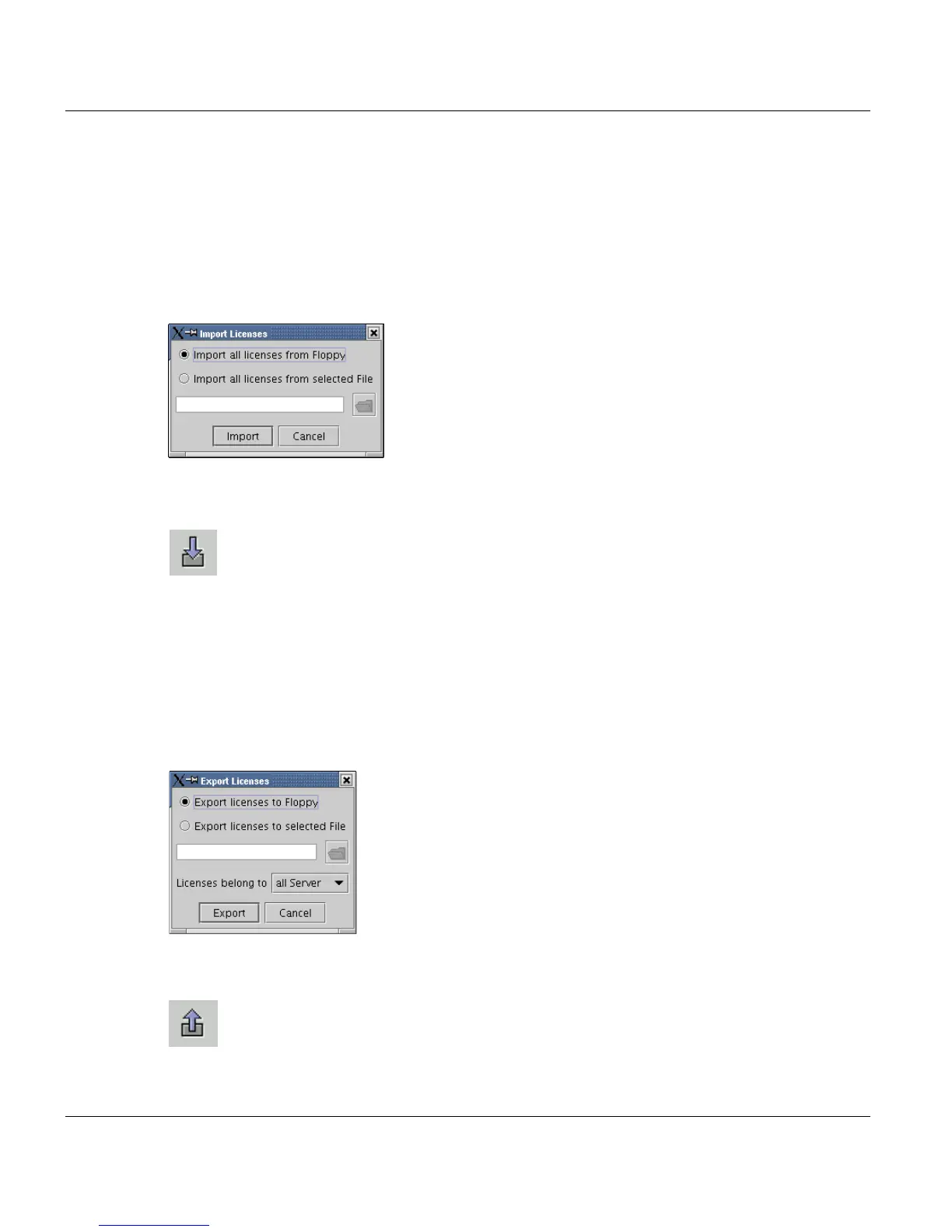
Here you can import licenses from floppy or file.
• To import the licenses from Floppy, select ”Import all licenses from Floppy”, insert the
License Floppy.
• To import the licenses from a File, select ”Import all licenses from File”, type in a abso-
lute filename or select a File with the file selection window.
The imported licenses belong to the server you select.
To start import, press the Import button:
Export Licenses
Here you can import licenses from Floppy or File.
• To export the licenses to a Floppy, select ”Export all licenses to Floppy”, insert the Li-
cense Floppy.
• To export the licenses to a File, select ” Export all licenses to File”, type in a absolute
filename or select a File with the file selection window.
The licenses you export belongs to the server you select or ’all Server’.
To start export press the Export button:



 To Next Page