Printer Configuration
182 A29247-X6-X-6-7670
’Connection’
Connection of the printer
The available connections depend on the selected printer device type:
Network: Printer is connected via TCP/IP network.
Available for SPS, LPR and FTP devices.
SCSI: Printer is connected via SCSI bus.
Available for SPS devices only.
370 Channel: Printer is connected via IBM's 370-Channel
Available for ADF devices only
Note: The printer configuration manager does not check, if the required physical connec-
tion is really available ob the server, for which the printer is configured.
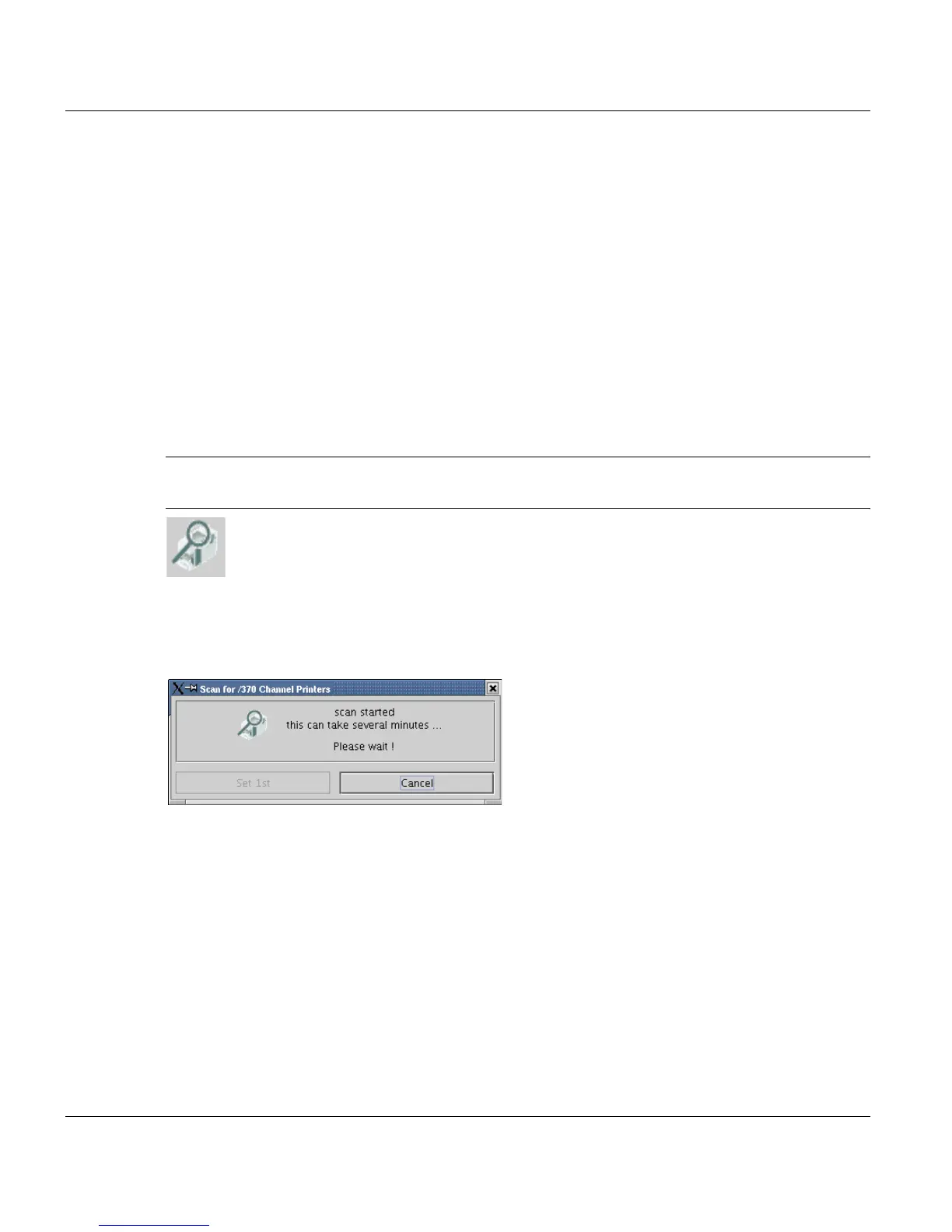
The button is enabled only for SCSI and 370 connections. It opens an application, which
scans the system and displays all found SCSI and 370 devices on the appropriate server.
If at least on device is found, it's connection settings can be automatically taken over into
the next selection fields.



 To Next Page