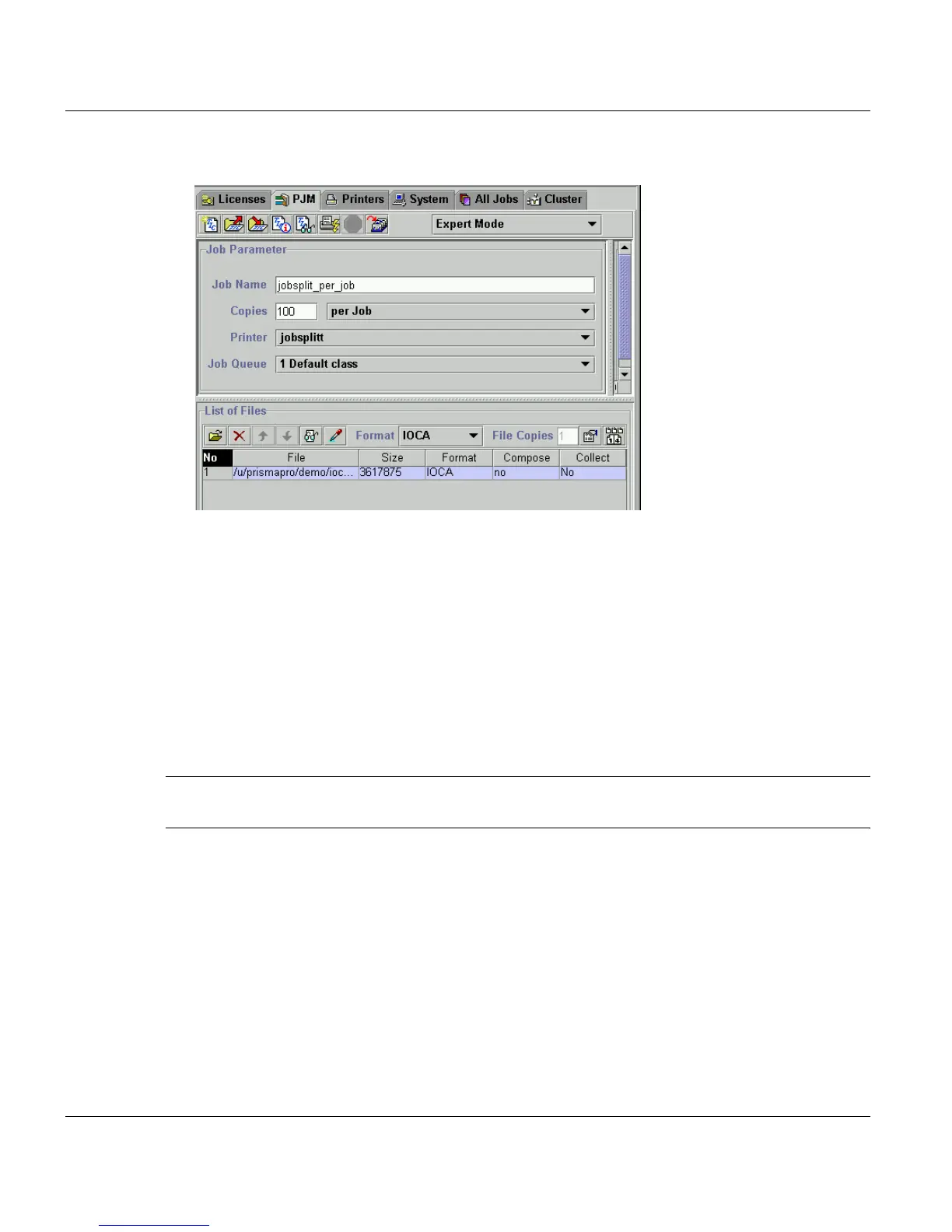
’Job Parameter’ Section Print Job Manager
240 A29247-X3-X-6-7670
3. In the ’Job Parameter’ section of the PJM you have to select this cluster as ’Printer’:
4. Insert the number of copies per job and submit the job. It will be distributed evenly on
the number of printers in the cluster. Therefore the total number of job copies is divided
by the number of printers in the cluster. Every part of the job get’s it’s own job id. You
can veryfy the result in the joblist.
If one of the printers or exceptof one all printers of the cluster fail, the job will be printed om
the availlable printer because in the job list the name of the cluster and not of a single printer
is referenced.
The distributed jobs are always printed together (even on different printers). Other jobs,
which are located between the distributed jobs in the list and should actually be printed be-
fore, will not be sent to the printer.
Note: The express setting applies to the single job, which means the job will not be printed
together if you assign express rights to one of it’s parts.



 To Next Page