Print Job Manager Edit File Properties with the APA-Module
A29247-X3-X-6-7670 269
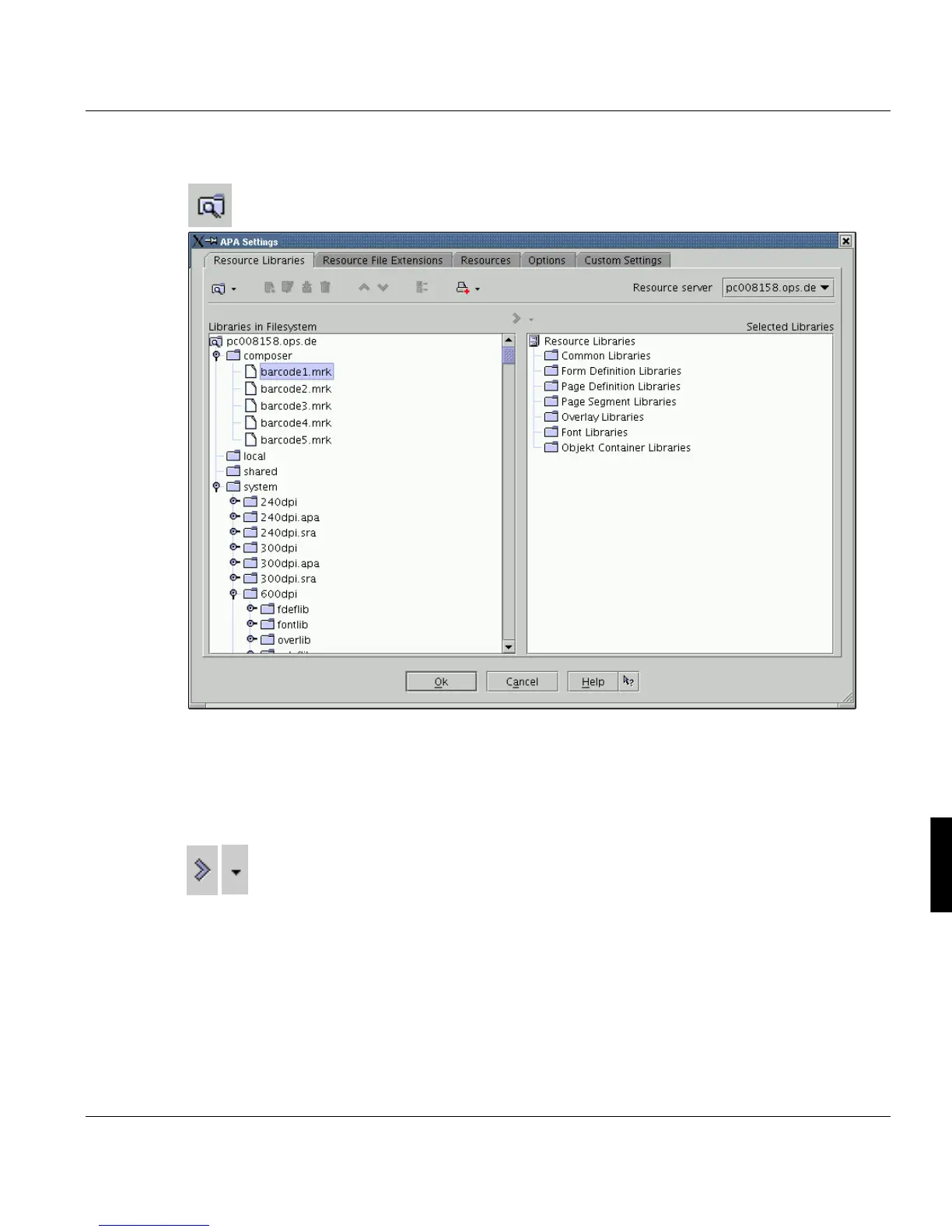
FileSystem View
Shows the physical location of the libraries in the filesystem. If you move an item to selected
libraries in this view, it will appear with it's physical name on the right hand side of the win-
dow.
Add selected entries to the right list
To select a library, mark one or more enrties in left tree and press the transfer button. De-
pending on the resource type, the selected item will be placed under the same knot on the
right hand side. If you press the small arrow button next to the transfer button, you can
choose another location from the drop down list.



 To Next Page