Print Job Manager Edit File Properties with the APA-Module
A29247-X3-X-6-7670 277
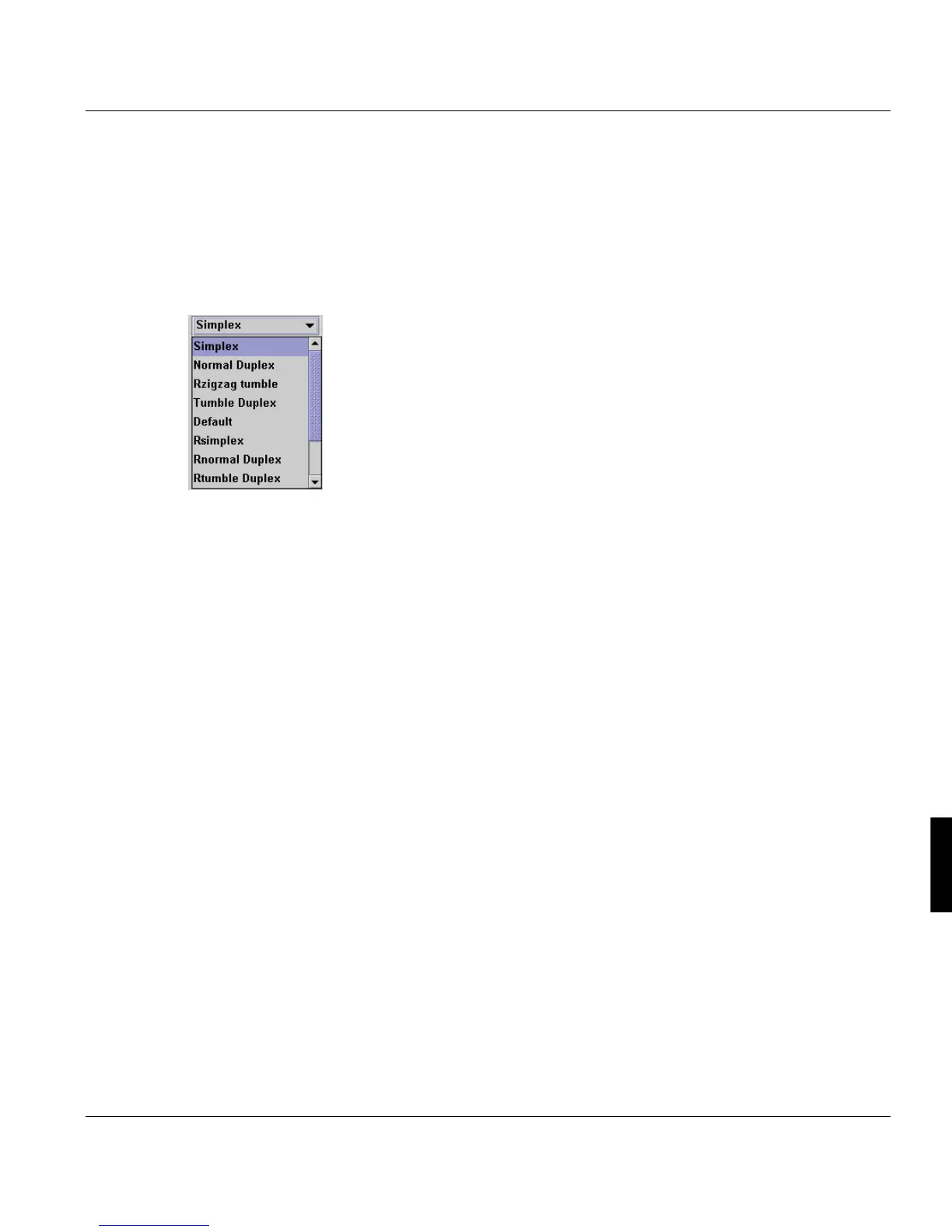
‘Page Sequence’
Defines the placement of pages on the sheet.
Due the number of devices that work in a APA-Module environment (cut sheet, fanfold,
twin, as well as various post print handling machines), the software offers various options
for modifying the placement of pages on the paper. These entries overwrite the values in
the FormDef.
Available options:
Simplex Portrait, simplex, page sequence 1, 2, 3, ...
Normal Duplex Portrait, duplex, page sequence 1, 2, 3, ...
Tumble Duplex Portrait, duplex, page sequence 1, 2, 3, ...
alternate pages are tumbled (upside down)
Rsimplex Landscape, simplex, page sequence 1, 2, 3, ...
Rnormal Duplex Landscape, duplex, page sequence 1, 2, 3, ...
Rtumble Duplex Landscape, duplex, page sequence 1, 2, 3, ...
alternate pages are rotated (tumbled) around the
short edge
Zizag Normal Portrait, duplex, page sequence 1, 2, 4, 3, 5, 6, 8, 7, ... pages 4 and 3,
8 and 7, etc. are tumbled
Zigzag Tumble Portrait, duplex, page sequence 1,2,4,3,5,6,8,7,...
pages 2, 3, 6, 7, etc. are tumbled
Rzigzag Normal Landscape, duplex, page sequence 1, 2, 4, 3, 5, 6, pages 4 and 3, 8
and 7, etc. are tumbled
Rzigzag Tumble Landscape, duplex, page sequence 1, 2, 4, 3, 5, 6,... pages 4 and 3, 8
and 7, etc. are tumbled
Default (Formdef) As defined in form definition (formdef)
<printer default> As defined on the target printer



 To Next Page