Linedata
326 A29247-X2-X-8-7670
Start button Click this button to start the line data printout process
Stop button Click this button to stop the current process.
Edit button Click this button to edit the selected translation table.
Help Opens a java help window
’File’ menu Use this menu to ’Start’/’Stop’ the printout process or to edit the translation
table (’Editor’) or to terminate the program (’Exit’).
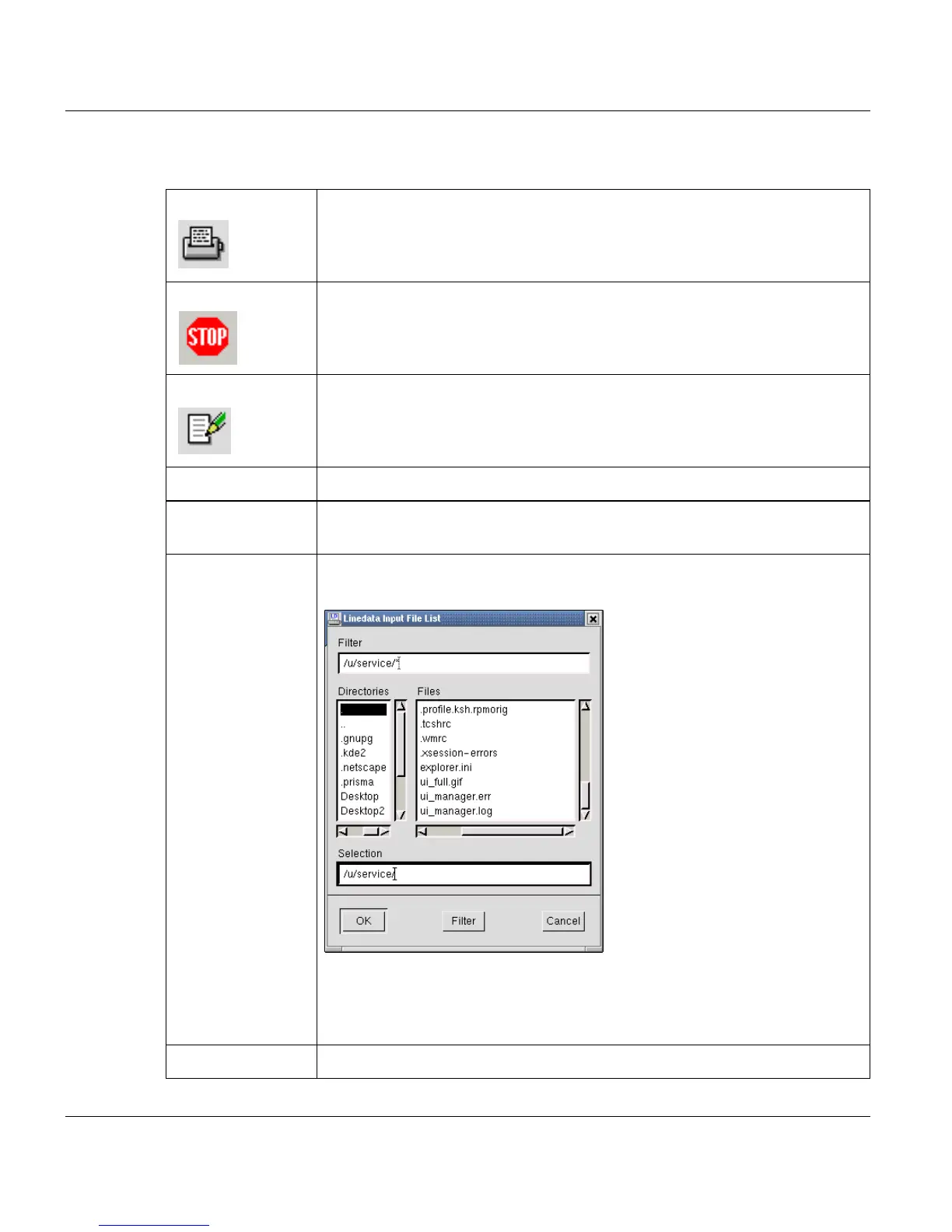
’Filename’ Enter the name of an ASCII file. If you click the button to the right of this field,
the following dialog box is displayed
Select the directory containing your ASCII file. The 'Filter' option can help
you find your input file. When you have found your file, select it in the list and
click OK. The dialog box closes and the name of the file is shown in the 'File-
name' field.
'CC Character' ASCII file contains Carrige Control Character NO/YES.



 To Next Page