The APA-Module LU 6.2 Connection APA-Module Components
36 A29247-X2-X-8-7670
The Terminal Window
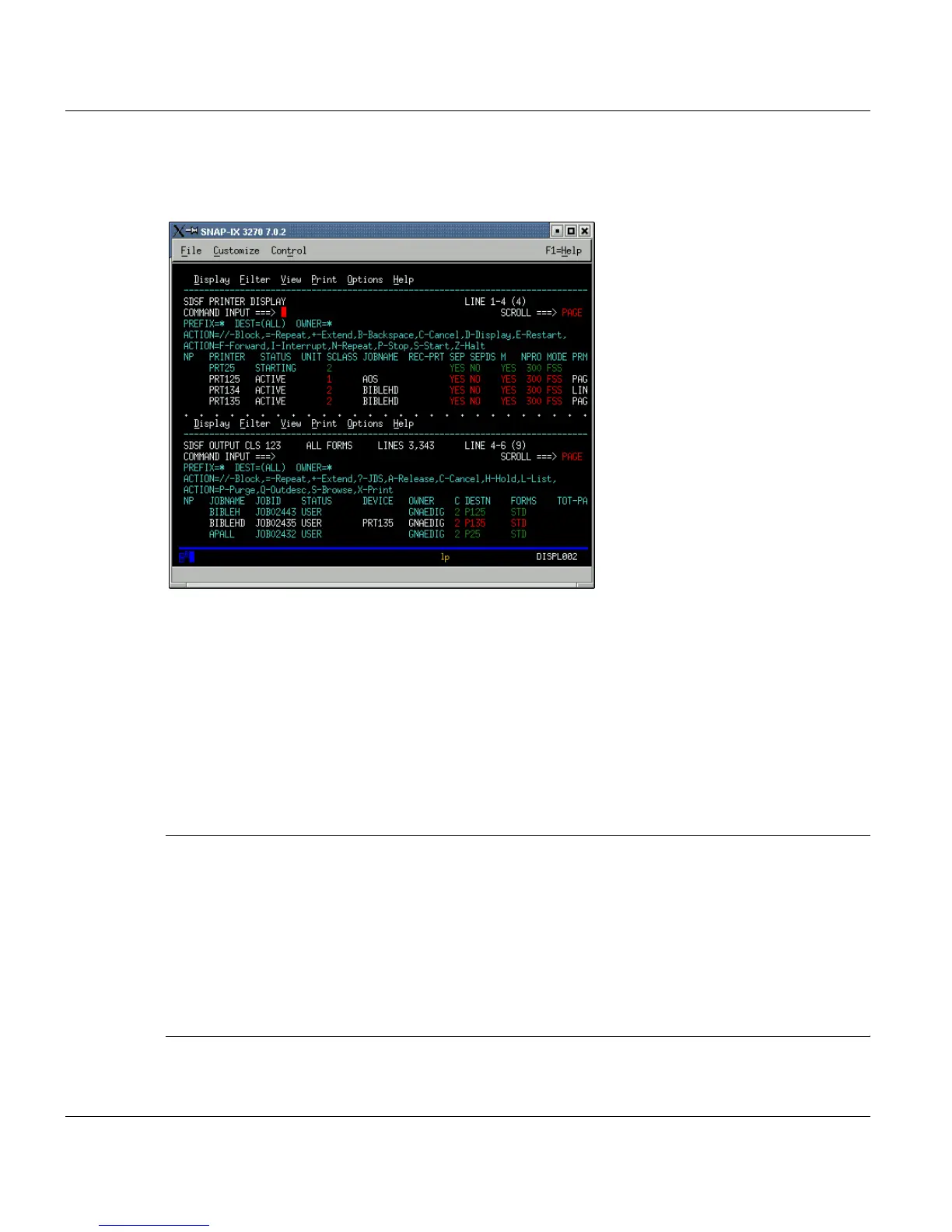
After making your settings in the 'Preference' menus, you can start MVS sessions.
3270 terminal emulation
The figure depicts the terminal window as shown in graphical operating mode.
Keyboard commands are entered as given in the second column of the table in the previous
section.
There are two possible key combinations for the Reset command: <Ctrl><F12> (press and
hold the Crtl key and press F12) and the <ESC> key.
For further information on the terminal window, in particular about the menu bar functions,
please refer to the SNAP-IX user documentation on the installation CD.
Important: Each user can log on to the MVS system only once under a given ID, meaning
it is not possible to log on again with the same ID in order to cancel the MVS
dialog begun previously.
An MVS user is regarded as logged on until he or she has logged off properly
from the system. There is no proper logoff, however, when you close your ter-
minal window in an ongoing MVS session by double-clicking the symbol. You
will not be able to log on to the MVS system again without operator intervention.
However, users do have some means (though restricted) of solving this prob-
lem themselves. The method is described below.



 To Next Page