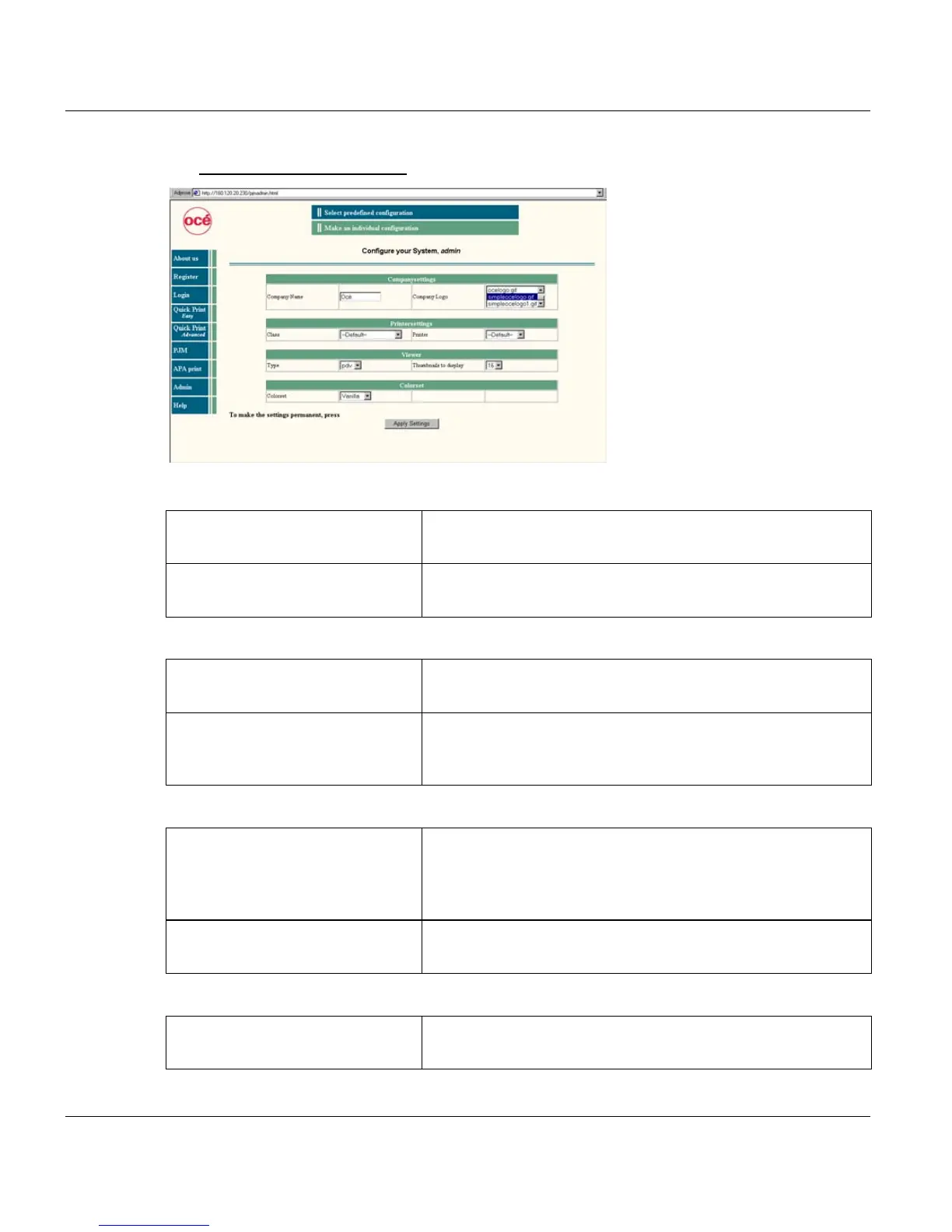
Web Client APA-Module Components
44 A29247-X2-X-8-7670
Set Print Shop configuration
Companysettings
Printer Settings
Viewer
Colorset
’Company Name’ Apears on top of the window in 'Welcome to <company
name> printshop'.
’Company Logo’ To be selectable, the logo has to be stored as GIF or JPG file
in the web directory htdocs/PS-docs/images/logos.
’Class’ You can select the job queue which is to be used in QuickPrint
Easy/Advanced. With 'Default' a standard job queue is used.
’Printer’ You can select the printer which is to be used in QuickPrint
Easy/Advanced. With 'Default' the system decides which
printer is to be used.
’Type’ You can select the viewer to be used. Available are the Pro-
fessional Document Viewer and (with a TIFF plug-in) a TIFF
viewer. The setting 'user' means that the viewer is used which
was defined with the registration request.
’Thumbnails to display’ You can define the size of the thumbnail section. Defaut are
16 displayed thumbnails on one screen.
’Colorset’ Select 'ocean' (blue shades), 'daylight' (yellow/brown shades)
or 'vanilla' (yellow/green shades).



 To Next Page